
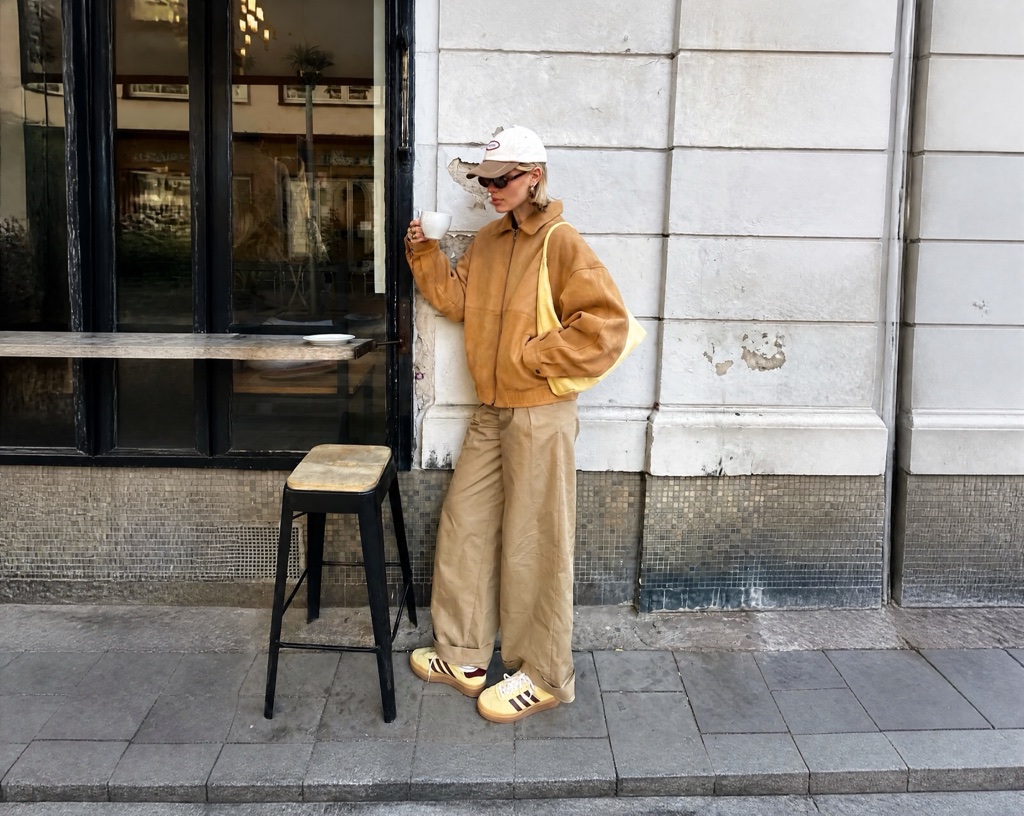
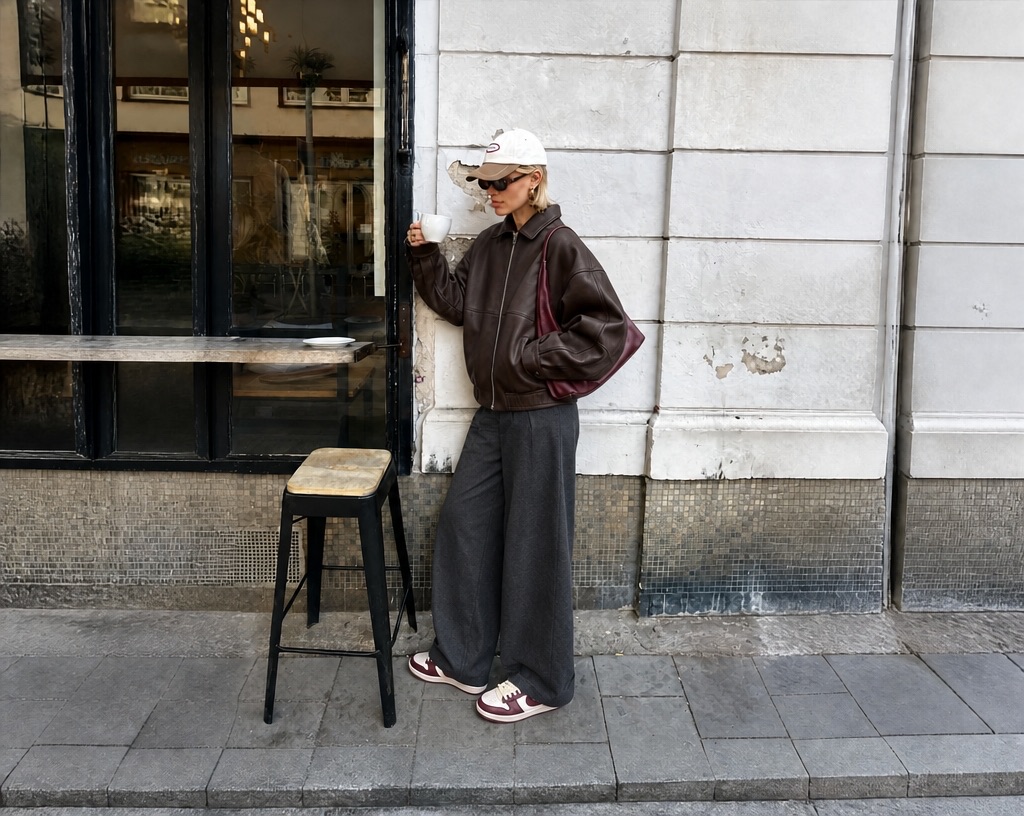


What This AI Image Editor Changes
Use this AI image editor as a menu of focused edits. The AI image editor can start from a plain sentence, marked areas, new edges, cleaner backgrounds, lighting, and style.
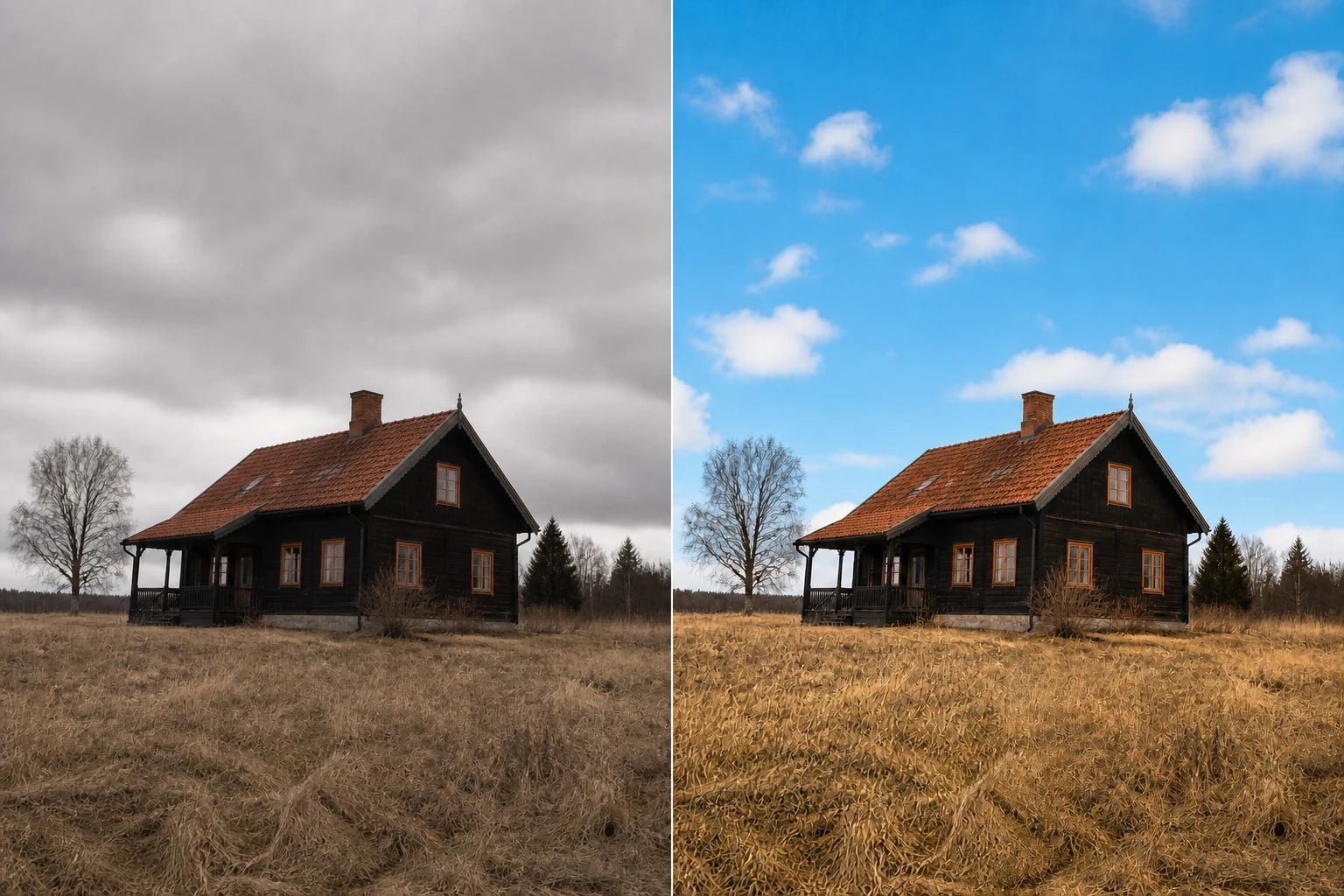
Edit Image With Prompt
Image edit with prompt starts from one plain instruction, such as changing a backdrop or adding a prop. The AI image editor reads your uploaded photo, repaints the requested part, and lets you keep refining with another sentence.
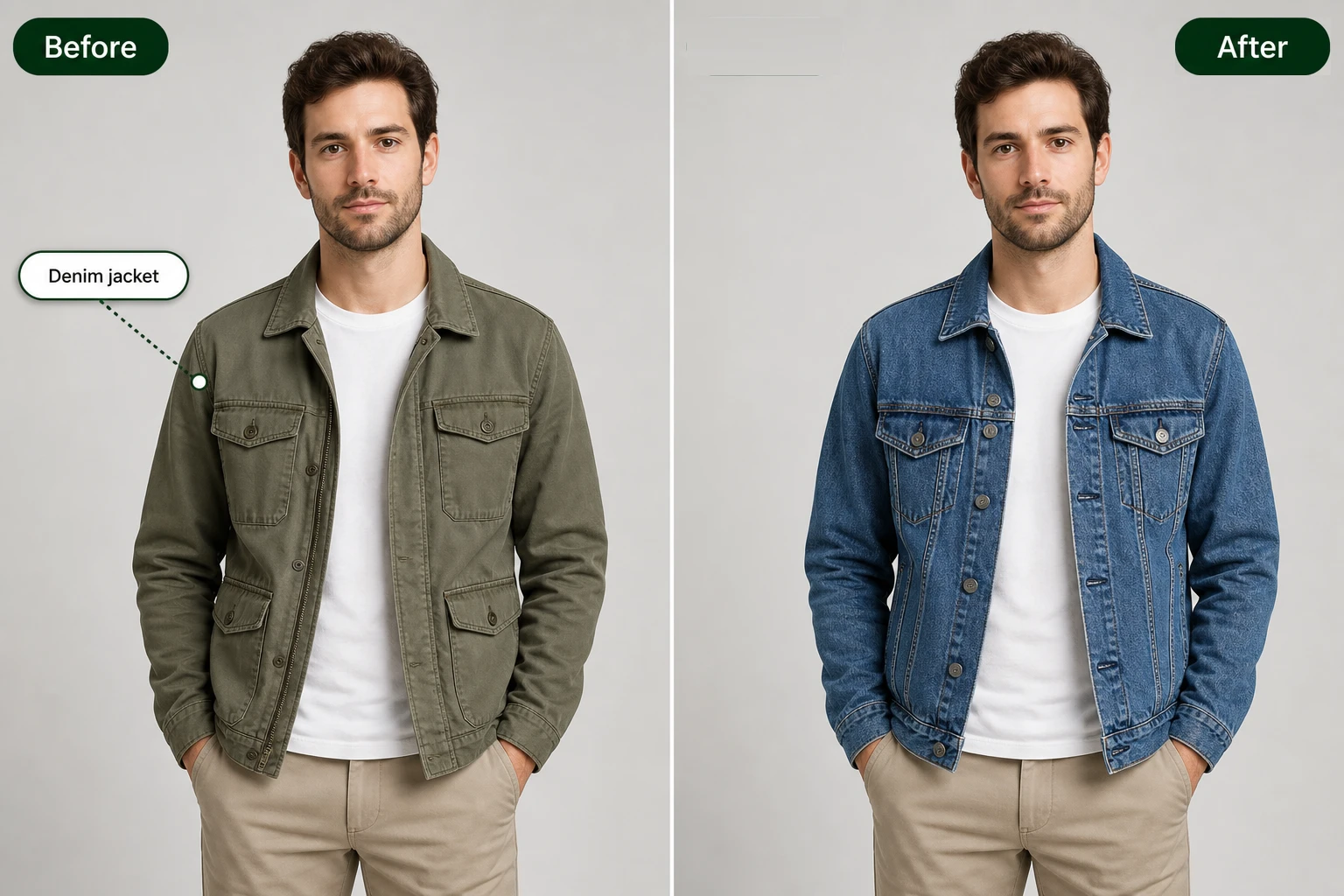
Click And Comment To Edit
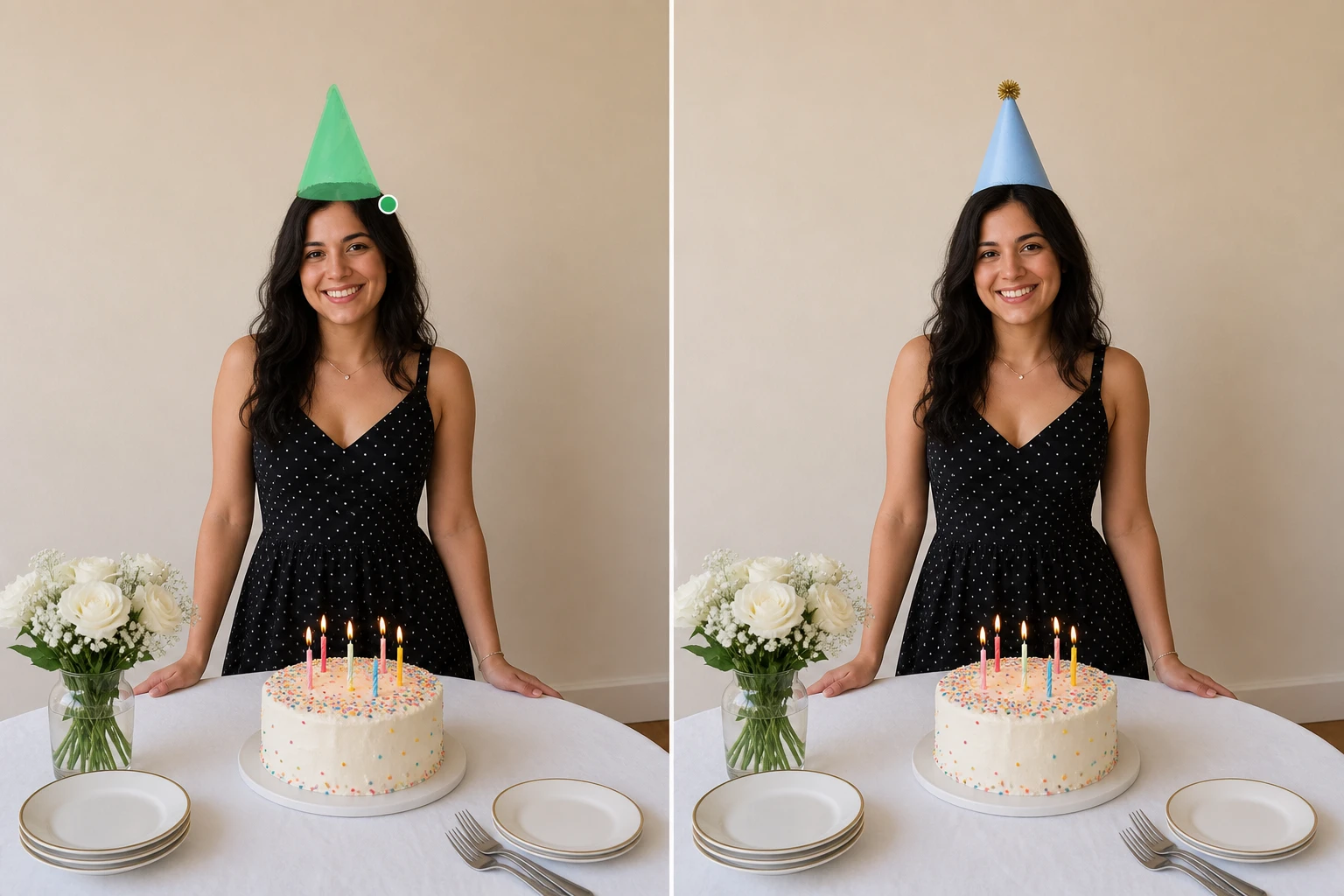
Click and comment to edit gives you tighter control when one area matters. Mark the spot in the picture, write what that spot should become, and the selected area is redrawn while the rest of the image stays in place.
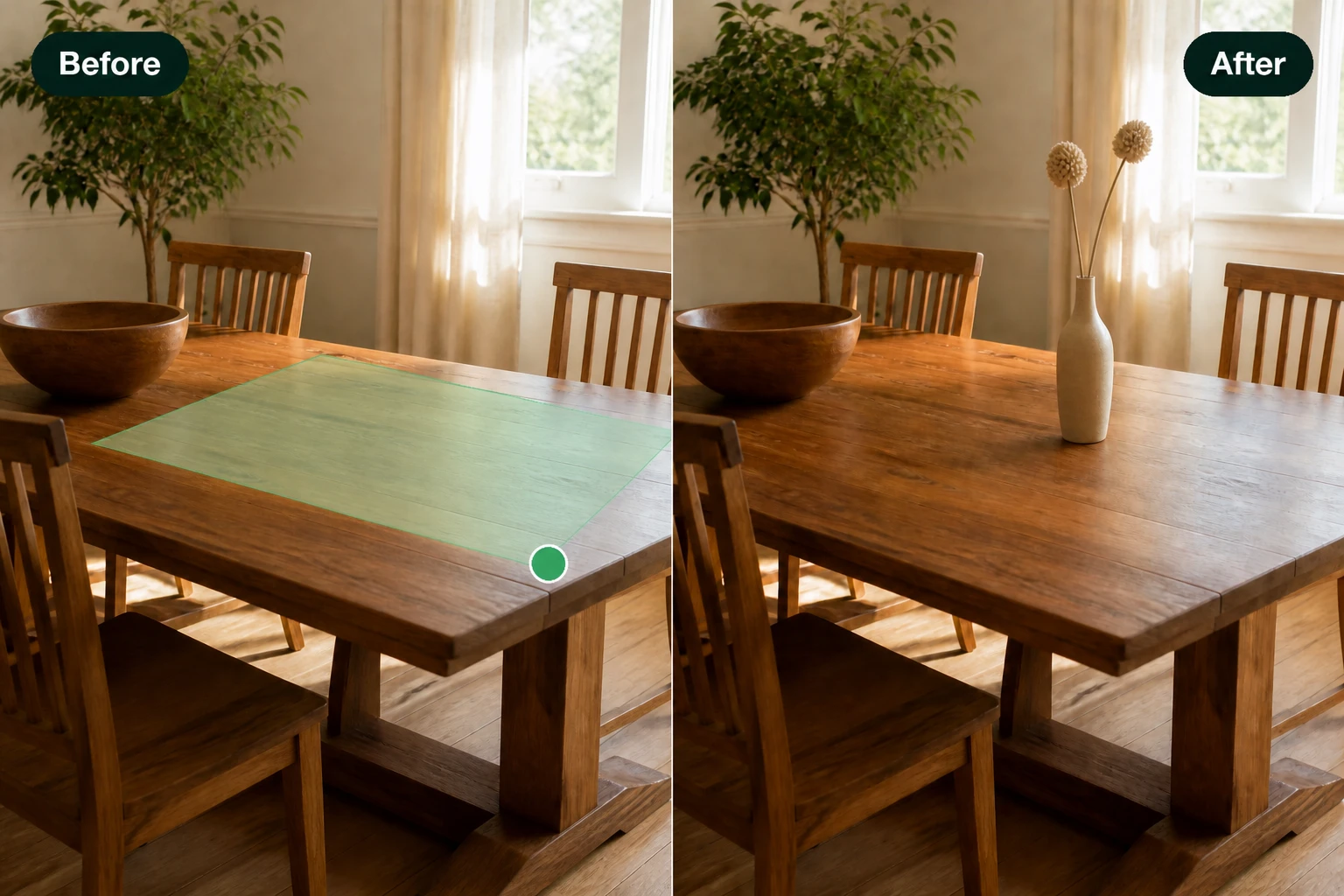
AI Generative Fill
AI generative fill turns a selected space into new content that fits the surrounding scene. Use a brush, lasso, box, smart selection, or a reference image, then choose from generated fills while unselected parts stay in place.
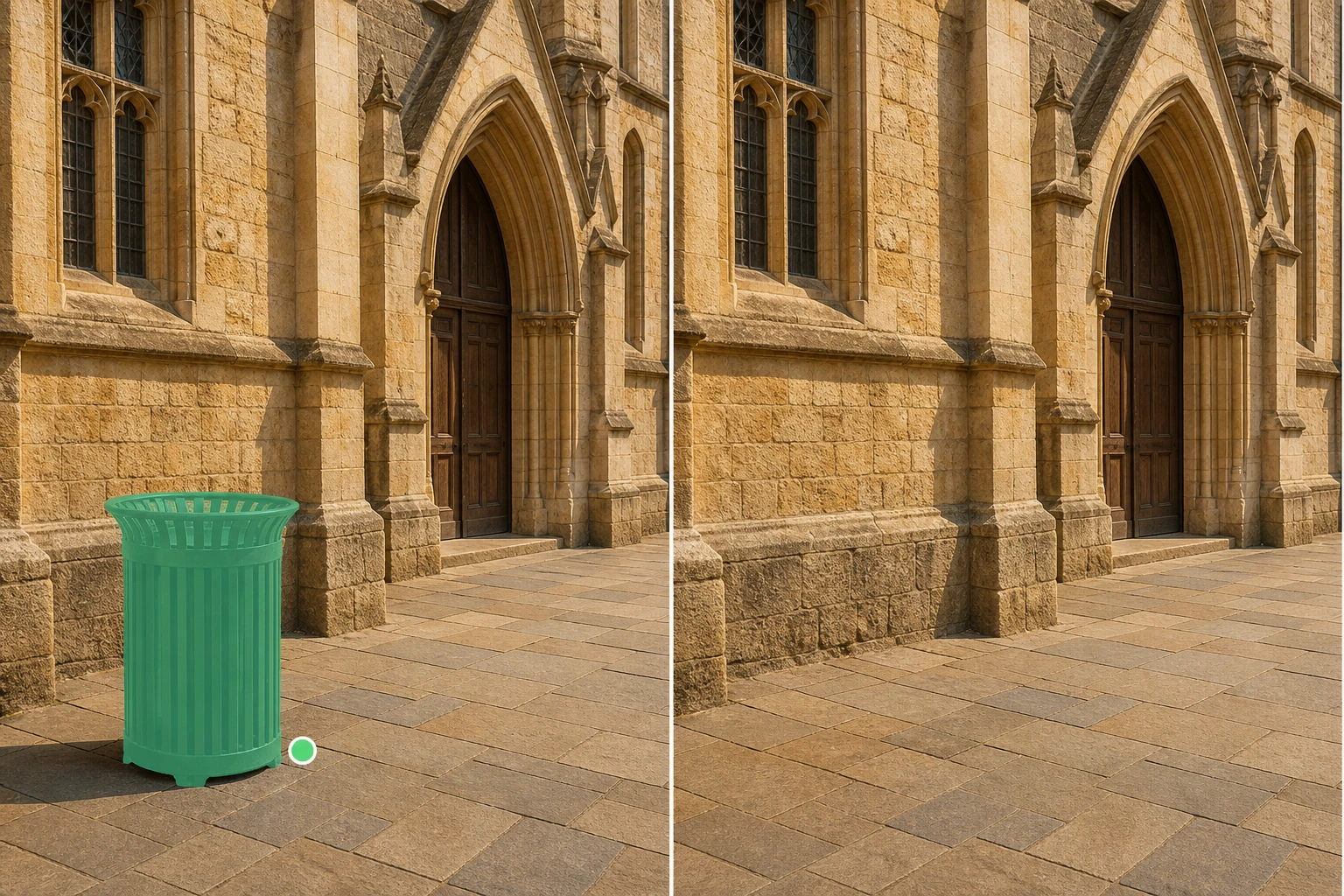
Magic Eraser
Magic eraser clears unwanted objects, shadows, stray text, or your own watermark from the frame. After you select the item, EditImage generates new background detail from the nearby picture so the cleared area blends back in.
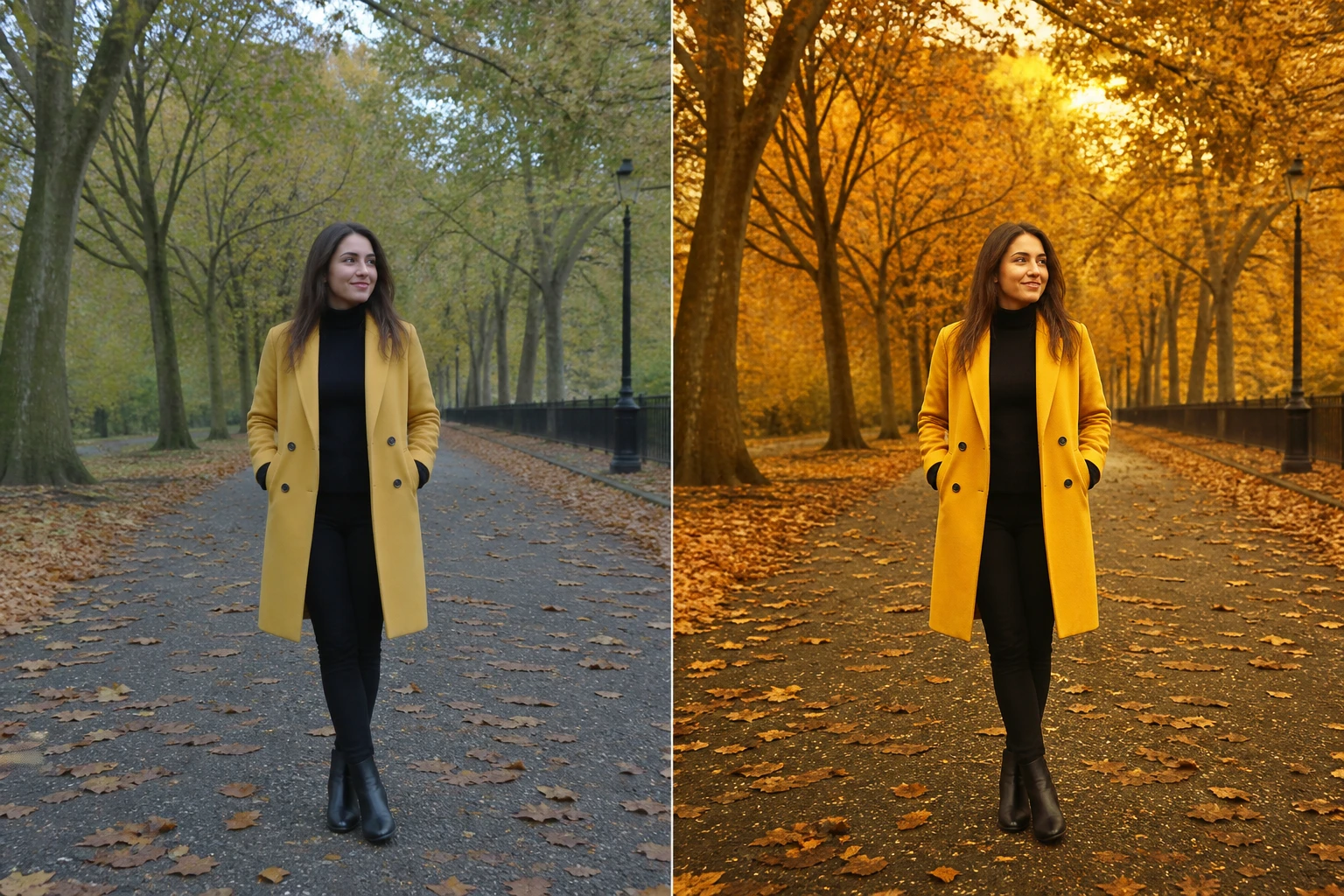
Image Relight
Image relight changes how the photo is lit by adjusting light direction, color, fill, and mood. Describe the lighting, pick a lighting tool, set a source direction, or use a reference image while the people and objects remain in the scene.
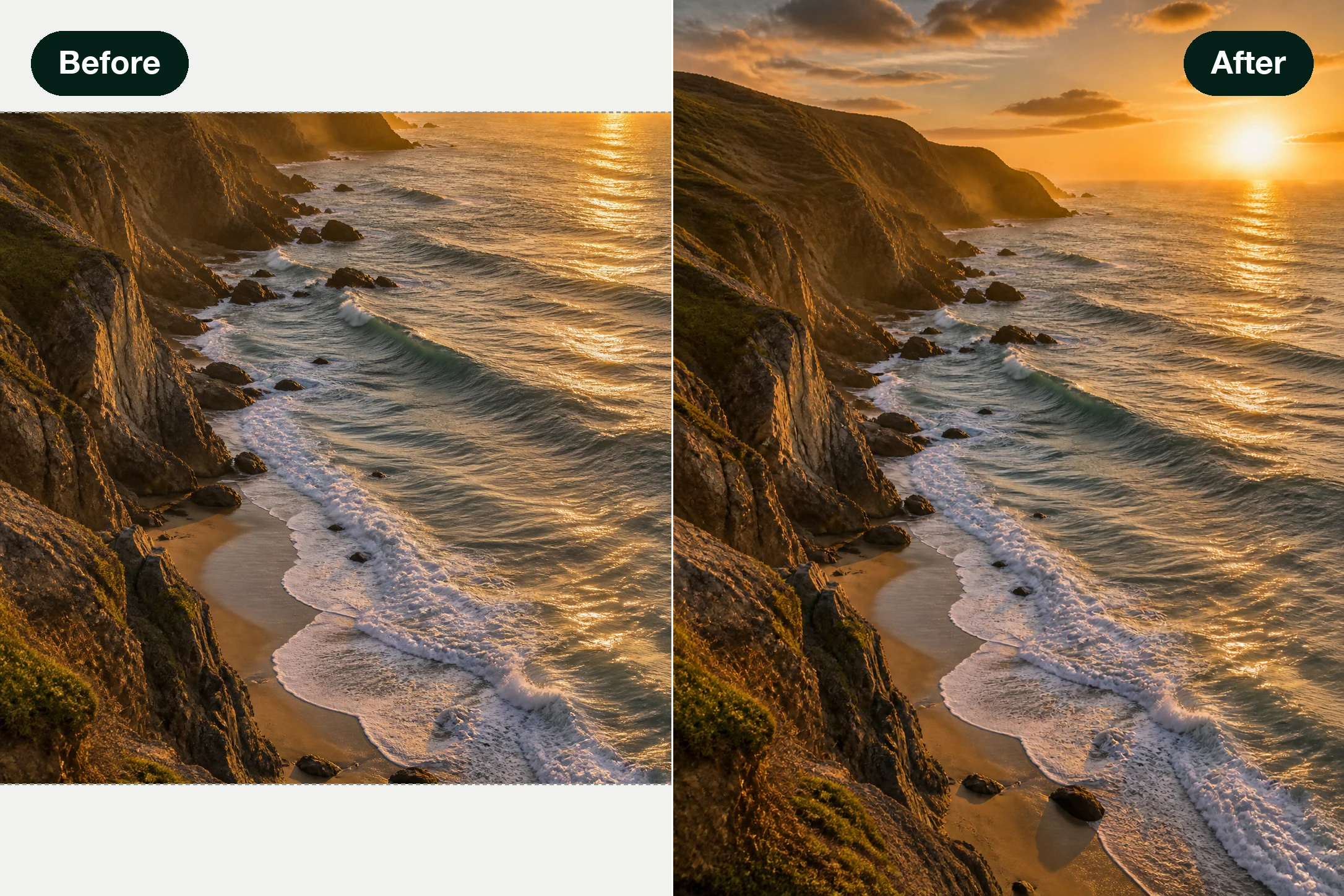
Image Extender
Image extender builds new content beyond the original edges, giving one photo more room for square, wide, or vertical layouts. Add a prompt for what should appear outside the frame, or let the AI image editor complete the edges from context.
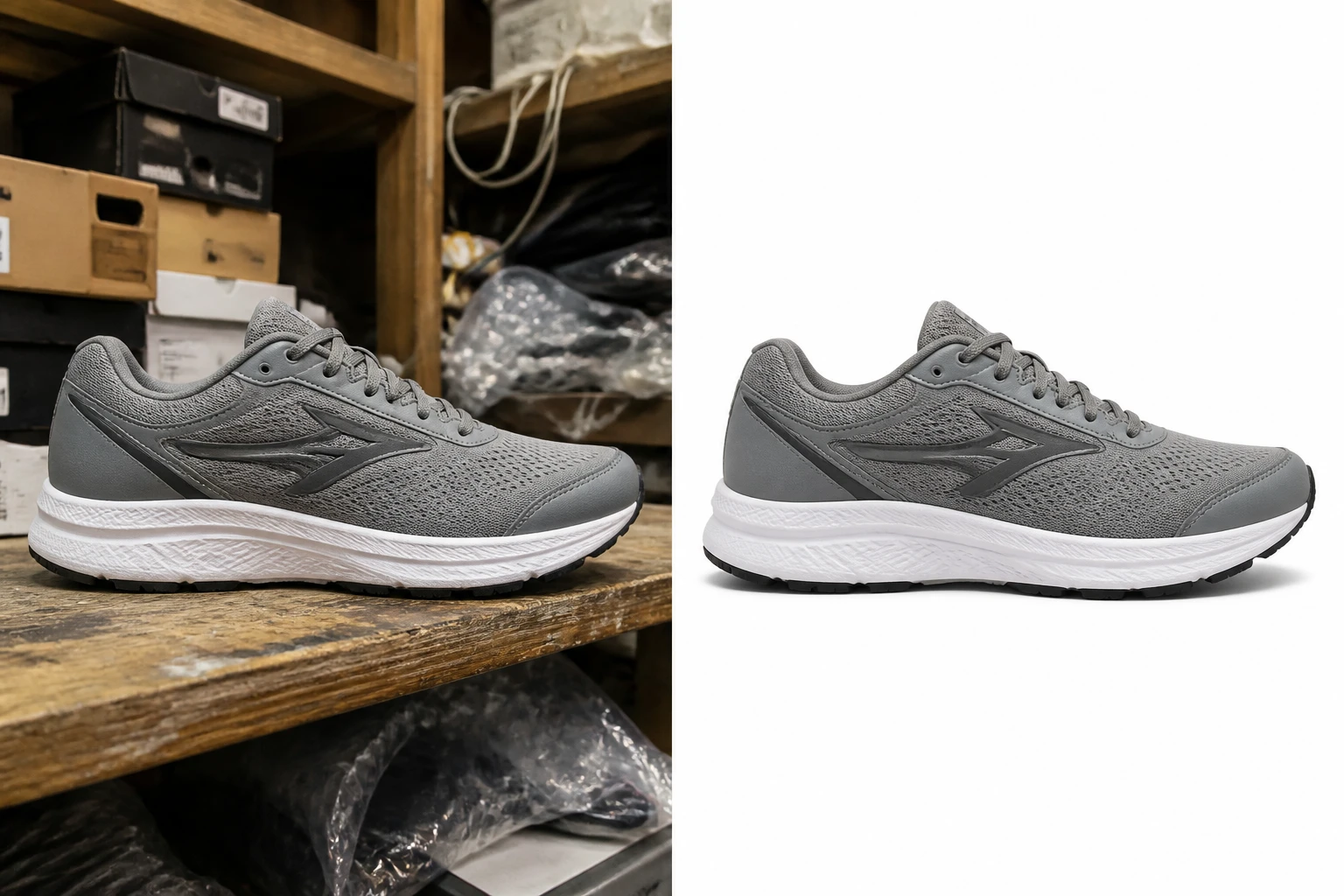
Remove Background
Remove background separates the subject from what sits behind it, then returns a transparent PNG or a cleaner setting. Ask for a white backdrop, a solid color, or a new scene when the original background distracts from the subject.
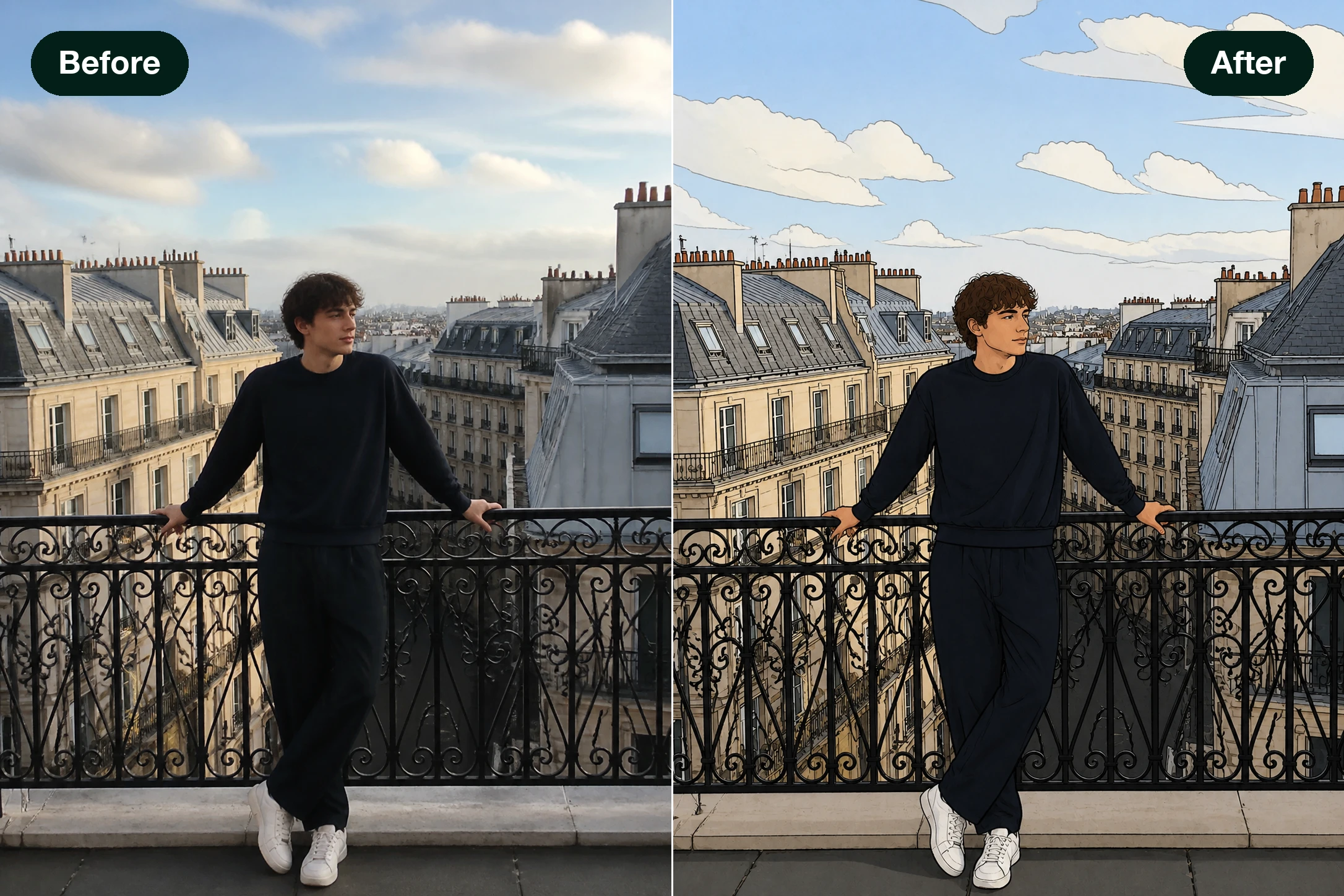
Image Restyle
Image restyle keeps the photo structure while reinterpreting the shot as a different visual treatment. Choose a preset such as cartoon, anime, sketch, or painting, or describe the style you want in one line.
Edit Any Photo in Three Steps
Upload once, then handle the AI image editing by typing an instruction or tapping a one click tool.
Upload the Photo You Want to Change
Drag in or click to add one image in JPG, PNG, or WEBP. This is the picture the AI image editor edits, so begin with the shot you already have rather than a blank canvas.
Describe the Edit or Pick a Tool
Tell the AI image editor what to change in one sentence, like remove the person on the left, or tap a one click tool for a preset action. You can edit image with text or point and click, whichever feels faster, and keep refining across rounds.
Preview the Result and Download
The AI image editor repaints the area you asked about and shows the result on screen at up to 2K or 4K. Because each pass is generated fresh, you can run it again for a different take before saving the file.
Where People Use the AI Image Editor
Real jobs people bring to the AI image editor, from tidy avatars to cleaner product shots.
Edit Profile Picture for Any Account
Your avatar has a cluttered background or a stray object hovering behind you. Describe a cleaner backdrop or tap the clutter to remove object from photo, and you get a tidy headshot that still reads at a small size.
Edit Product Photos for Your Listings
Selling online usually means shots with a messy counter or a busy shelf behind the item. Ask for a plain backdrop or clear the distractions, and the product stands on its own in a frame that suits a storefront.
Clear Strangers From Travel Shots
That landmark picture came back crowded with people you never met. Point out the figures you want gone, and the scene behind them is rebuilt so the view matches what you actually saw.
Add a Lift to Party Pictures
A group photo from the celebration feels a little bare. You can add object to photo, say a banner or a prop in someone's hand, and the new piece settles into the lighting that was already in the frame.
Who Reaches for This AI Image Editor
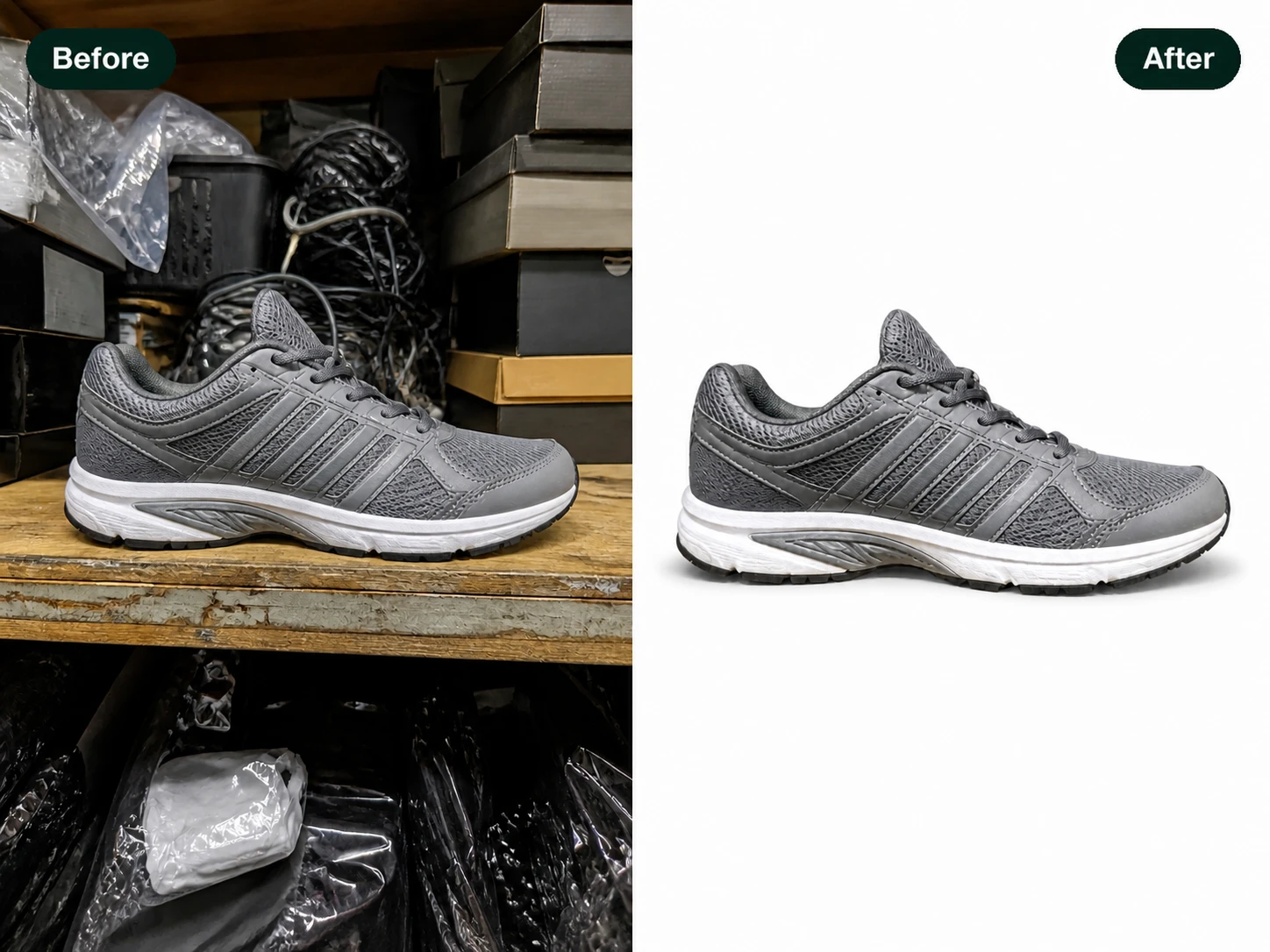
Sellers Cleaning Up Product Shots
Store owners fix listing images without opening heavy software. A short request in the AI image editor swaps a messy background or clears a stray cable, so every product photo looks consistent down the catalog.
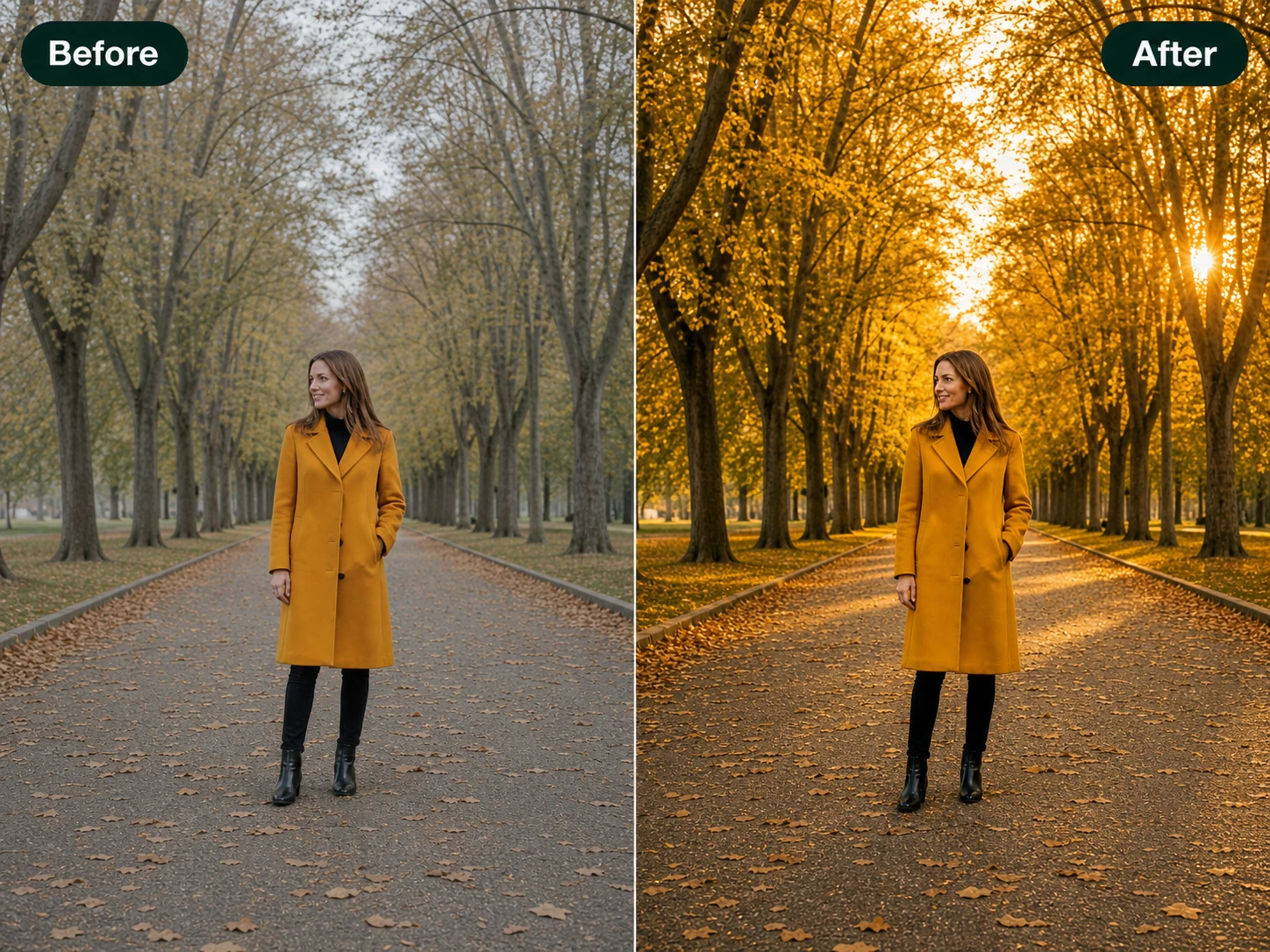
What the AI Image Editor Can Do
One place in EditImage to change your picture, an AI photo editor that takes a typed request or a tap.
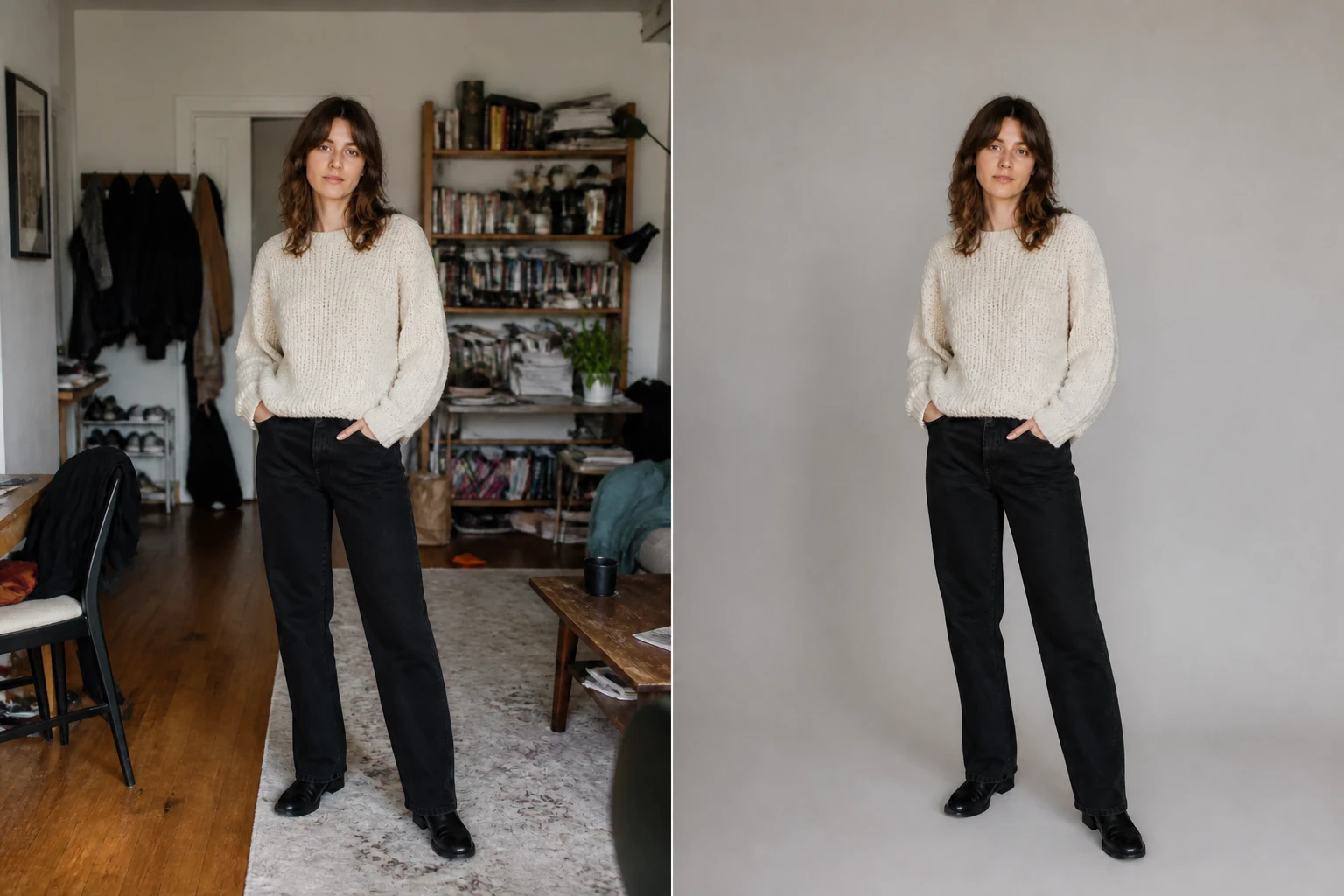
Editing by Plain Text
Write what you want in a sentence and the AI image editor reads it against your photo, then repaints only that area. This is where you edit image with AI the moment you press go, with no menu to learn first.
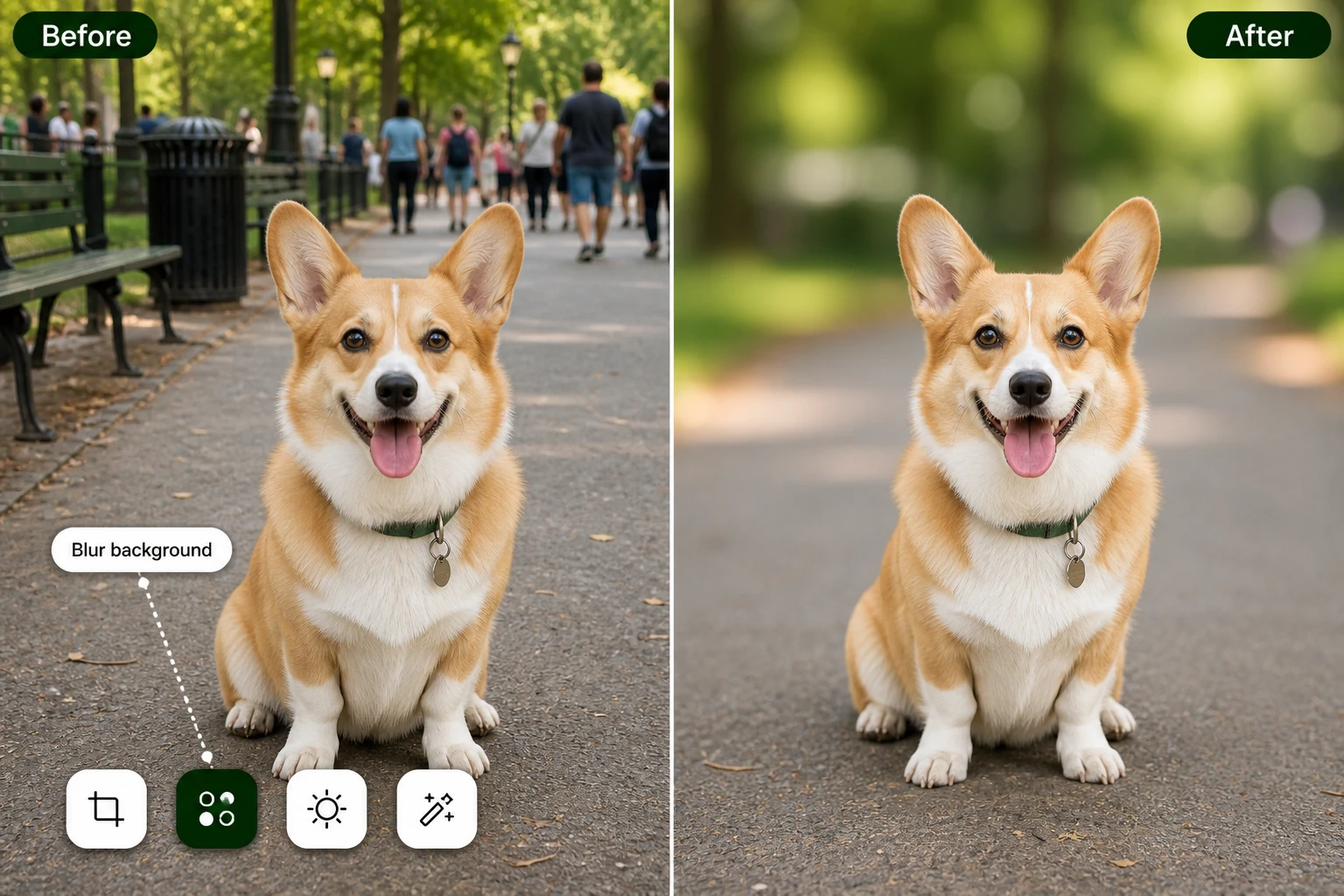
One Click Editing Tools
Prefer not to type? Pick a preset for a background, an object, or the frame, and the AI image editor applies it. The tap path and the text path reach the same result, so you choose by mood.
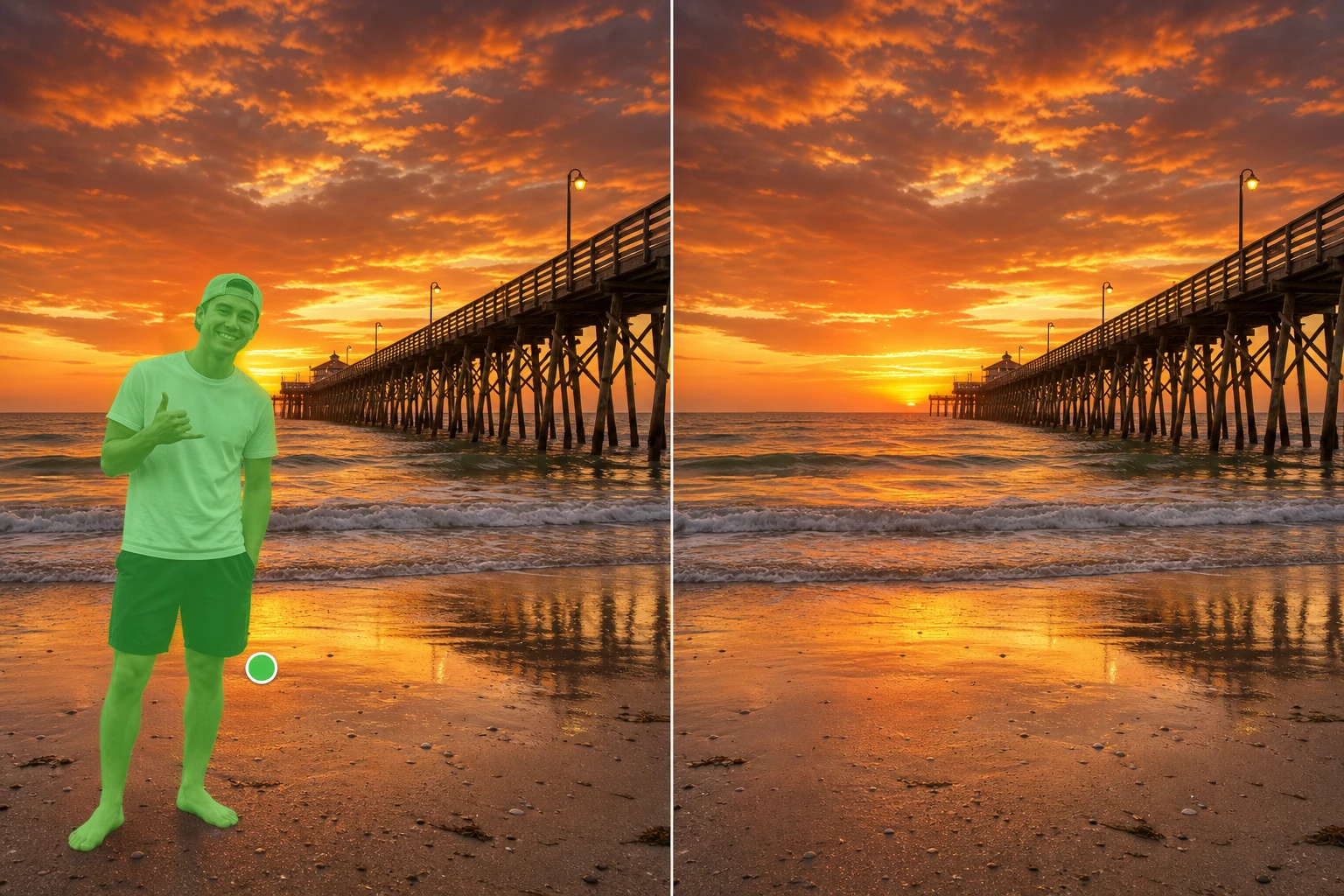
Object Removal That Rebuilds
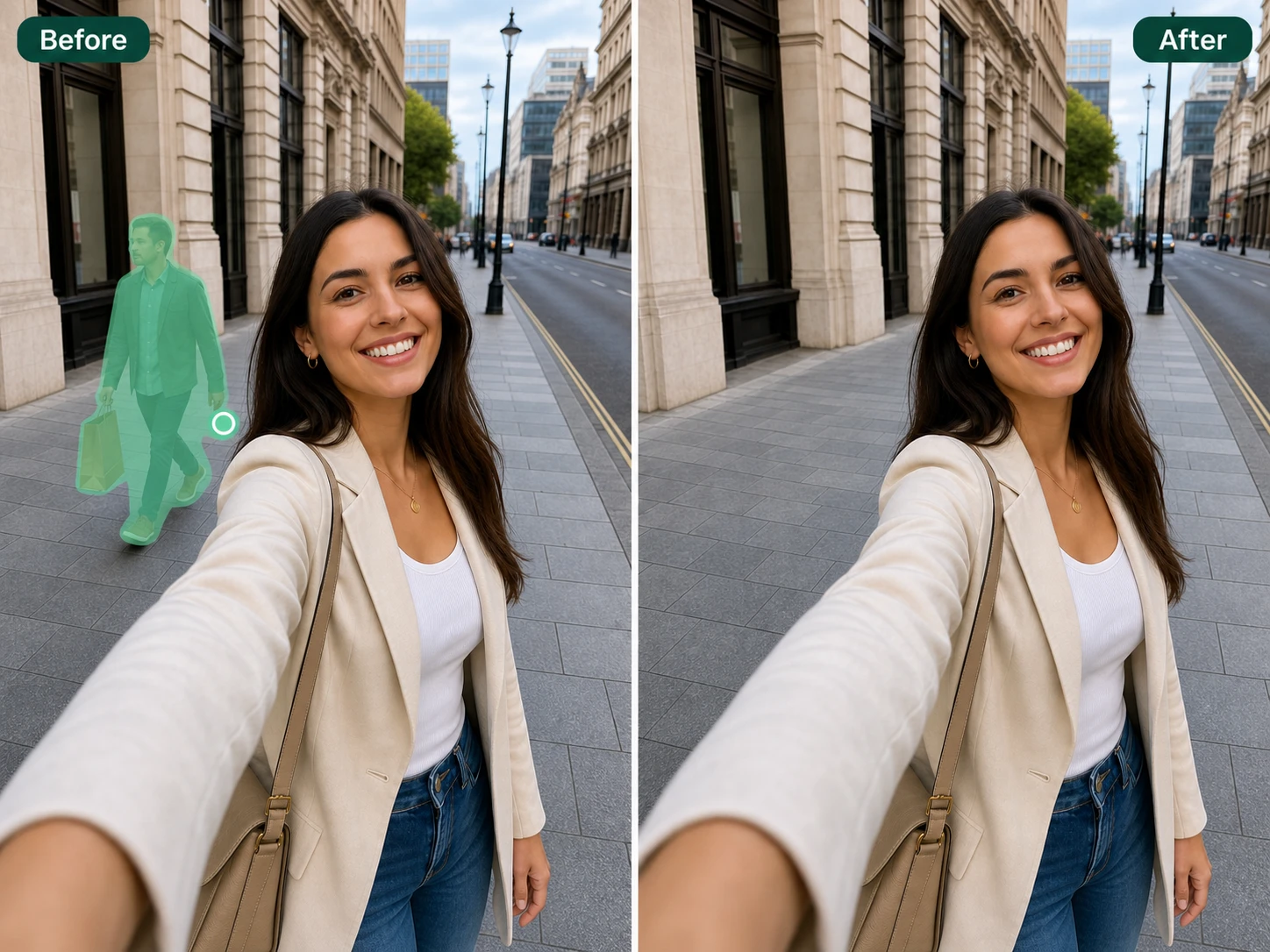
Point at a passerby or a stray item and the AI object remover clears it, then fills the space with a background that matches the pixels around it. That is how you remove object from photo with no hard edge left behind.
Adding Objects to a Scene
Need something that was not there before? Describe it and the new element is painted into your shot to match the light and angle. Adding an object runs from the same box you use to edit photo with AI.
Questions About Editing Your Photo
Make Your Edit in EditImage
Bring the photo you want to change to the AI image editor, describe the edit in a line, and watch the result come back to download.
Get Started