


Free Image Resize Online
Upload your image and scale dimensions in seconds. Select ready presets for social media and marketplaces, or enter exact pixel values for full control.

Fast Image Resize Features For Every Project
Adjust dimensions freely or apply instant presets for popular channels.
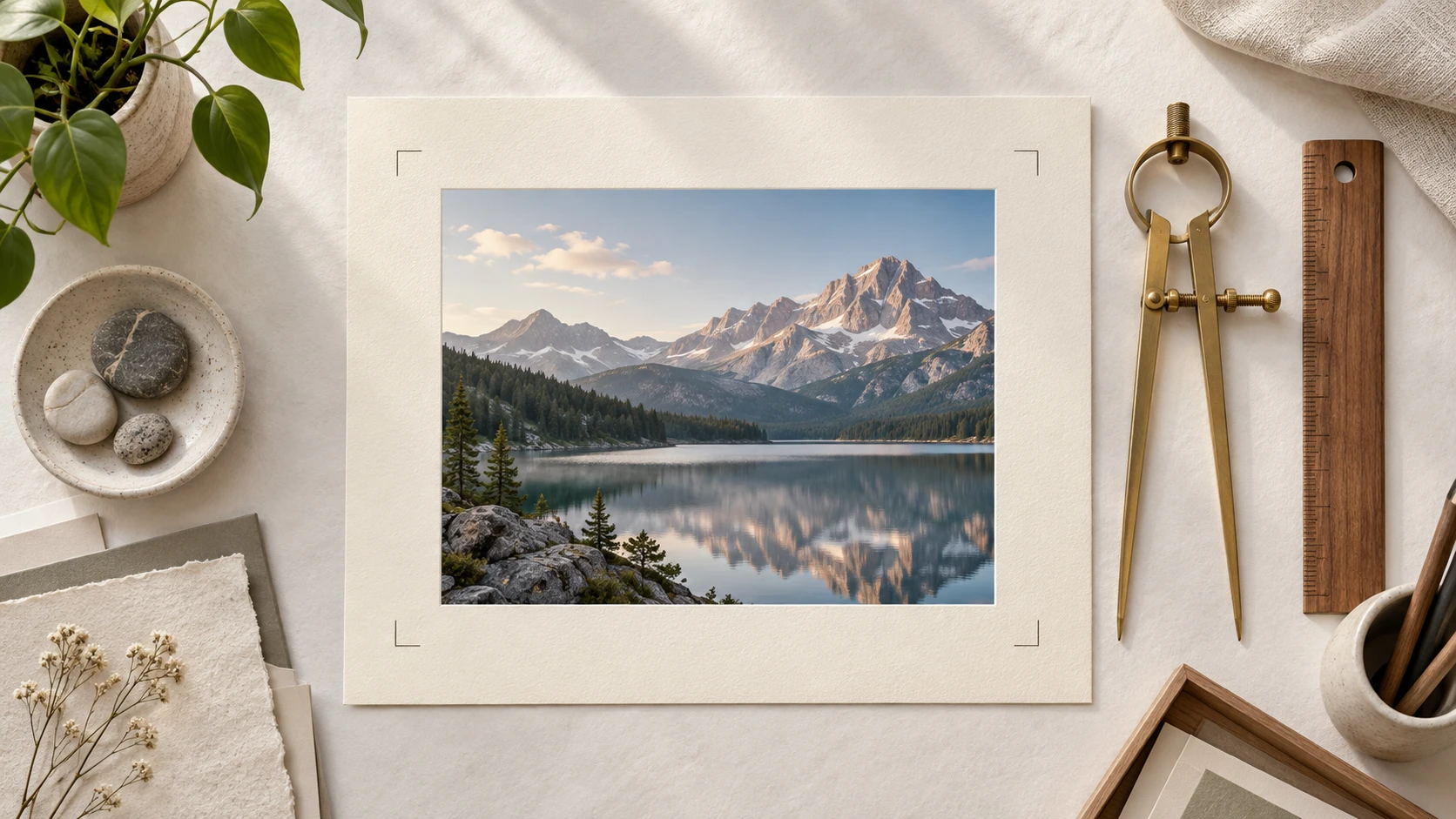
Custom Dimensions And Aspect Ratio Lock
Type exact width and height values in pixels or percentages. Lock the aspect ratio to preserve your original image proportions. Unlock proportions to modify image size freely for custom layouts.
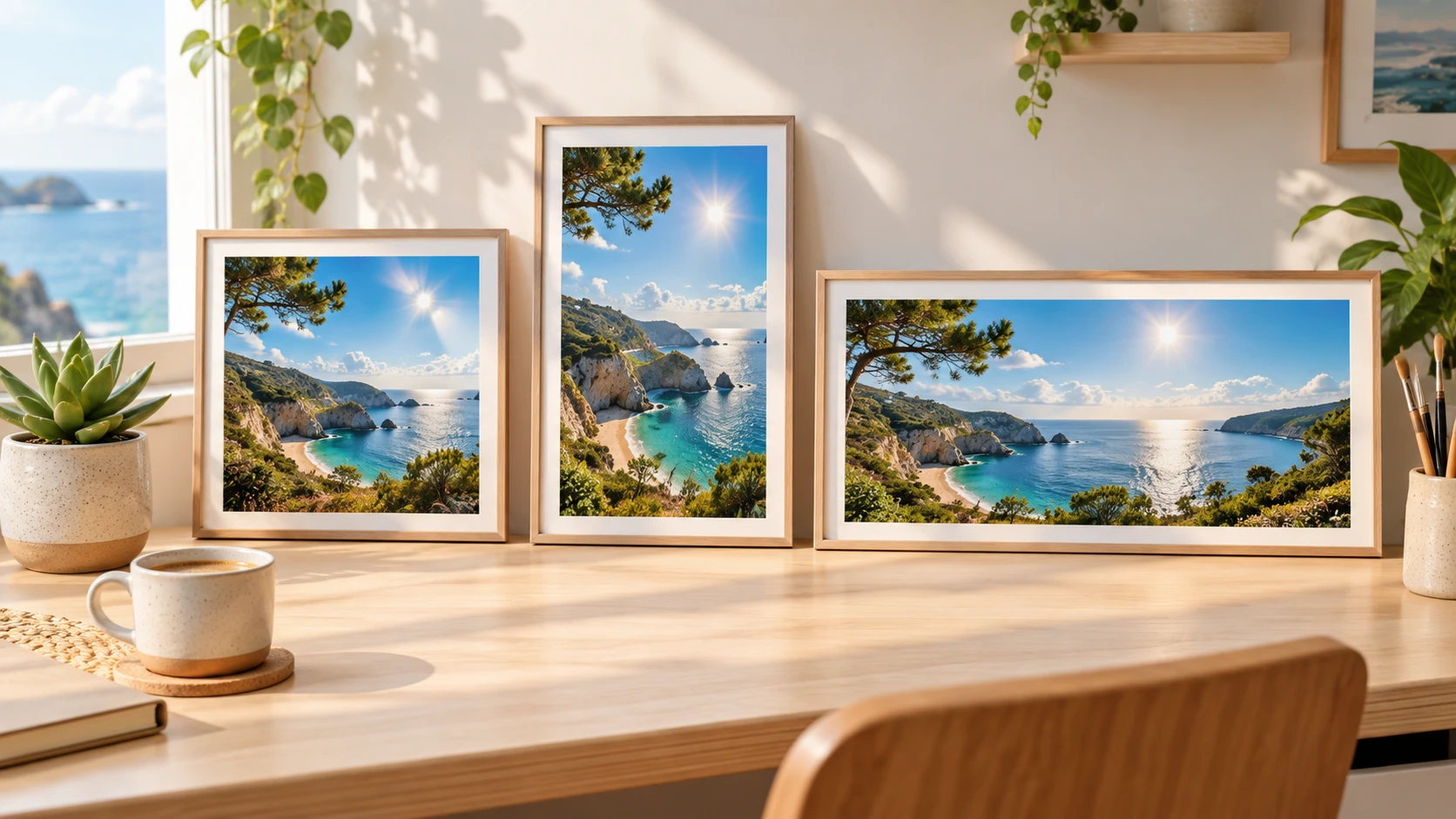
Social Media Presets
Pick ready presets for Instagram, Facebook, LinkedIn, TikTok, YouTube, and Pinterest. Upload your social pic and choose a target channel. Export images with accurate dimensions for posts, stories, reels, thumbnails, and banners.
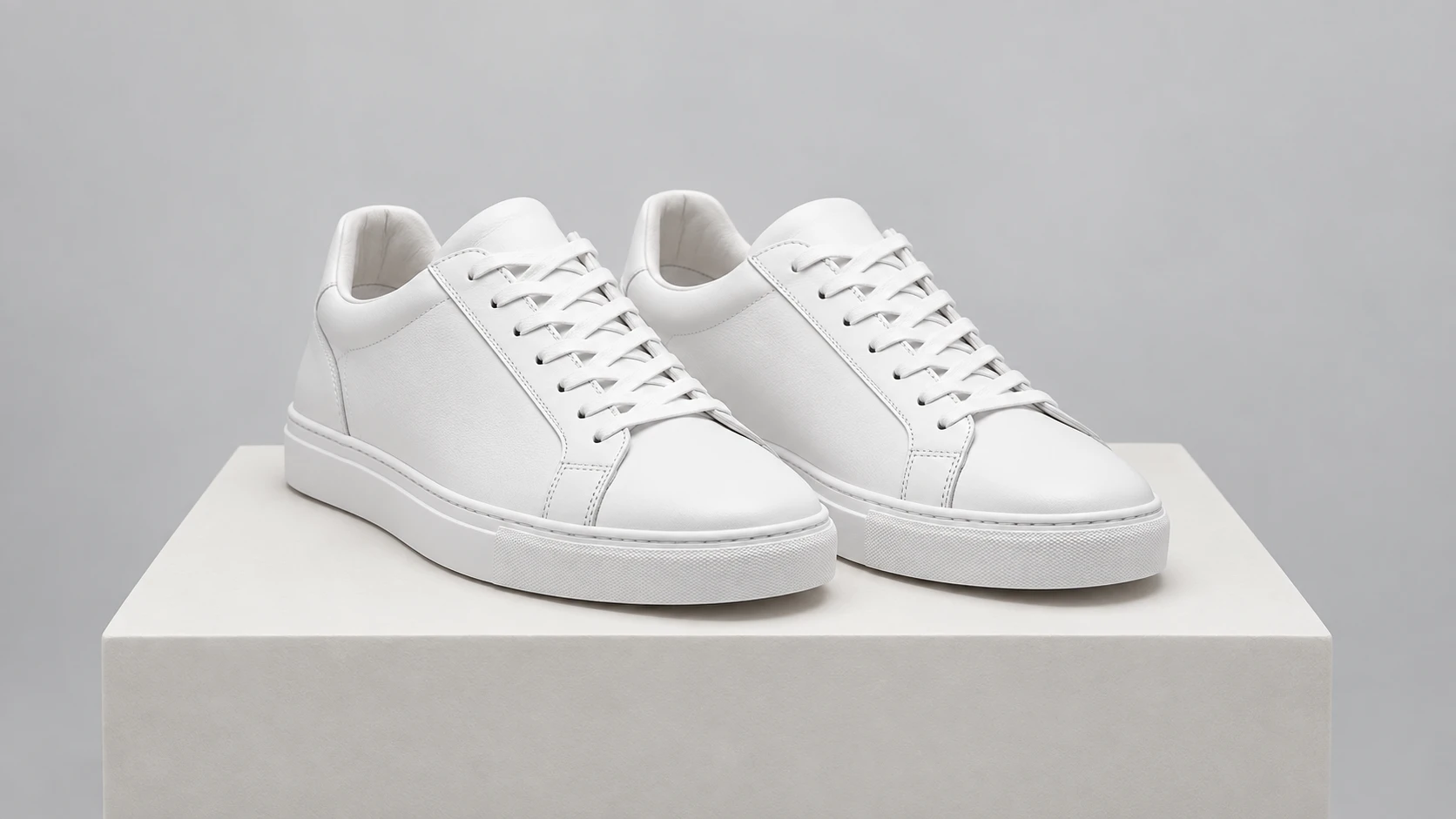
Marketplace Presets
Scale your catalog for Facebook Marketplace, eBay, Amazon, Etsy, Shopify, Naver, and Rakuten. Select your marketplace preset and export compliant listing files. Keep product details sharp and clear across online storefronts.

Multi-Format Export And PNG Resizer
Use this fast png resizer to adjust PNG files with transparent backgrounds. You can also resize photo files in JPG and WEBP formats. Download your resized images with clean edges and high visual clarity.
How To Resize Image Files In Three Steps
Adjust your files in seconds with these simple steps.
Upload Your File
Drag your image into the upload area, or select a file from your device. The tool supports JPG, PNG, and WEBP formats.
Choose A Preset Or Enter Dimensions
Select a preset for social media or marketplaces. You can also enter custom pixel values and change size of image directly.
Download Your Resized File
Review your preview on screen. Click download to save your new file instantly.
Everyday Tasks For The Image Resize Tool
Apply precise sizing to personal content, marketing assets, and e-commerce listings.
Social Media Feeds And Stories
Resize photos for every major social platform. Choose presets for Instagram, TikTok, YouTube, and Facebook. Prepare posts, stories, banners, and covers in seconds. Every image fits your channel perfectly.
E-Commerce Product Listings
Optimize product visuals for Amazon and eBay. Standardize catalog graphics on Shopify and Etsy. Resize pic files for Facebook Marketplace, Naver, and Rakuten. Showcase goods clearly across every marketplace.
Business Banners And Profile Graphics
Set exact dimensions for LinkedIn company banners. Adjust personal profile photo files with ease. Create clean headers for blogs, emails, and landing pages. Maintain a sharp brand presence everywhere.
Digital Marketing And Display Ads
Produce banner ads for search engines and ad networks. Generate multiple size variations from one source image. Export ready-to-run campaigns in seconds. Save valuable creative production time.
Who Benefits From Our Free Image Resizer

E-Commerce Merchants
Sellers on Amazon, eBay, Shopify, and Etsy need uniform listing dimensions. Select preset dimensions and export full catalogs with consistent margins and clean product detail.

Social Media Content Creators
Content creators post across Instagram, TikTok, YouTube, and Pinterest daily. Use one source graphic to generate square posts, tall reels covers, and wide video thumbnails with one click.

Marketers And Web Designers
Web designers and digital marketers modify dimensions for display ads, email newsletters, and website banners. Enter exact pixel values to match design specs and speed up publishing.
Frequently Asked Questions About Image Resize
Complete Your Free Image Resize Online
Upload your image, choose a social or marketplace preset, and export the right size in seconds.
Get Started