


Background Remover
Upload one photo and the EditImage background remover lifts the subject off its background, hands you a transparent PNG, or swaps in the backdrop you describe.
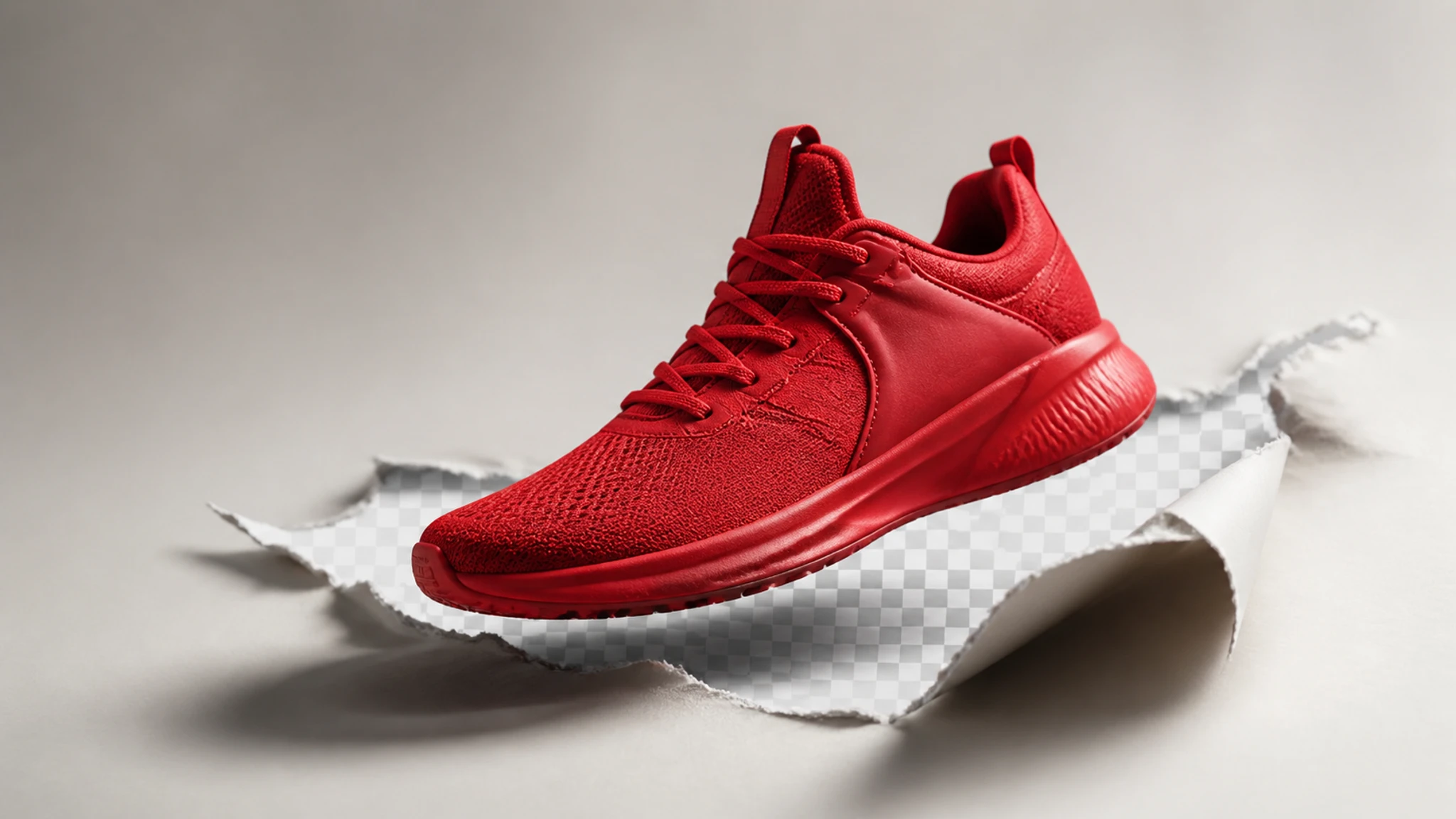
A Background Remover That Swaps Backgrounds Too
As a background remover, EditImage keeps your subject intact and gives you the background you ask for, whether that means gone, white, or somewhere new.
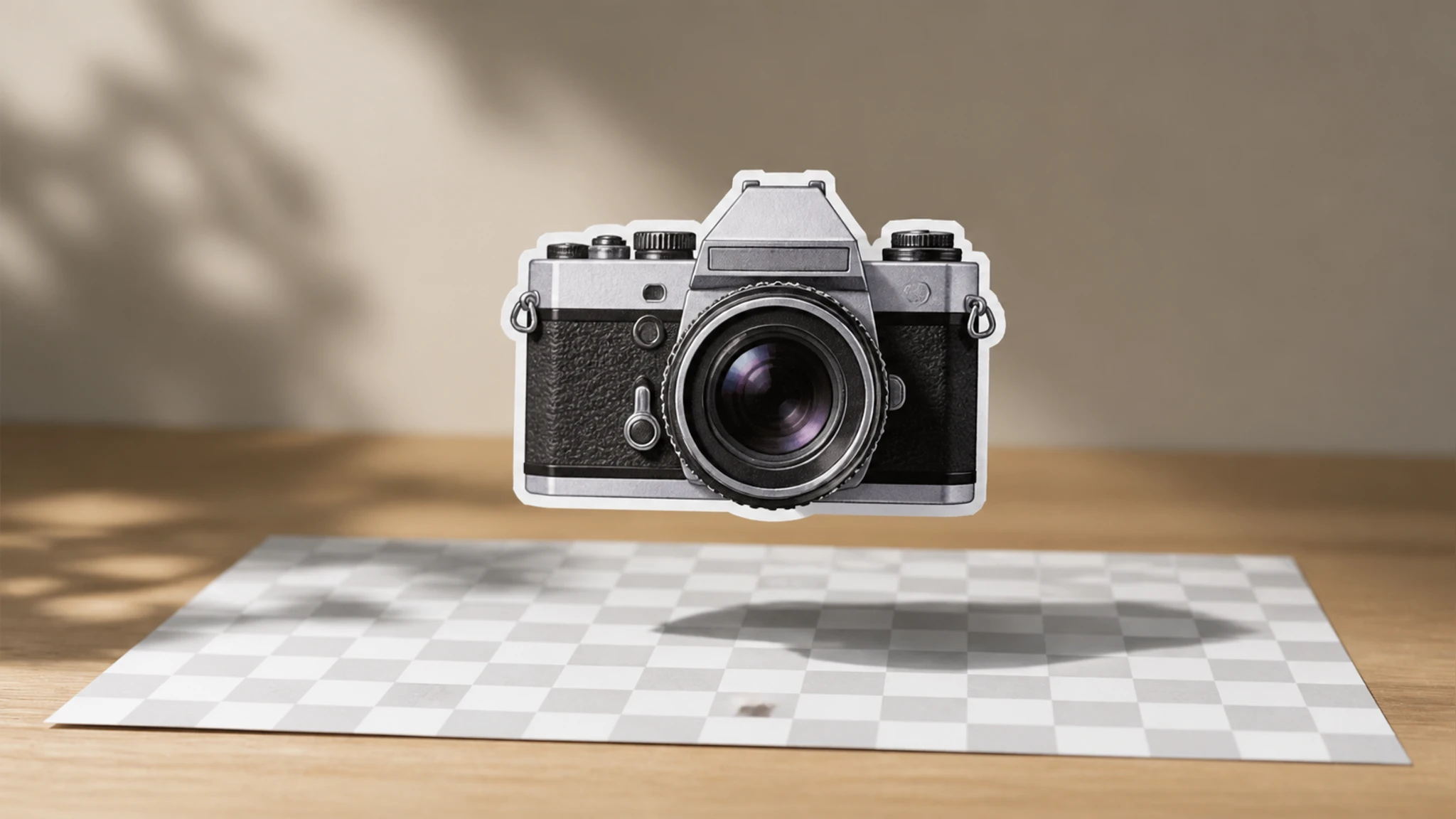
One Click To A Transparent Background
Point EditImage at your photo and the subject stays while the background drops away, leaving a transparent PNG you can lay over any color or material. This is the plain remove bg path for when you just need the subject on its own.
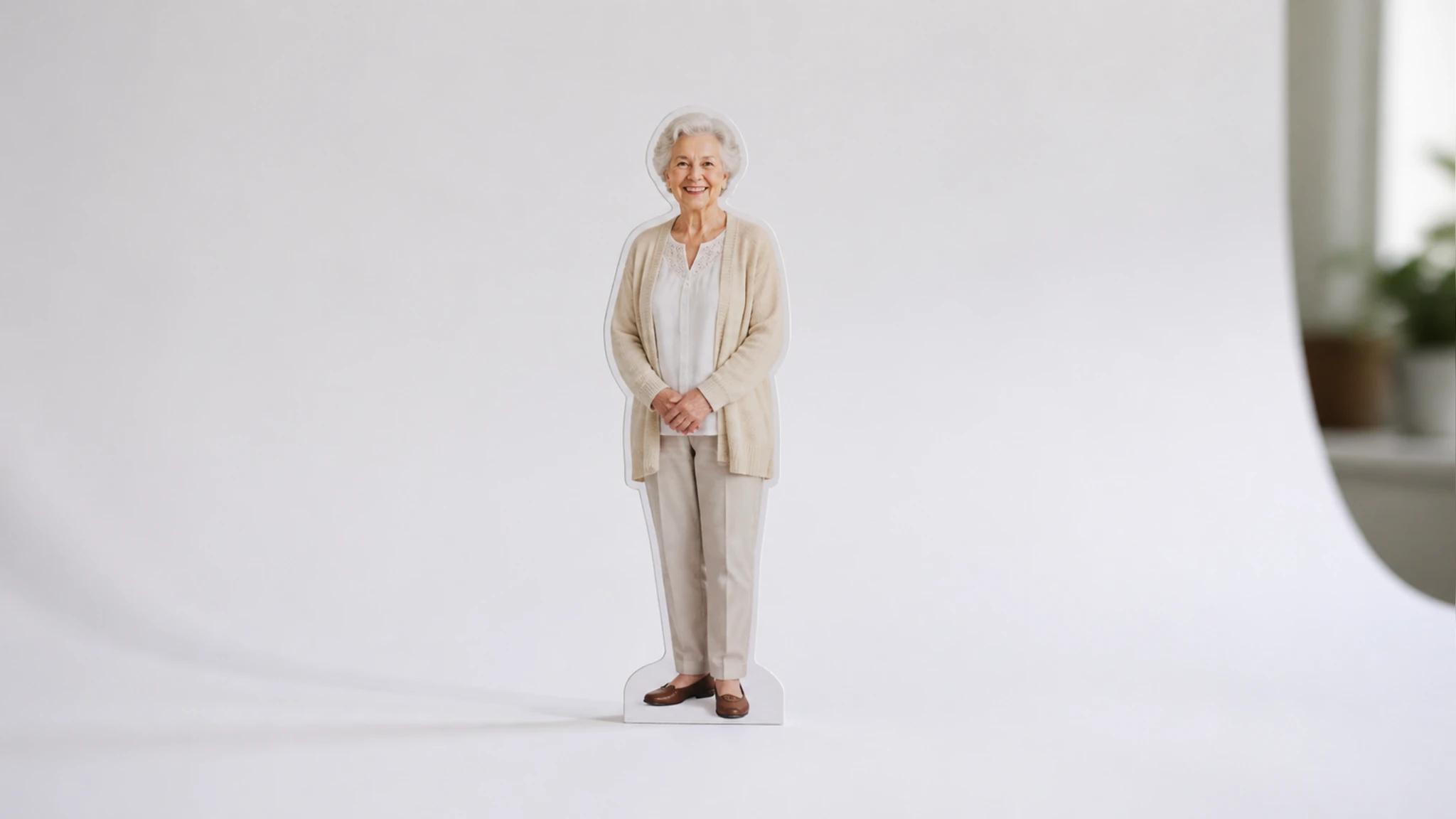
Swap In A White Or New Backdrop
When you want more than an empty frame, replace background of photo with a solid white sweep, a flat color, or a fresh scene. Your subject holds its spot while the setting behind it changes to match the look you are after.
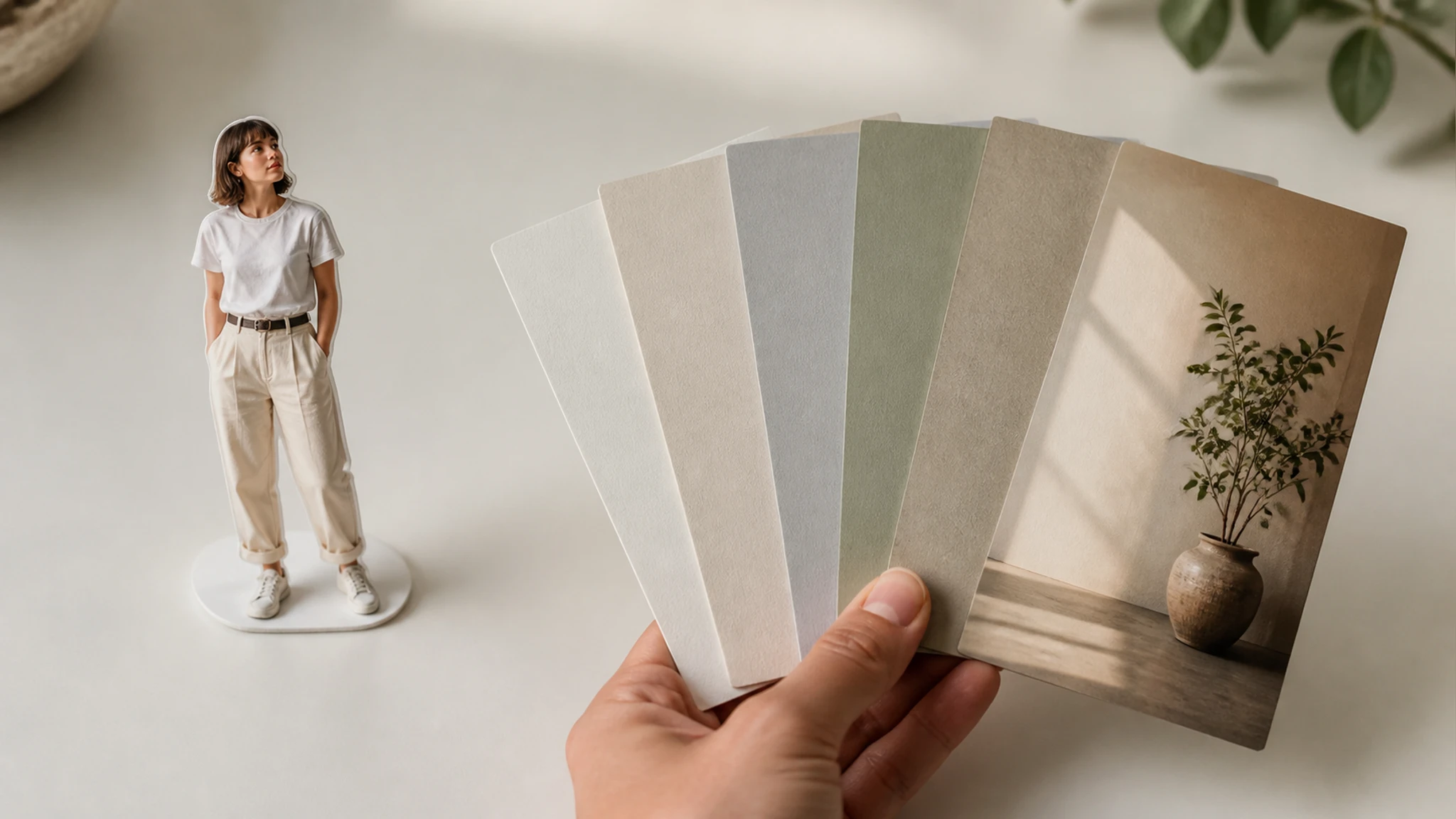
Tell It The Background In Words
Type a short instruction such as make the background white or drop the background, and the background remover reads it and applies the change. If you would rather not type, one click handles a standard cut out image background for you.
Export Up To 2K Or 4K
The background remover exports the finished image at up to 2K or 4K, so a logo, product shot, or portrait stays sharp when you place it elsewhere. You download a transparent PNG or the version with its new background already set.
From Upload To Transparent PNG
Three steps carry you from a raw upload to a finished cutout or a new backdrop with the background remover.
Upload A JPG, PNG, Or WEBP
Drag a photo onto the canvas or click to browse, using a JPG, PNG, or WEBP file. Once it lands, the background remover is ready to read the picture and find the subject.
Let It Cut Out, Or Say The Backdrop
By default the subject is detected and the background lifts away on its own. To change background of photo instead, type one line naming the backdrop you want, such as a plain white studio or a park at dusk.
Preview Then Download The Result
Check the edge where the subject meets the background, then download a transparent PNG or the image with its swapped backdrop, at up to 2K or 4K. If an edge looks rough, adjust the instruction and run it again.
Where The Background Remover Earns Its Place
A few everyday jobs where the background remover does the heavy lifting by clearing or swapping the backdrop.
Remove Background From Logo Files
A logo stuck on a white box will not sit right on colored packaging or a dark site header. Drop it in, clear the box behind the mark, and export a transparent PNG that layers onto any material. The background remover keeps the mark crisp so it reads on light or dark surfaces.
Clean White Backdrops For Product Shots
Marketplace listings look consistent when every item sits on the same white sweep. Upload a cluttered product photo, ask for a white background, and the shot comes back ready for the grid. This is where the white background maker side proves its worth.
Tidy Headshots For Profiles
A profile picture loses its punch when a messy room fills the space behind you. Bring the photo in, let the background remover clear the clutter, and set yourself on a calm color so your face reads first in any feed.
Recolor The Backdrop On ID Photos
Some ID and pass photos call for a specific backdrop color your original does not have. Have the background remover swap the setting behind the subject for the flat tone the form requires, then save the corrected copy to submit.
Who Reaches For This Background Remover

Online Sellers
Sellers listing on marketplaces need product images on a uniform white field. The background remover clears the original setting and drops in white, so a full catalog looks like it was shot in one place.

Designers And Creators
Designers and social creators delete background from image files to pull subjects out of stock shots, then layer the transparent PNG into thumbnails, banners, and posts. The background remover leaves a clean edge to build around.

Everyday Users
People updating an avatar or a pass photo can recolor or clear the setting behind them without heavy software. The background remover names the backdrop you ask for and hands back the version you need.
Questions About Removing Backgrounds
Remove Your Background In One Line
Upload a photo, say what the background should be, and the EditImage background remover hands back your cutout or new backdrop.
Get Started