


Change Image Perspective
Upload one photo and let EditImage change image perspective, so you see the same subject from a new front, side, back, or overhead angle while the turn, tilt, and distance stay in your hands.
Who Reaches For A New Camera Angle

Product Shots From Every Side
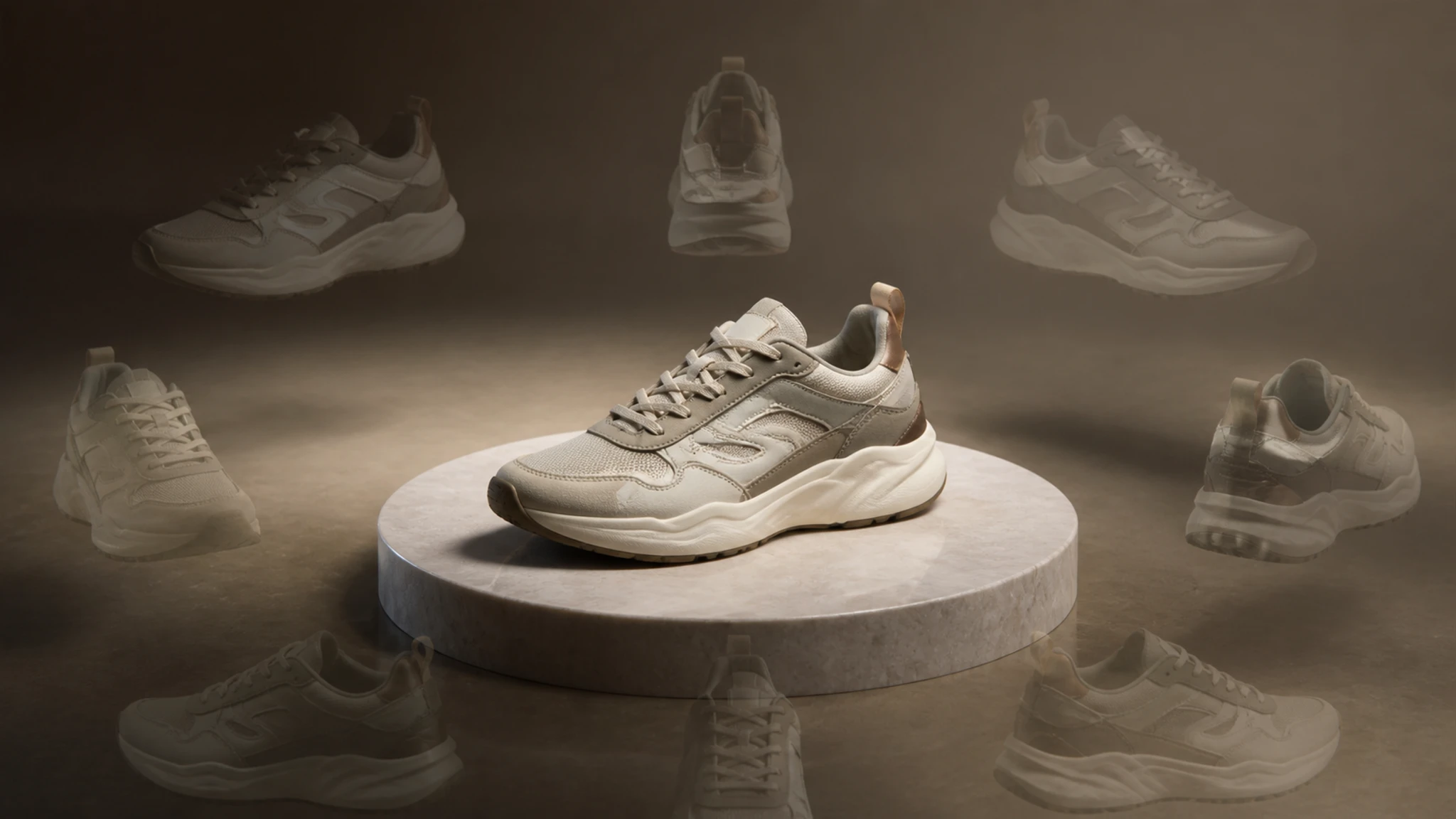
Sellers who have one clean product photo can generate different angles from one photo and build a listing that shows the item from the front, the side, and above.

Angle References For Mockups
Designers pulling together a 3D mockup or an AR preview can change image perspective on a flat shot to get a quick reference angle, so a concept gets checked from another viewpoint before modeling begins.
More Angles From One Shot
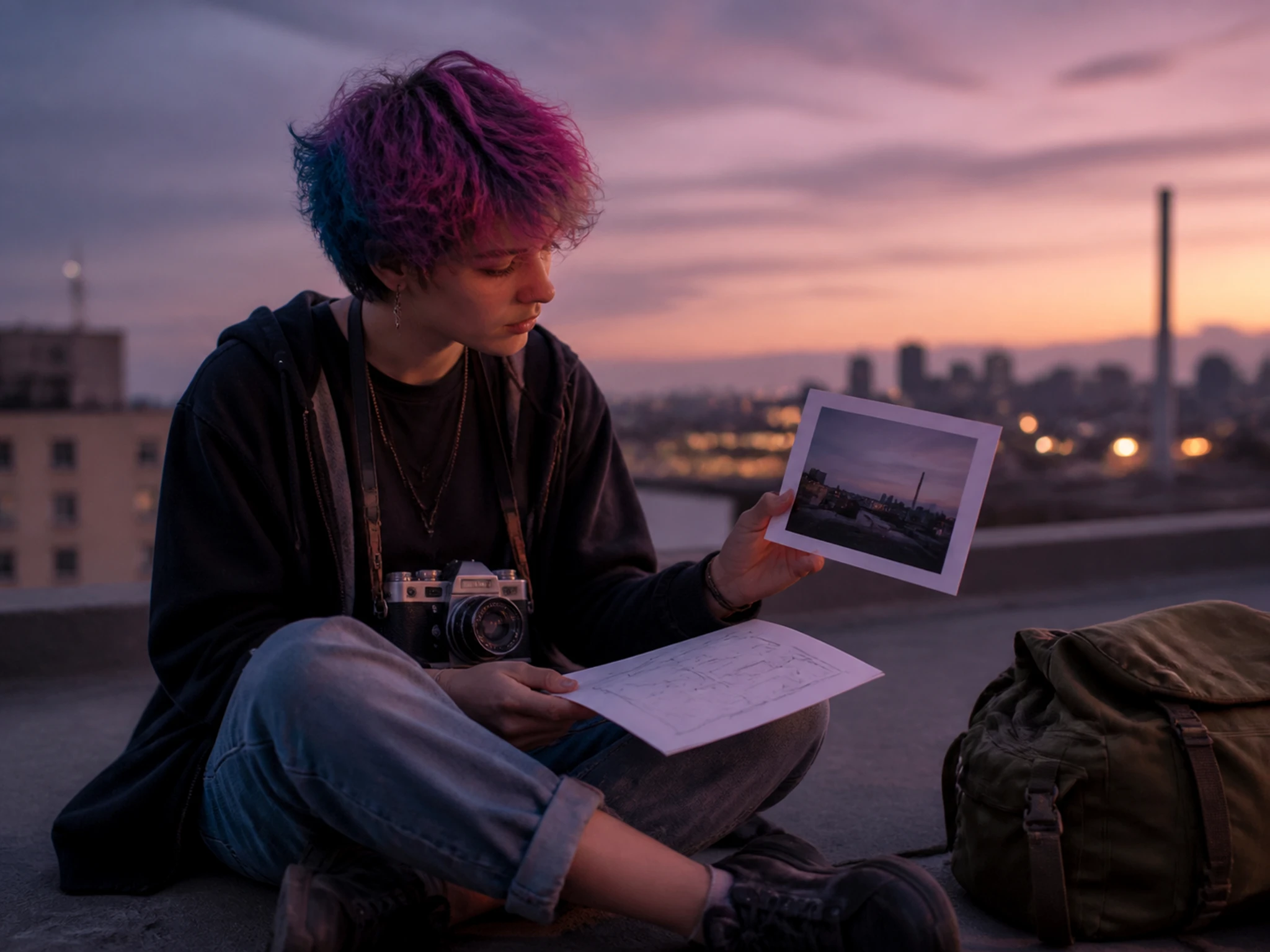
Creators who only captured a single frame can add a fresh new angle from photo they already have, filling a carousel or a thumbnail without another shoot.
Change Image Perspective With Full Control
Every setting in EditImage points at one job, letting you change image perspective on a photo you already have and keep the result close to the original subject.
Front, Side, And Back Views
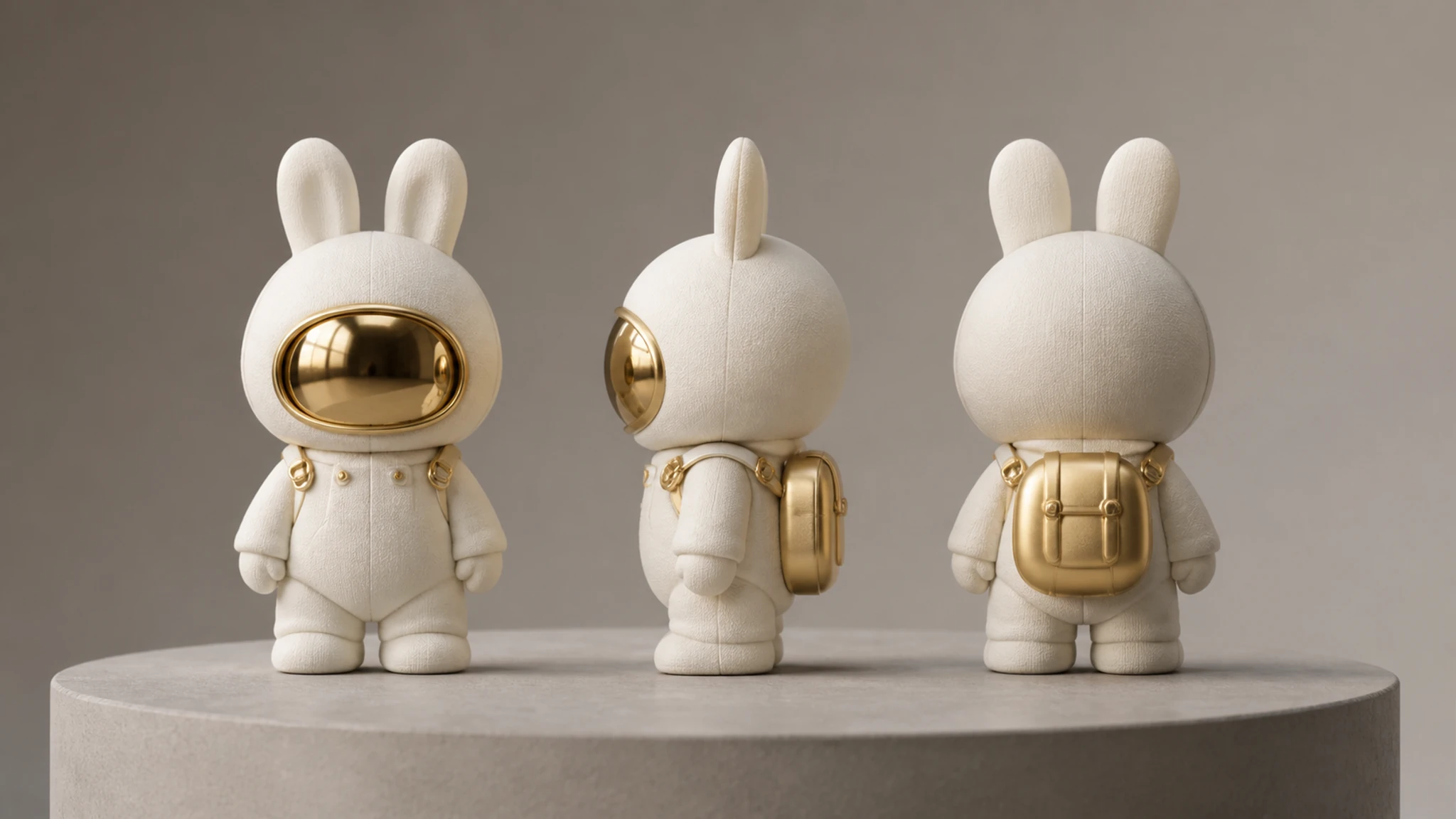
From a single upload you change image perspective by swinging the camera to a front, side, back, or three quarter position, reading the same object from the angle a buyer actually cares about.
Overhead And Low Angles
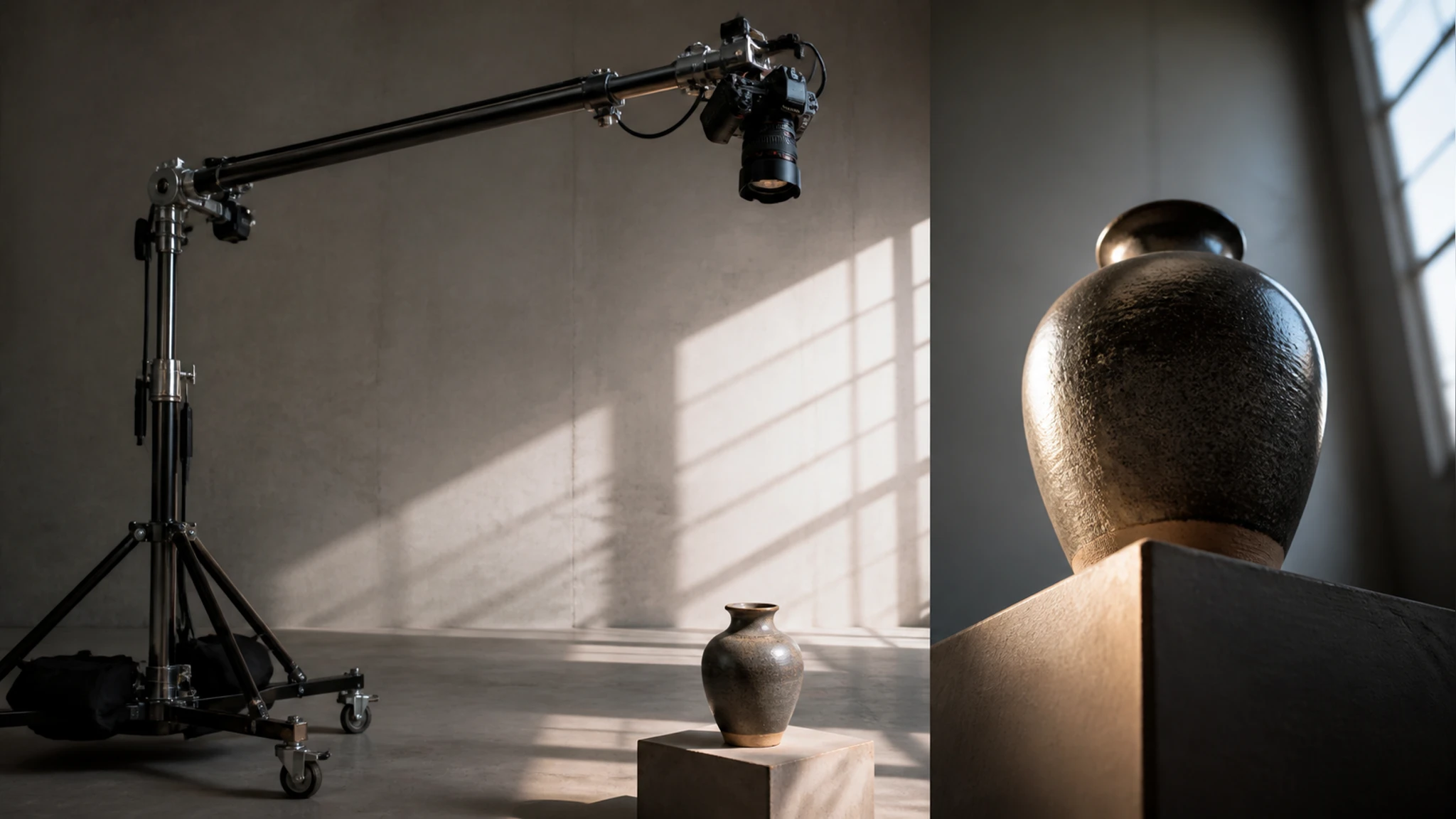
Beyond the sideways turn, you can lift the camera for a top down look or drop it low, which helps when a flat lay or a hero shot needs a different height.
Turn, Tilt, And Distance
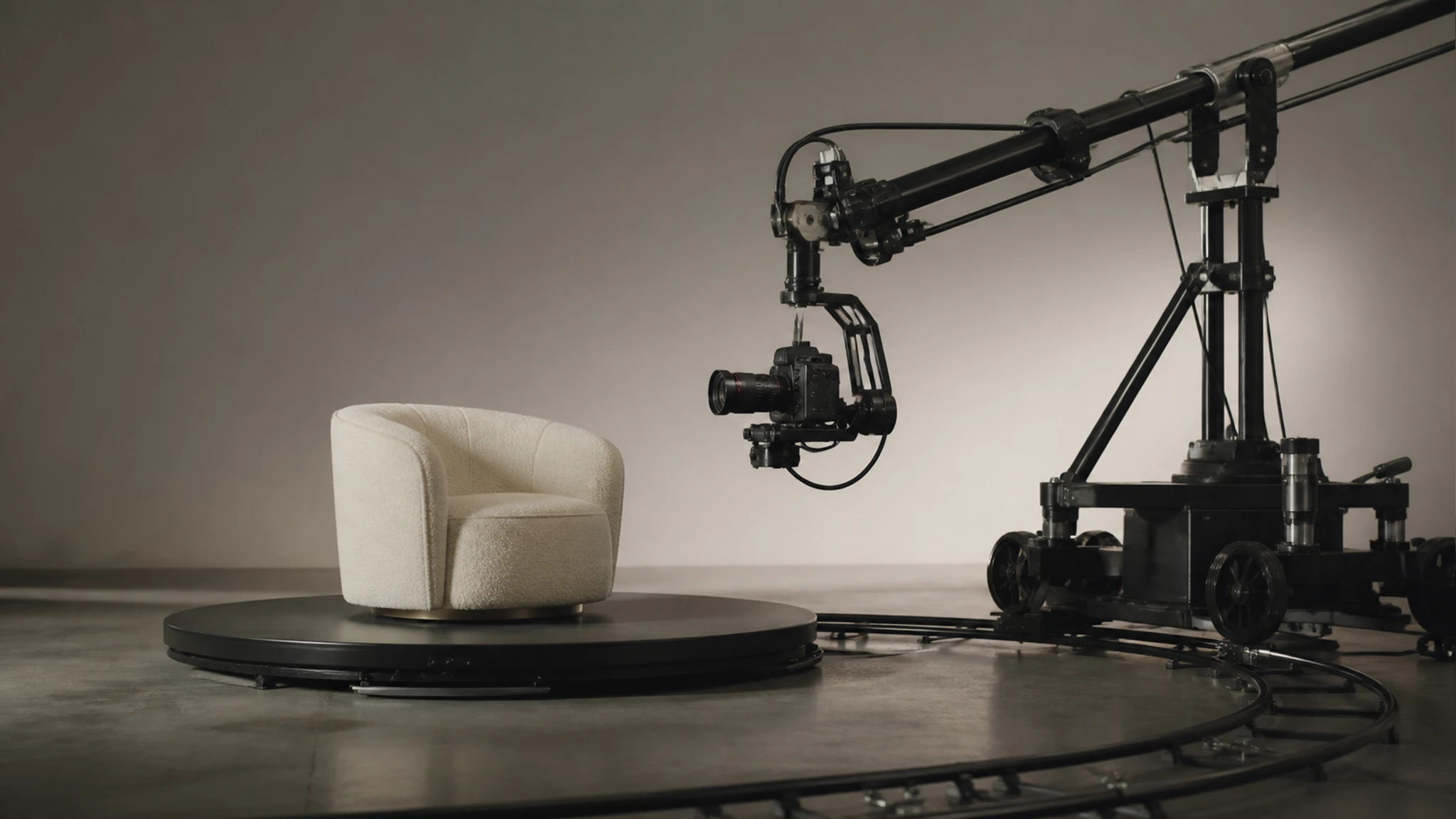
Three sliders drive the shot, one to rotate photo view left or right, one for the up and down tilt, and one for distance, giving roughly 96 positions to settle on.
Output Up To 2K And 4K
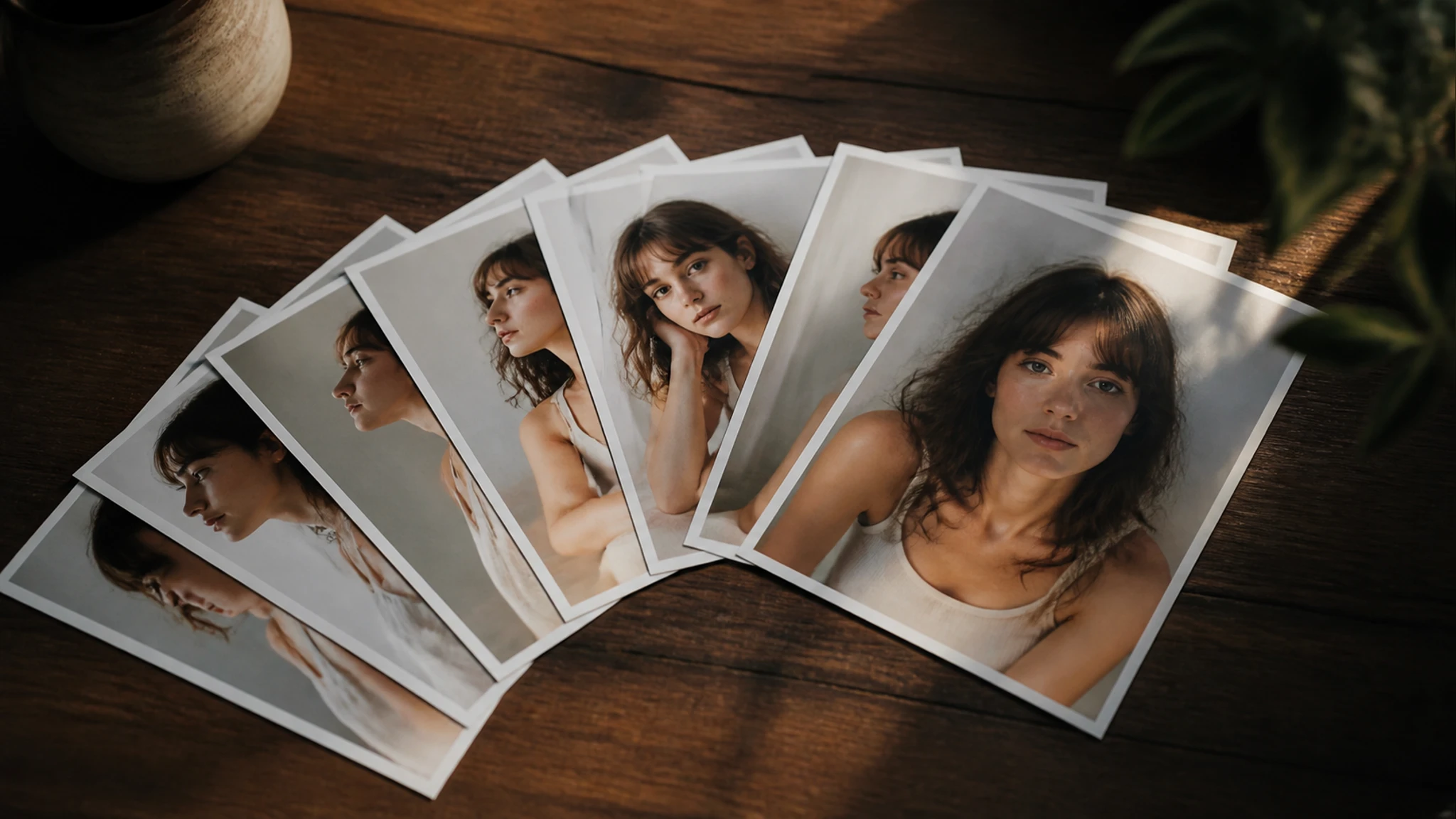
When the angle looks right, the new frame downloads in the same JPG, PNG, or WEBP family as your upload, at a resolution up to 2K or 4K so the detail holds when you place it in a listing.
Change Image Perspective In Three Steps
You can change image perspective in three short moves, from the first upload to the finished frame.
Add One Photo
Drag a file in or click to upload one photo in JPG, PNG, or WEBP, which is all the tool needs to start working out the angles.
Set The Angle You Want
Drag the sliders for turn, tilt, and distance to change image perspective until the framing reads right, or pick a ready made position like front, side, or overhead to jump to a common view.
Preview Then Download
Check the new viewpoint in the preview, adjust the sliders again if the framing feels off, and download the finished shot at up to 2K or 4K.
Where People Change Image Perspective Most
These are the everyday moments when people change image perspective on a photo they already have.
Fuller Product Listings
A shop owner has one strong photo of a bag, but with a single view the listing looks thin. They change image perspective to add a side and a back angle from that frame, and the product page now reads like a full multi angle set.
References For 3D And AR
A designer sketching a 3D mockup needs to see the object from above before committing to the model. A quick overhead render from the original shot gives that reference straight from the photo already on hand.
One Shot, More Angles
A creator back from a shoot with a single usable frame needs a carousel to fill. With a different angle photo AI, they pull two more views from that one image and finish the post from the single frame they already captured.
Consistent Angles For Catalogs
A team building a catalog wants every item shown from the same three quarter view, but the source photos sit at all sorts of angles. Generating a matching viewpoint for each one brings the whole grid into a consistent look.
Answers Before You Try This Tool
Give Your Photo A New Angle
Upload the shot you already have, and let EditImage turn it to the view you need.
Get Started