


Cartoonize Photo
Upload the photo you already have and cartoonize photo shots into a cartoon, anime, or painting look, either by picking a preset style or describing the one you want in EditImage.
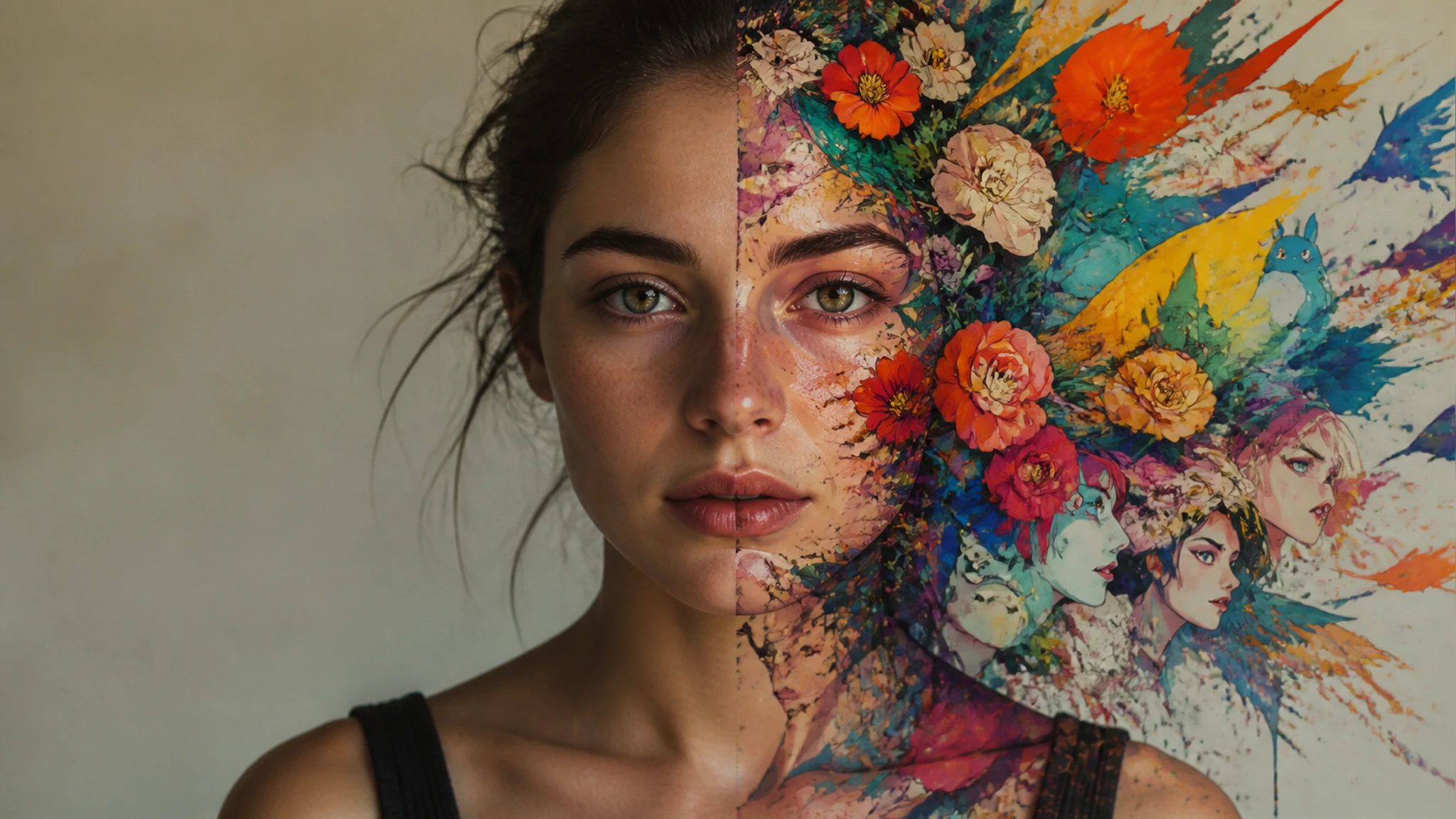
Ways to Cartoonize Photo Uploads
Everyday shots become a quick photo to art restyle you can post, print, or share.
Turn Photo Into Cartoon Avatars
Your selfies and phone snaps can cartoonize photo uploads into an avatar for a profile picture or a group chat, and the pose and outfit from the original stay while the surface becomes a drawn cartoon.
Turn Selfie Into Anime Portraits
Fans of anime can take a single selfie and get a photo to anime portrait with big eyes and clean lines, which reads as a real restyle of the shot rather than a filter laid on top of it.
Couple and Pet Photos as Prints
A photo of you and your partner, or a favorite shot of your dog, can shift into a photo to painting look for a framed print or a card, so the moment reads as art instead of a plain snapshot.
Event Posters With an Illustrated Style
Planning a small event usually means you need a poster, and a group shot can move into a sketch or painting style that fits a flyer, giving the page a hand drawn feel a raw photo would miss.
Who This Restyle Is For
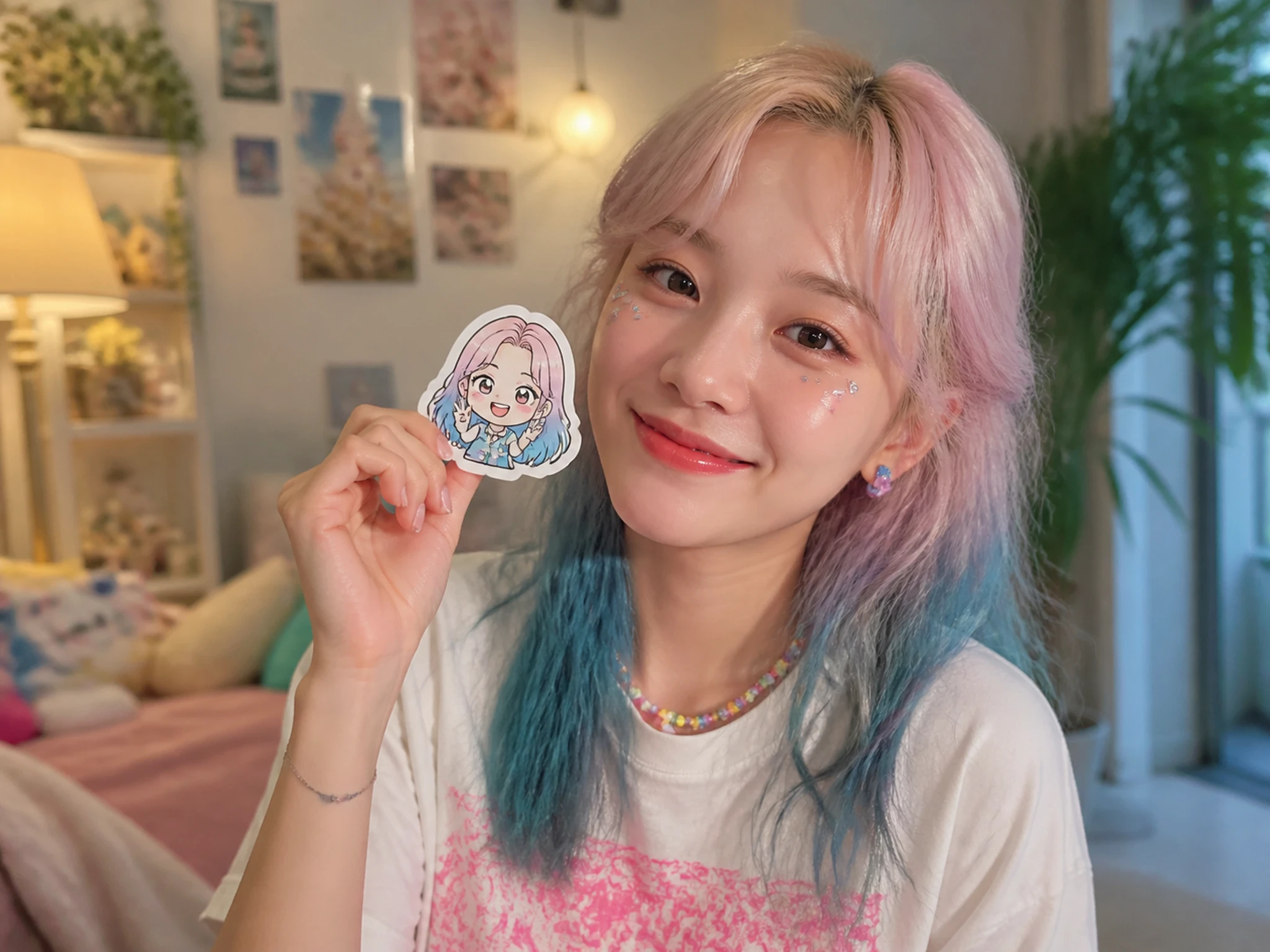
Cartoon Avatars for Your Feed
If you post a lot, a cartoon photo editor keeps a recognizable profile picture across accounts, since one selfie can cartoonize photo uploads into a refreshable avatar in a cartoon or anime filter look.
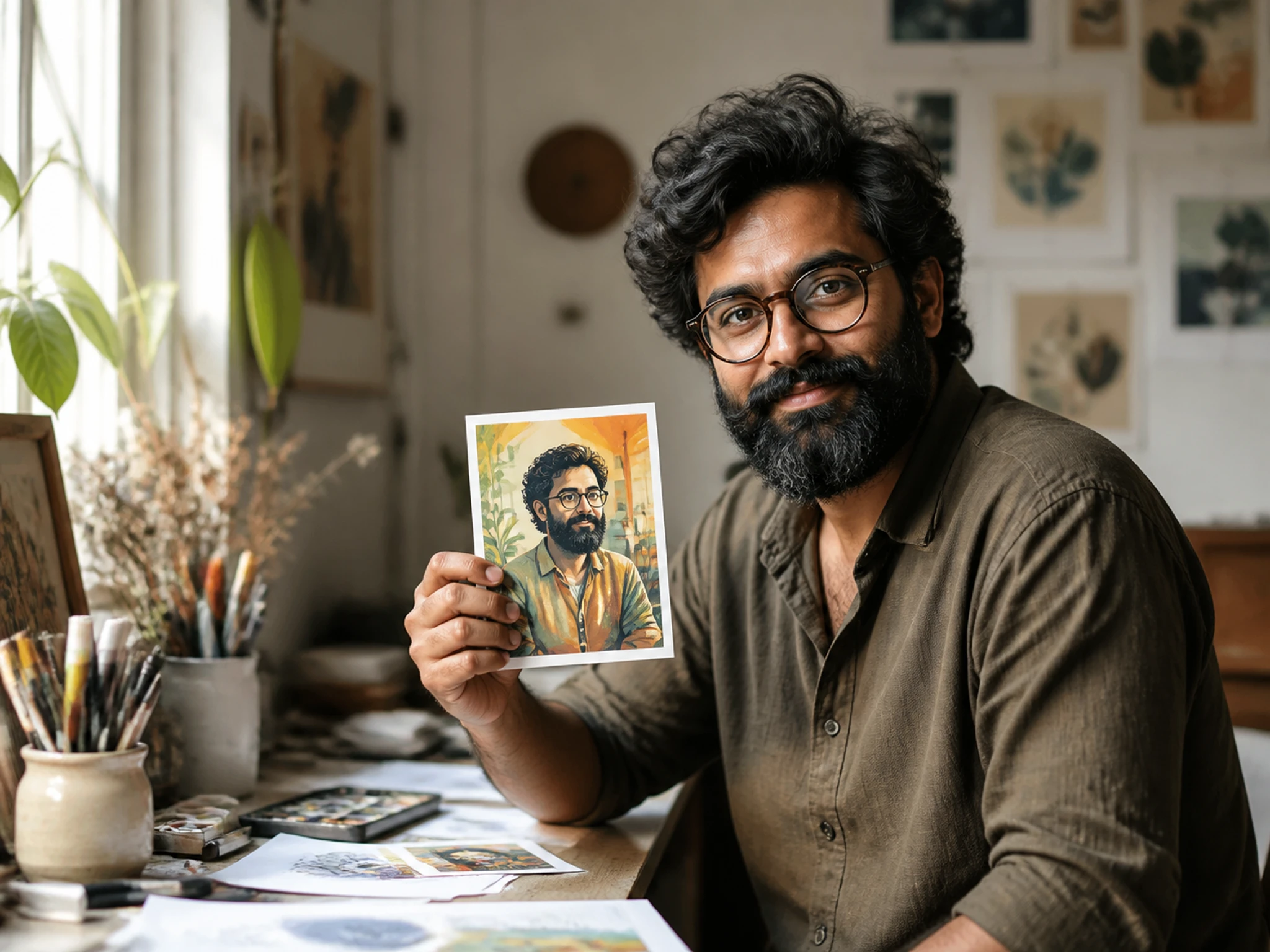
Illustrated Art for Your Posts
Creators who need art for a thumbnail or a blog header can restyle their own photos into a painting or sketch, so an AI art filter gives the page a consistent look without commissioning a new drawing.
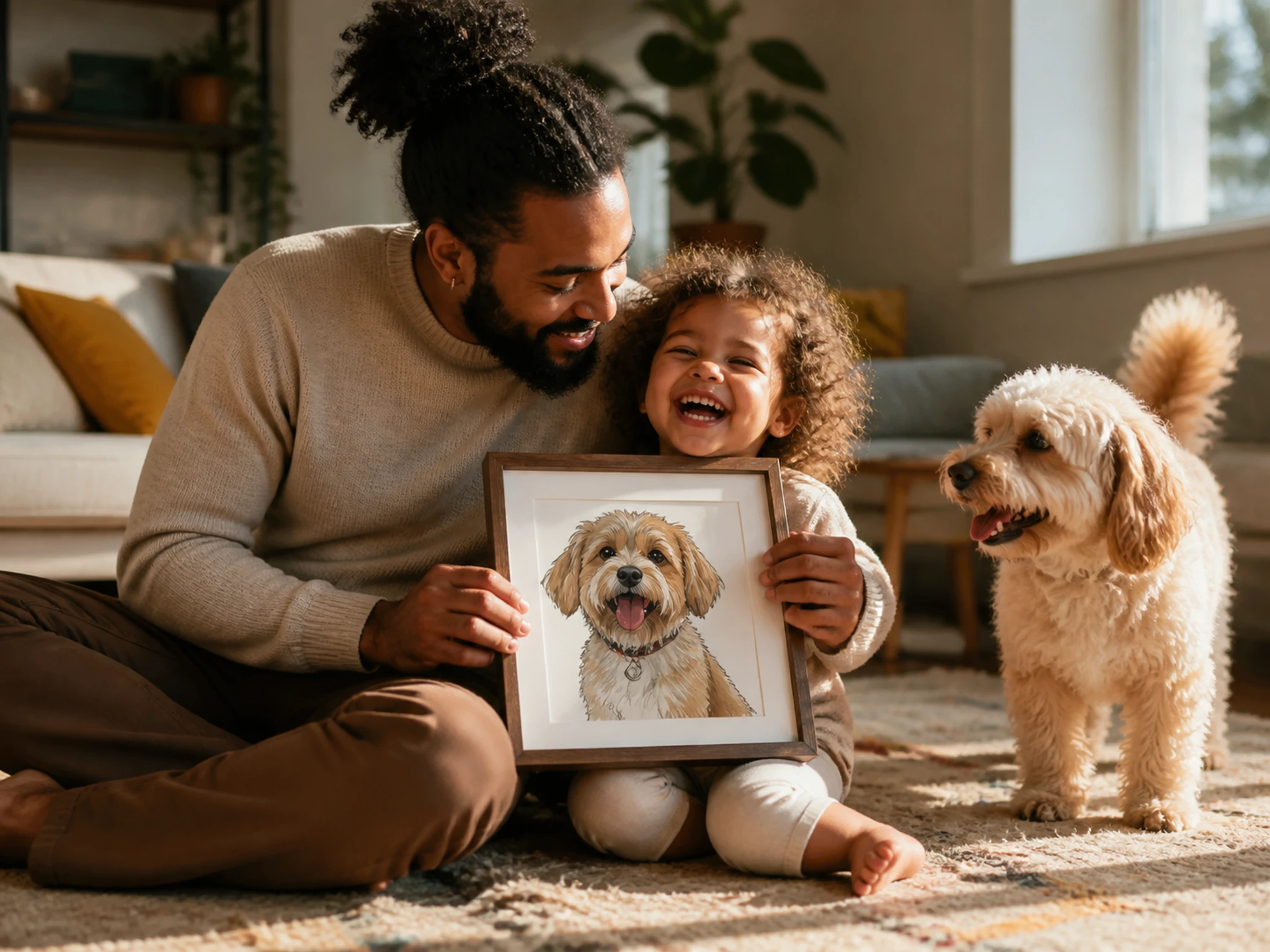
Family and Pet Snaps as Art
Anyone with a camera roll of family and pet snaps can cartoonize photo keepsakes from a favorite one, and an AI photo filter makes it a quick way to reframe a memory as something you would hang on a wall.
Pick a Style, Restyle the Shot
Preset looks and a one line instruction cover cartoon, anime, and painting styles, the range of AI photo effects you use to cartoonize photo shots.
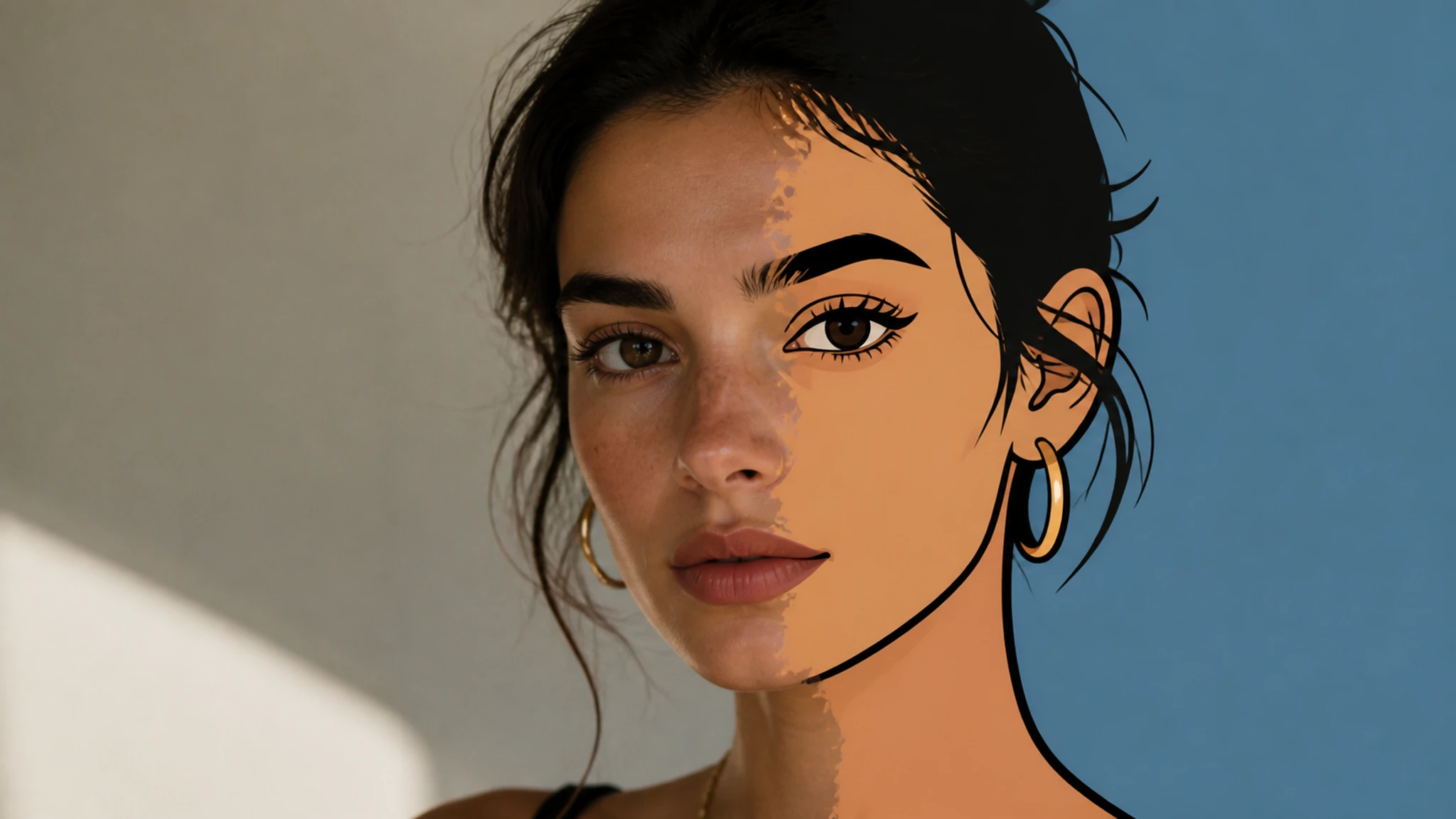
One Click Cartoon Style
Pick the cartoon preset and cartoonize photo uploads take on flat color and bold outlines, the classic drawn look, which is the fastest path when you simply want a cartoon version of the shot.
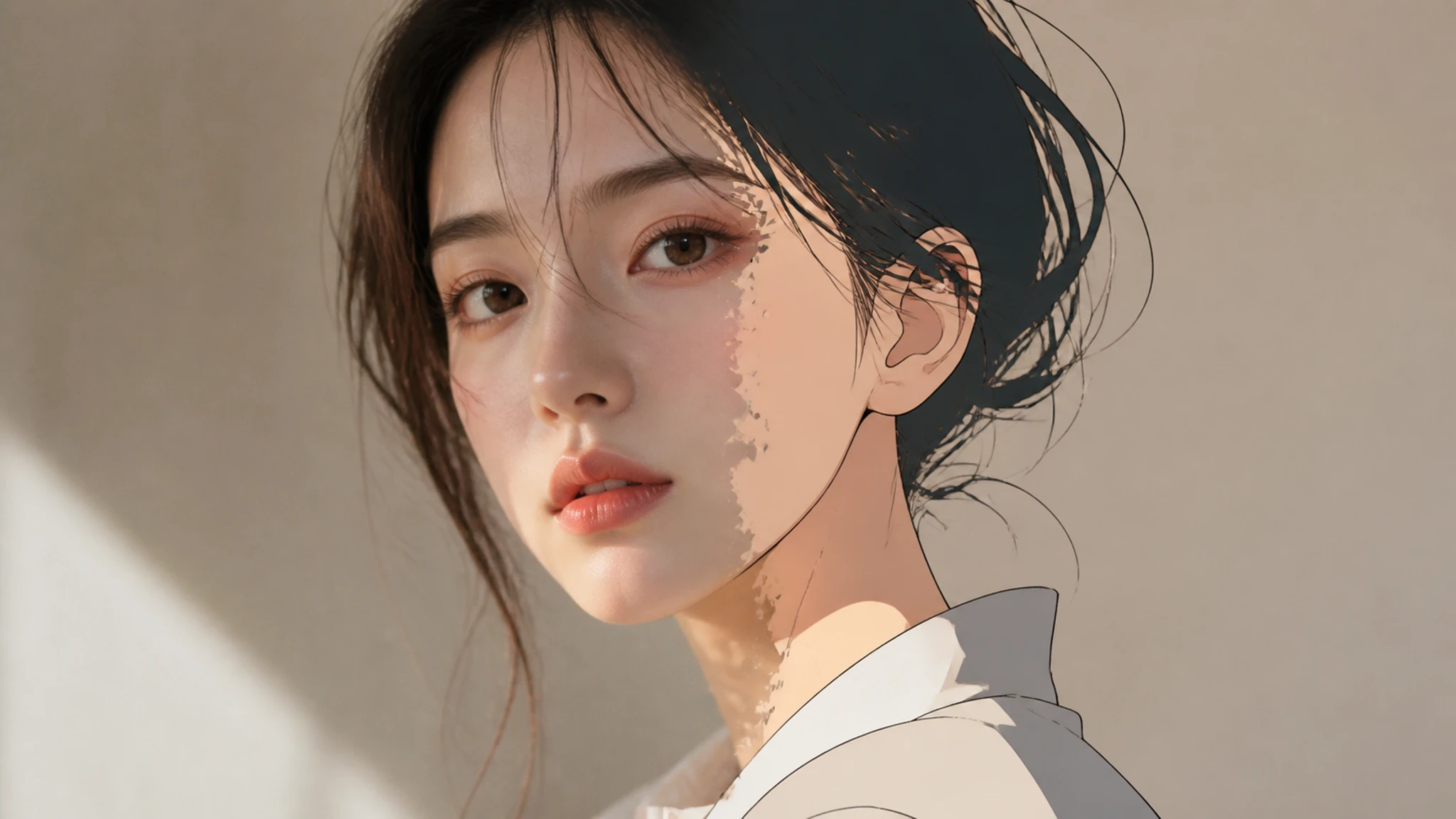
Anime and Manga Looks
Choose an anime style to turn a photo to anime with the shading and line work of the genre, a clearly different result from a plain cartoon, so a portrait reads as a character rather than a snapshot.
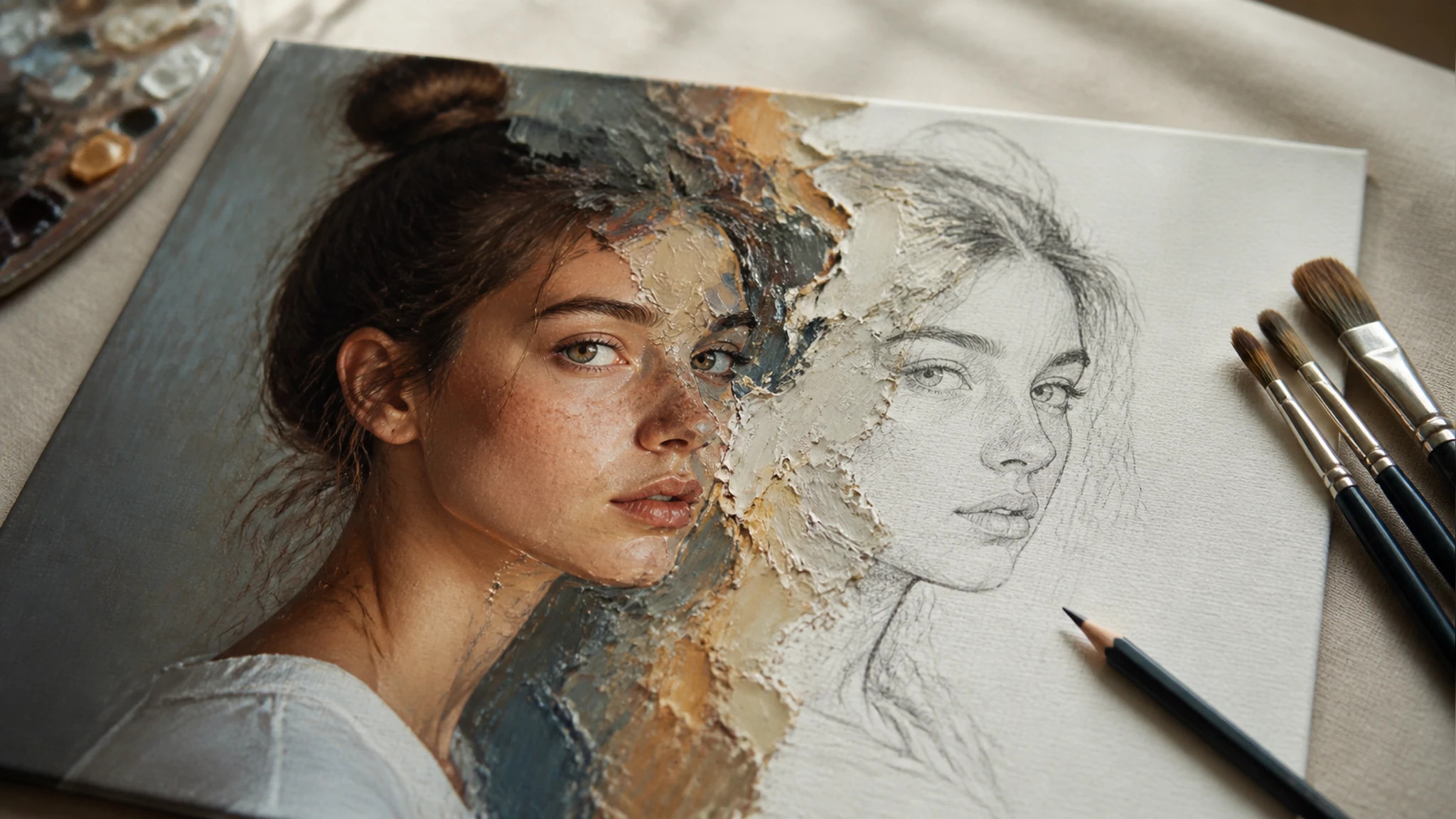
Painting and Sketch Styles
Select a painting or sketch preset to convert photo to painting or a pencil style, giving brush texture or a sketch effect photo instead of flat cartoon color, which suits prints and framed art.
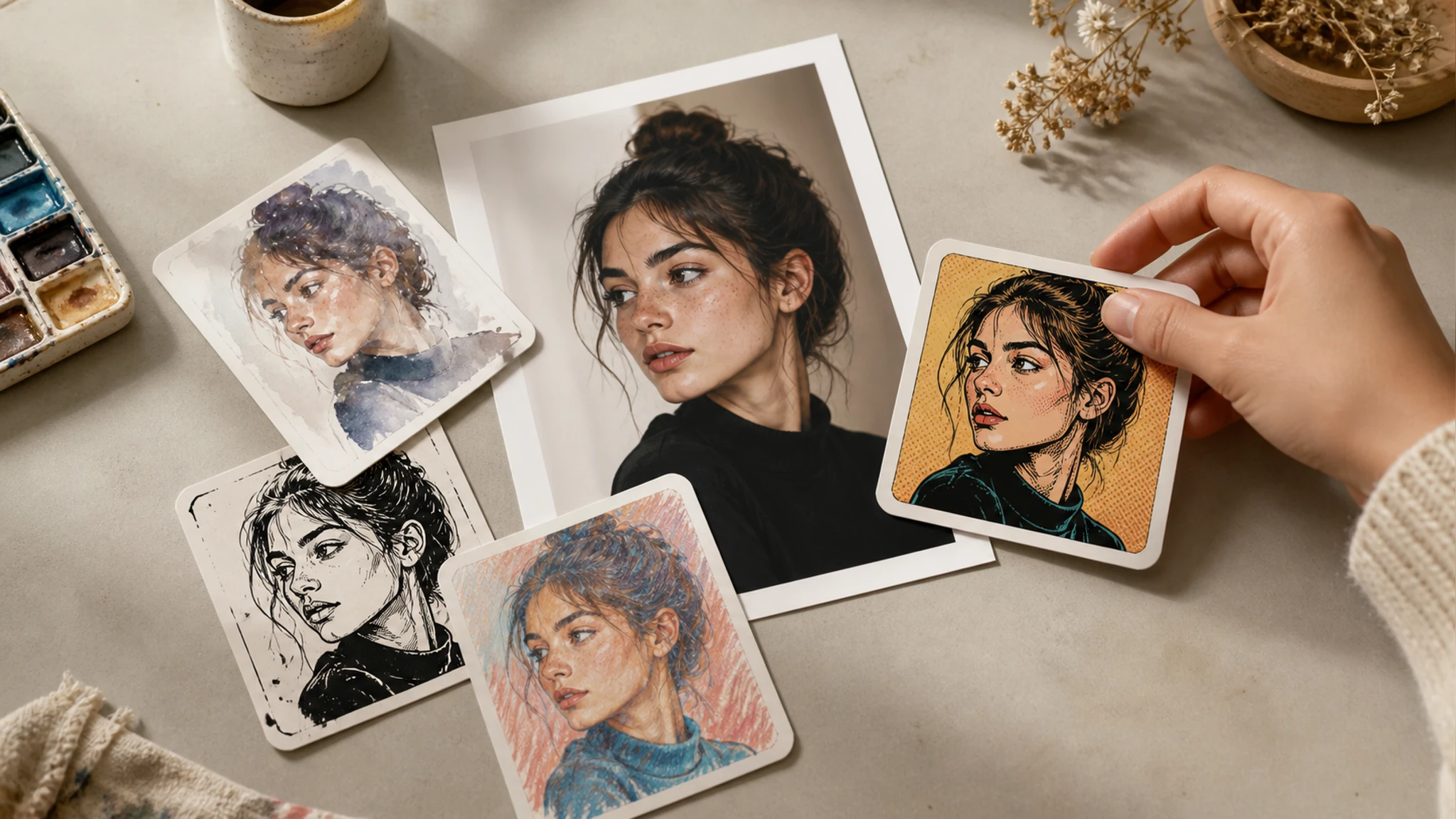
Describe the Style in Words
Rather than a preset, type a one line instruction and EditImage runs that photo style transfer, so a request like a watercolor or a comic look sets the direction to cartoonize photo shots your way.
Cartoonize Photo in Three Steps
Upload, choose a style or describe one, then preview and download to cartoonize photo uploads.
Upload a Photo
Drag in or click to add one photo in JPG, PNG, or WEBP, the shot you already have and want to restyle, since this edits your image rather than generating a subject from a blank canvas.
Choose or Describe a Style
Pick a preset like cartoon, anime, or painting, or type a one line instruction that describes the look you want, which is how you tell the tool what result to aim for before it runs.
Preview Then Download
Preview the restyled result and the cartoonize photo output downloads at up to 2K or 4K, and because it is a fresh redraw you can run it again for a version you like better.
Cartoonize Photo Questions People Ask
Restyle Your Photo Today
Upload one shot and cartoonize photo uploads into a cartoon, anime, or painting look in EditImage.
Get Started