


Image Relight
EditImage gives you image relight that rebuilds the lighting on a photo you already have, so the people and objects stay put while you choose a preset light, place your own light sources, or match a reference image.
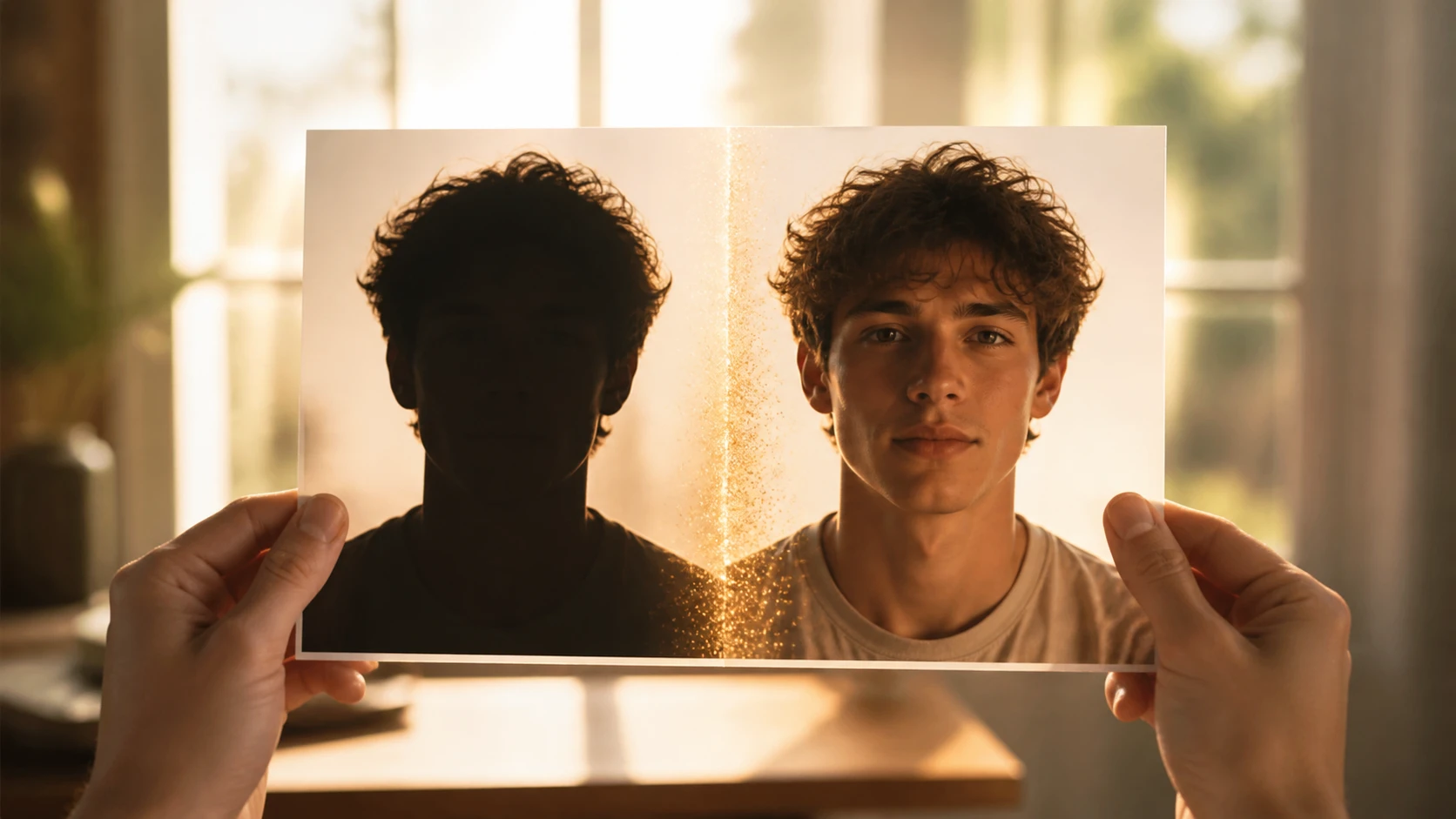
From Upload To Relit Photo
Three steps carry you from the photo you have to a version with the light rebuilt by image relight.
Add The Photo To Relight
Drag in or click to upload the picture you want to relight, in JPG, PNG, or WEBP. If a look you want already lives in another shot, add that as a reference image so image relight can match its light.
Place The Light You Want
Choose a preset light to start, or open the lighting tools and set it yourself: add more than one light source, give each one a color, and aim it from the direction you want. Prefer to copy a look you already like? Load the reference image and let its light be matched inside image relight.
Preview And Download
EditImage rebuilds the lighting and shows a preview in seconds so you can check the result, then download it at up to 2K or 4K. If the light is off, step back into the controls, nudge a source, and let image relight render another version.
Where Image Relight Earns Its Place
From an overcast frame to a warm sunlight effect photo, this is where image relight earns its keep.
Overexposed Photo Fix
Shot straight into hard sun, a face and the sky can blow out together into flat white. Swap in a softer preset light, pull the source off the front, and image relight eases those bright areas back down with no reshoot required.
Product Photo Lighting
A product you photographed at home often carries messy light and grubby shadows that read as amateur on a listing page. Add one clean side light with a soft fill, and the shadows sit tidy under image relight instead of muddy.
Fix Backlit Photo
Standing against a window or the setting sun turns a person into a dark silhouette. Image relight brings the light back onto their side, and the face returns while the bright sky behind them stays where it was.
Underexposed Photo Fix
The frame you grabbed when there was not enough light comes out too dark to read. Rebuild it properly with image relight instead of dragging the brightness up and lifting all the noise along with it.
Fix Dark Photo
Indoor shots under a yellow bulb leave faces looking muddy and closed in. Image relight works with a different direction and color, and that heavy feeling lifts, which helps with the dim snaps from a party or a holiday.
Who Reaches For Image Relight
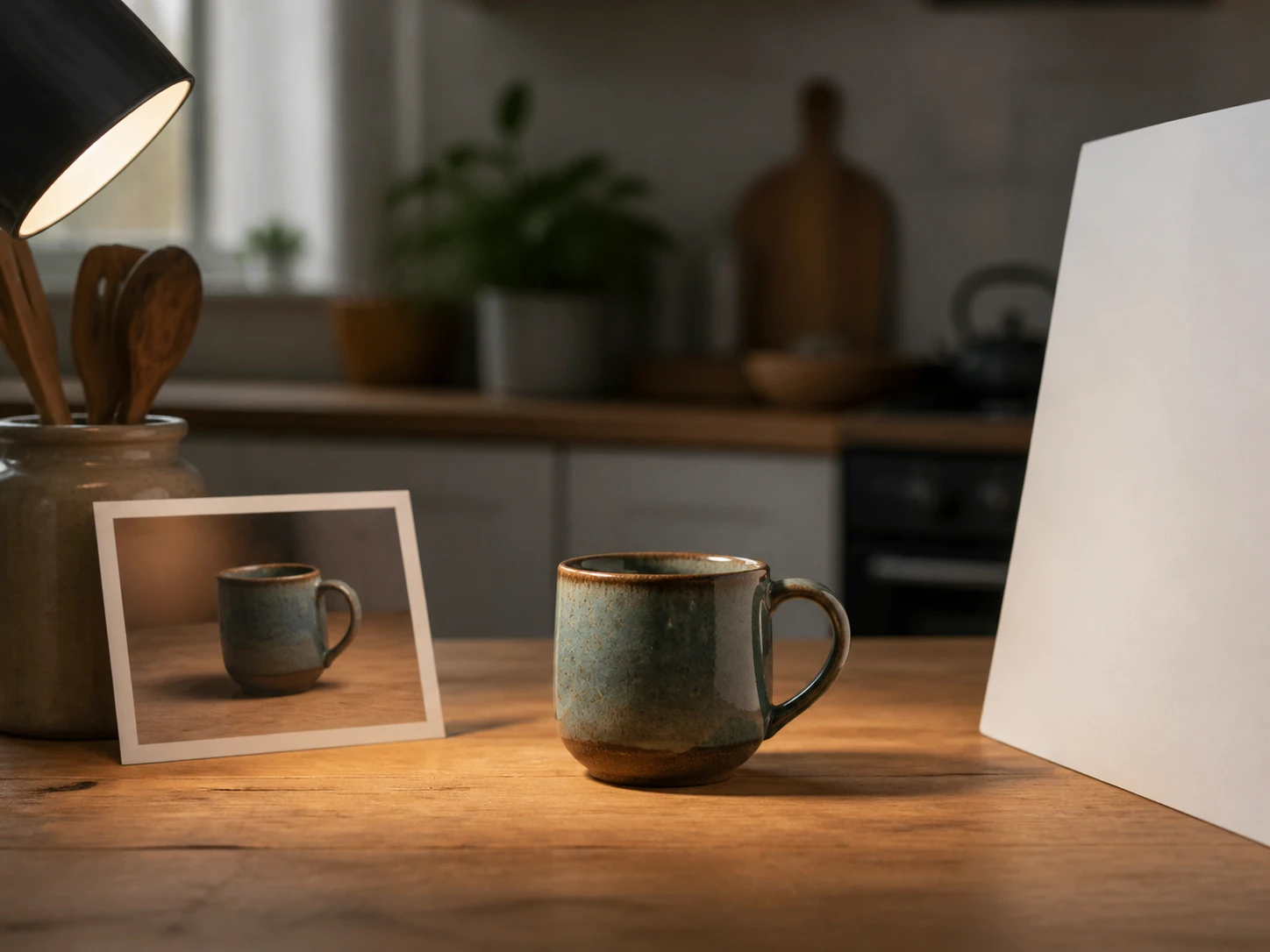
Store Owners And Sellers
You photograph your own stock at home and the light and shadows are always a touch off, but reshooting is a chore. Add a side light and a soft fill with image relight so the shadows sit clean, and the listing image looks more considered.
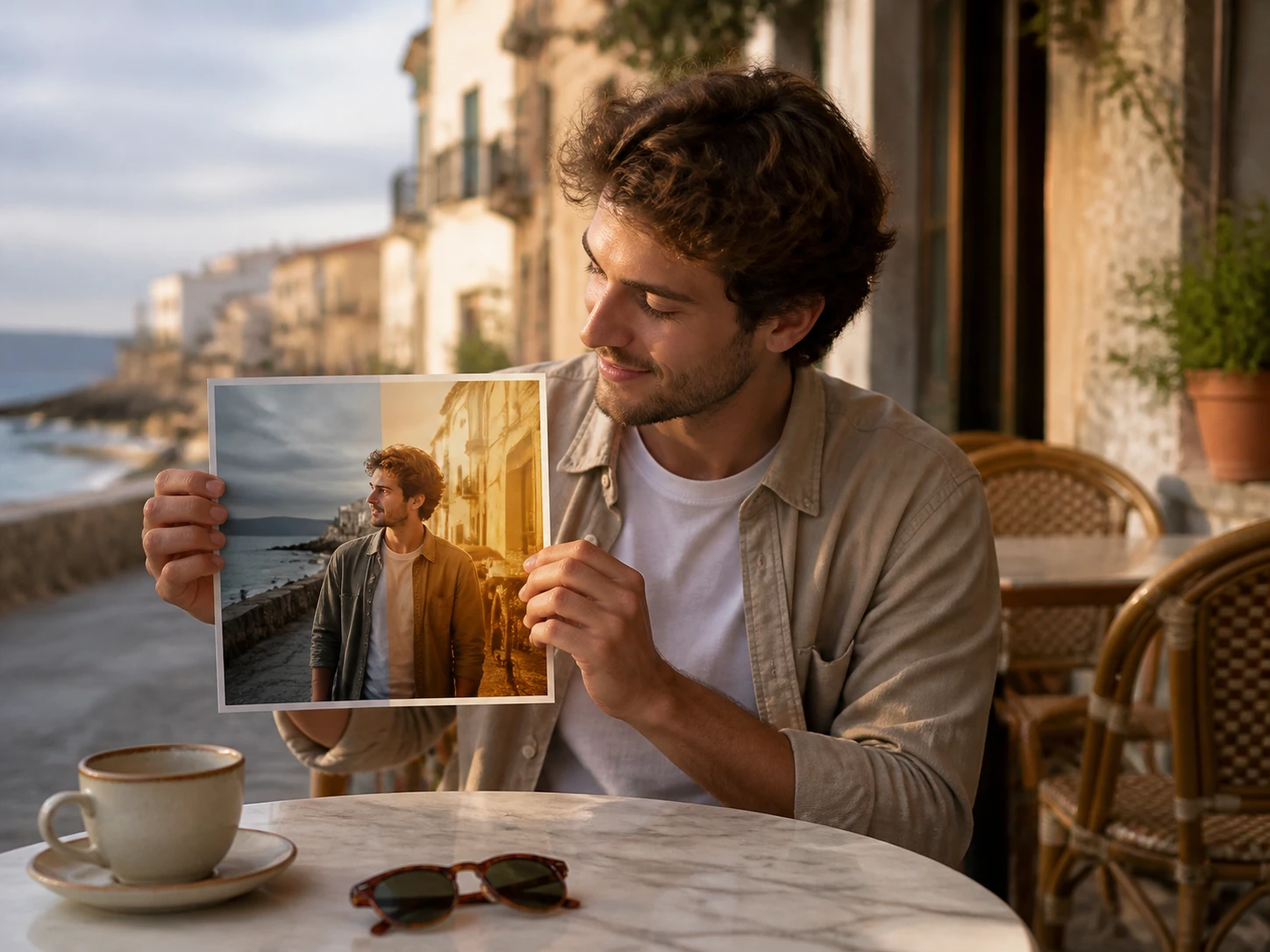
Everyday Social Creators
The selfie or travel shot you need to post today is framed right but lit wrong. Image relight beats setting the whole thing up again, so the post goes out looking the way you pictured it.
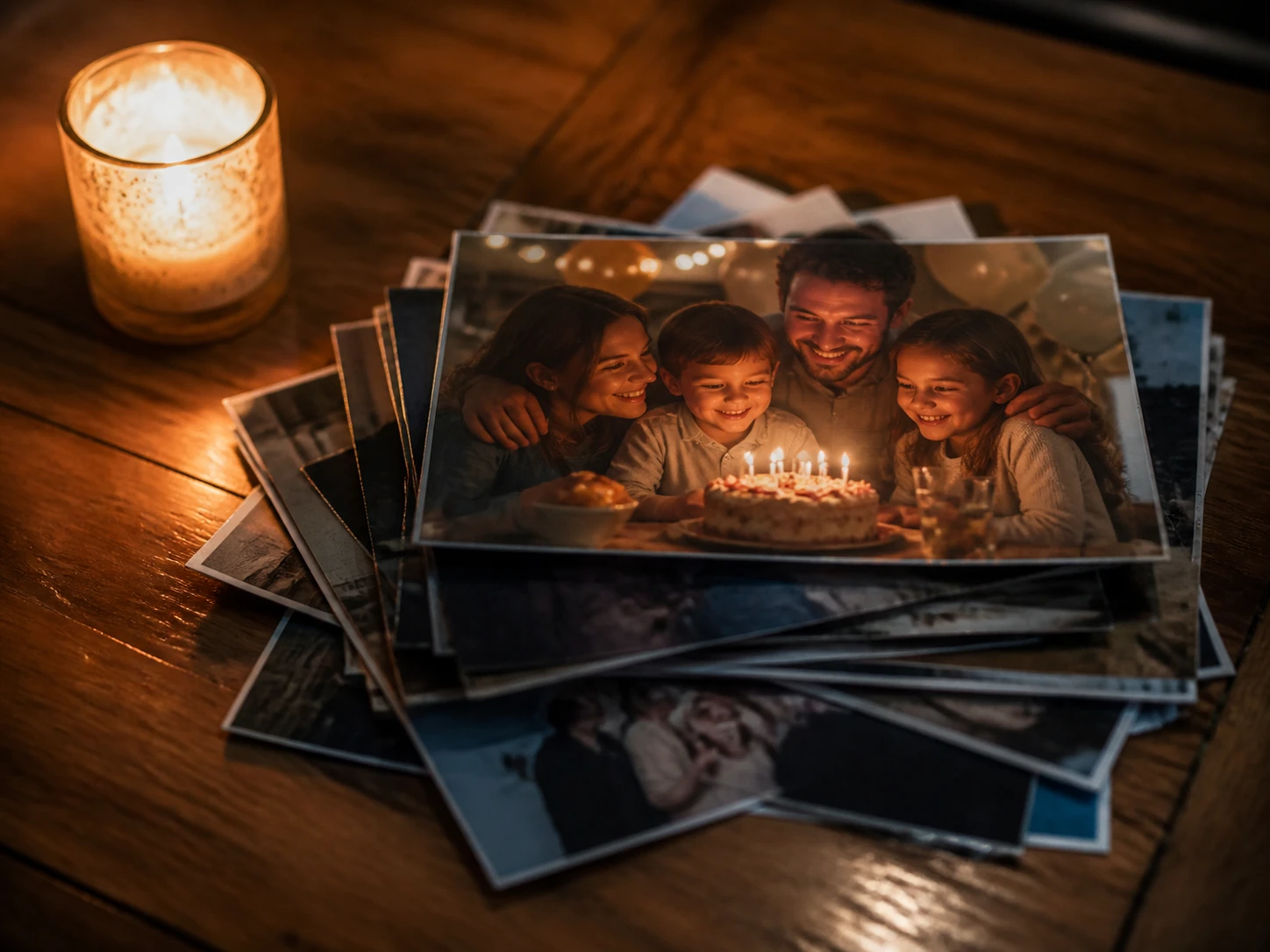
Family Photo Keepers
The party, wedding, and holiday photos in your library tend to come out dark, with faces you can barely make out. Bring the light back onto those faces with image relight so the memory is easier to see.
What Image Relight Puts In Your Hands
The controls that let you add lighting effects to photos and put the light exactly where you want it.
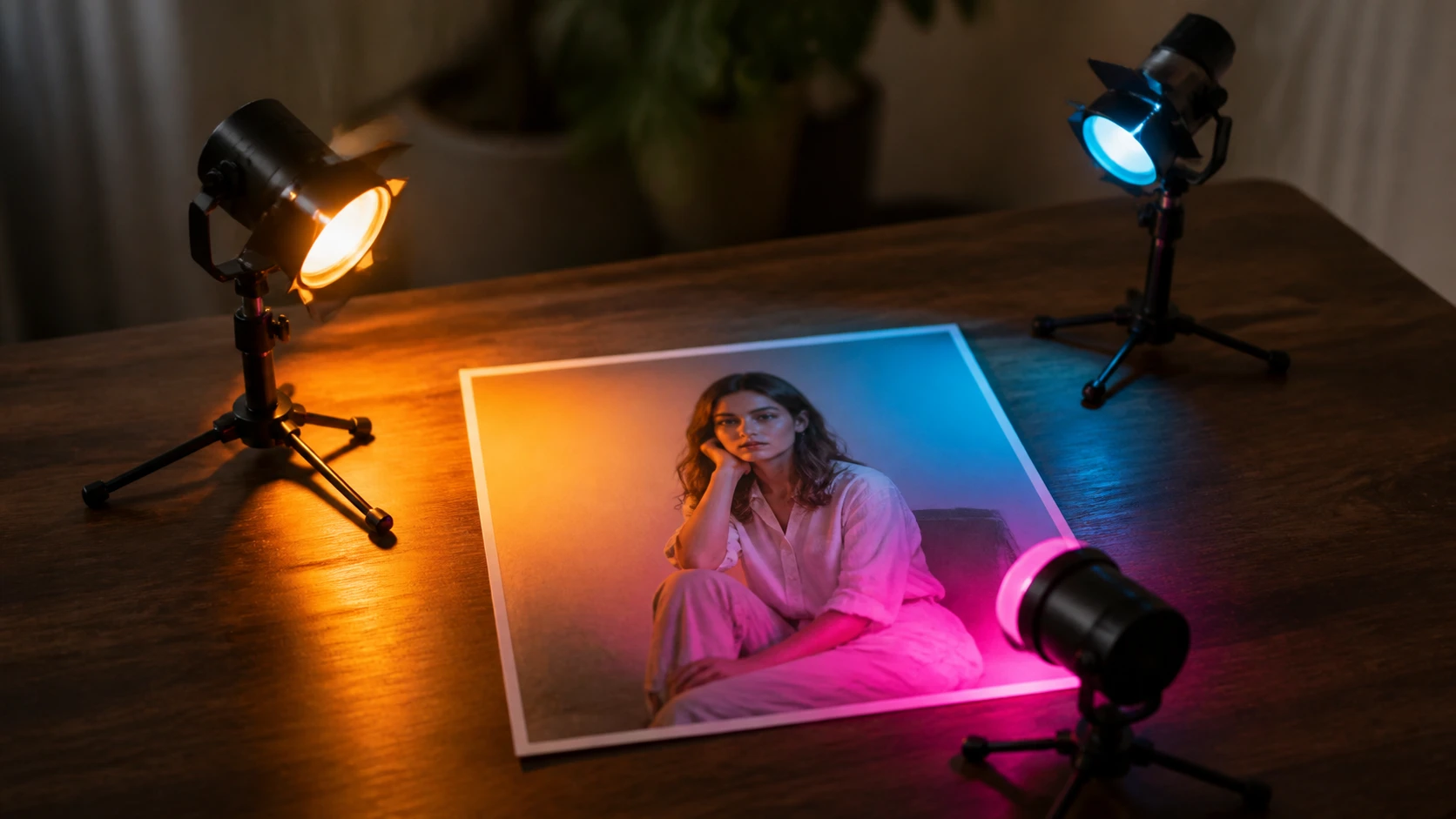
Place More Than One Light
One key light not doing it? Add another light source, then give each one its own color and direction and arrange the bright and dark areas yourself. This is where relight AI gives you more room than a single slider.
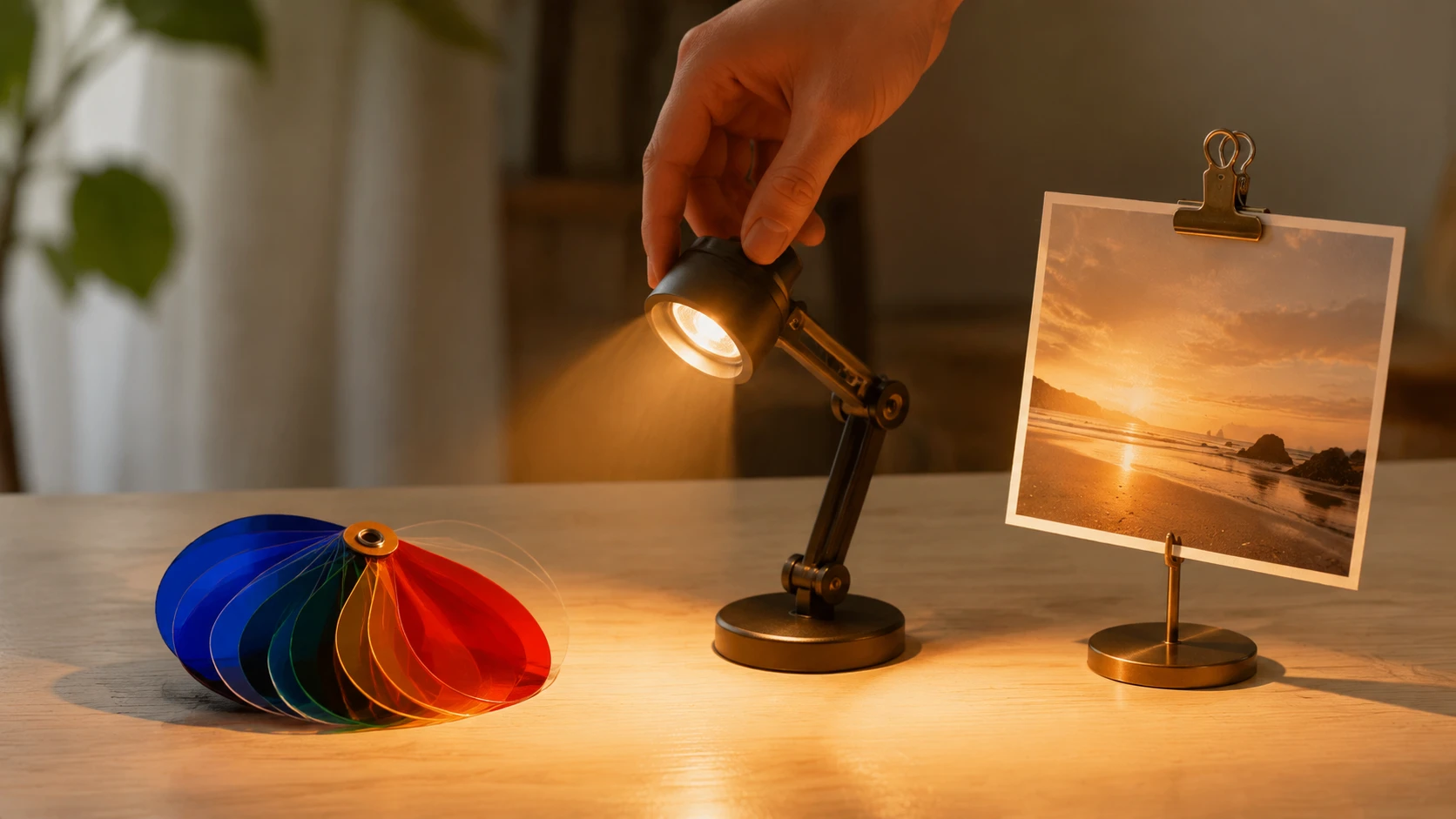
Three Ways To Control The Light
Pick a preset light and go, from a golden hour photo effect to a soft portrait lighting effect, open the tools and place the light sources yourself by count, color, and direction, or load a reference image to copy its light. As a photo lighting editor EditImage lets you work whichever way suits the shot.
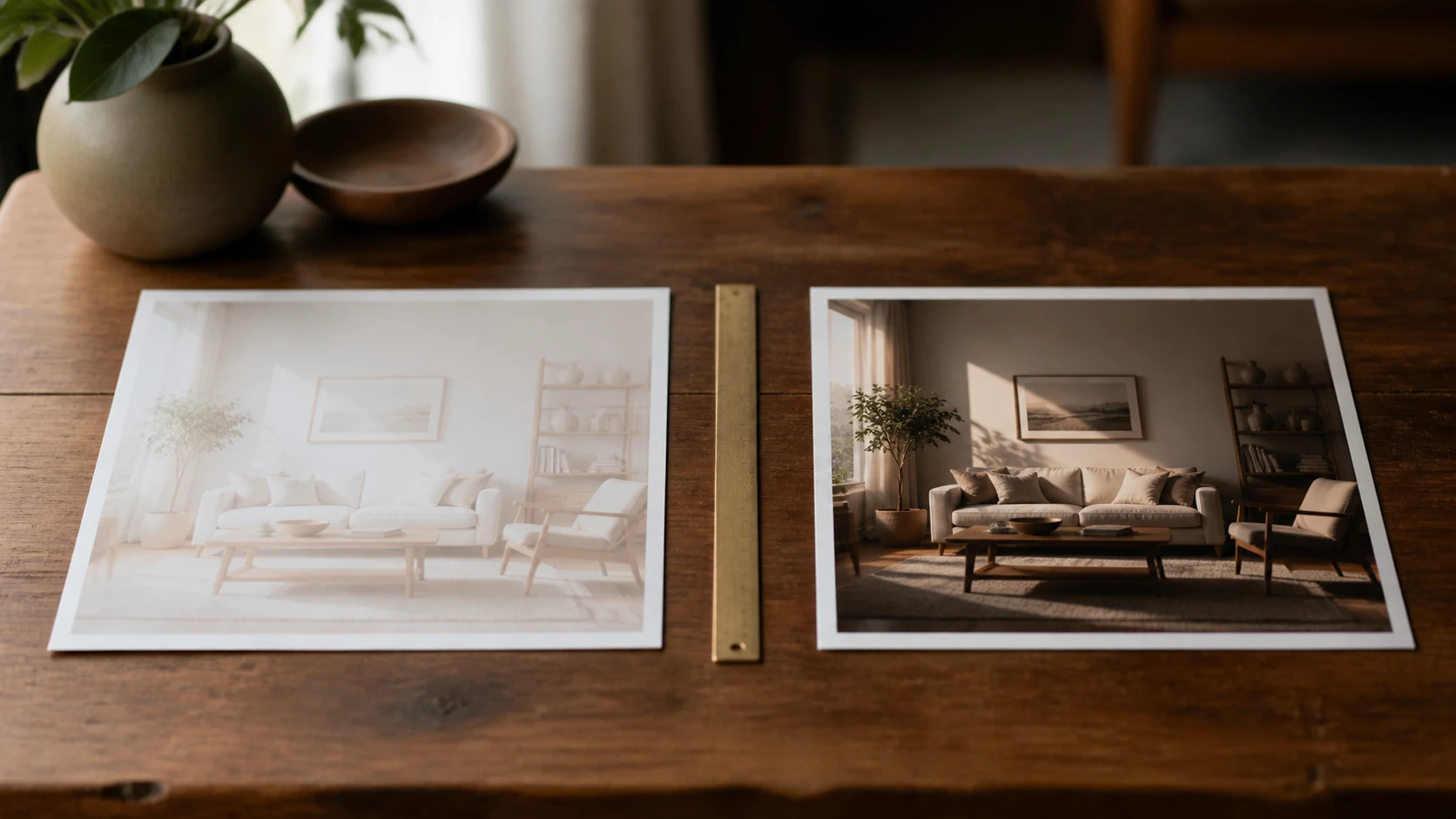
Relighting, Not Just Brightening
Brightening lifts the whole frame at once; image relighting rebuilds the light itself, so where it lands and where the shadows fall both change while the people and objects stay put. As an image lighting editor it changes the light, not just the exposure.
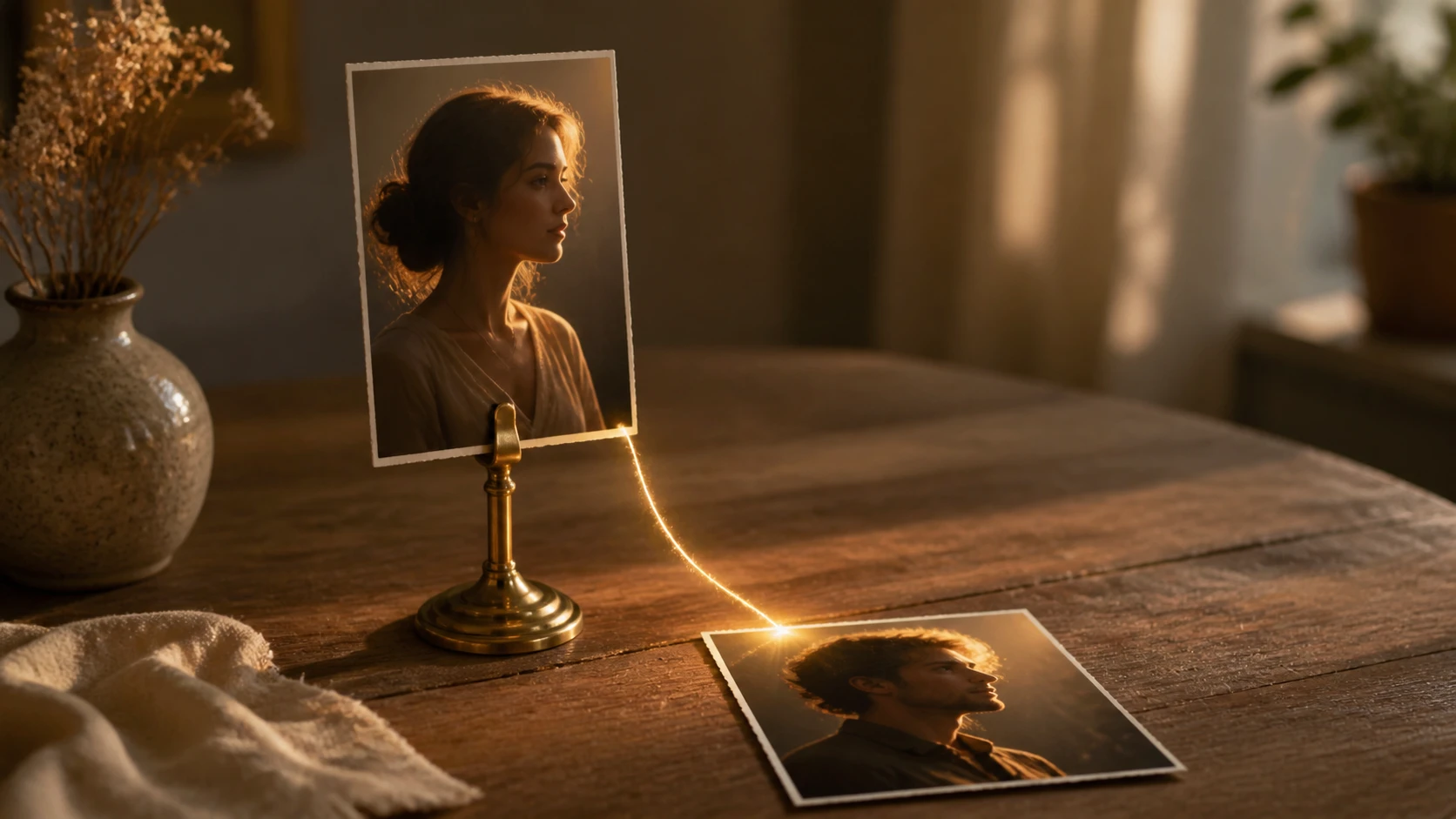
Copy The Light From A Reference
Seen a shot with light you love? Load it as a reference and image relight applies that lighting to your own picture. It is one of the few ways to relight image content to match a look you can point to rather than spell out in numbers.
Questions About Relighting Your Photos
Give Your Photo The Right Light
Upload the shot you already have, choose or place the light, and let image relight hand it back the way you pictured it.
Get Started