


AI Image Upscaler
EditImage is an AI image upscaler that takes a small or low resolution photo and enlarges it up to 8K, rebuilding faces and clearing noise while you preview the result before you download.
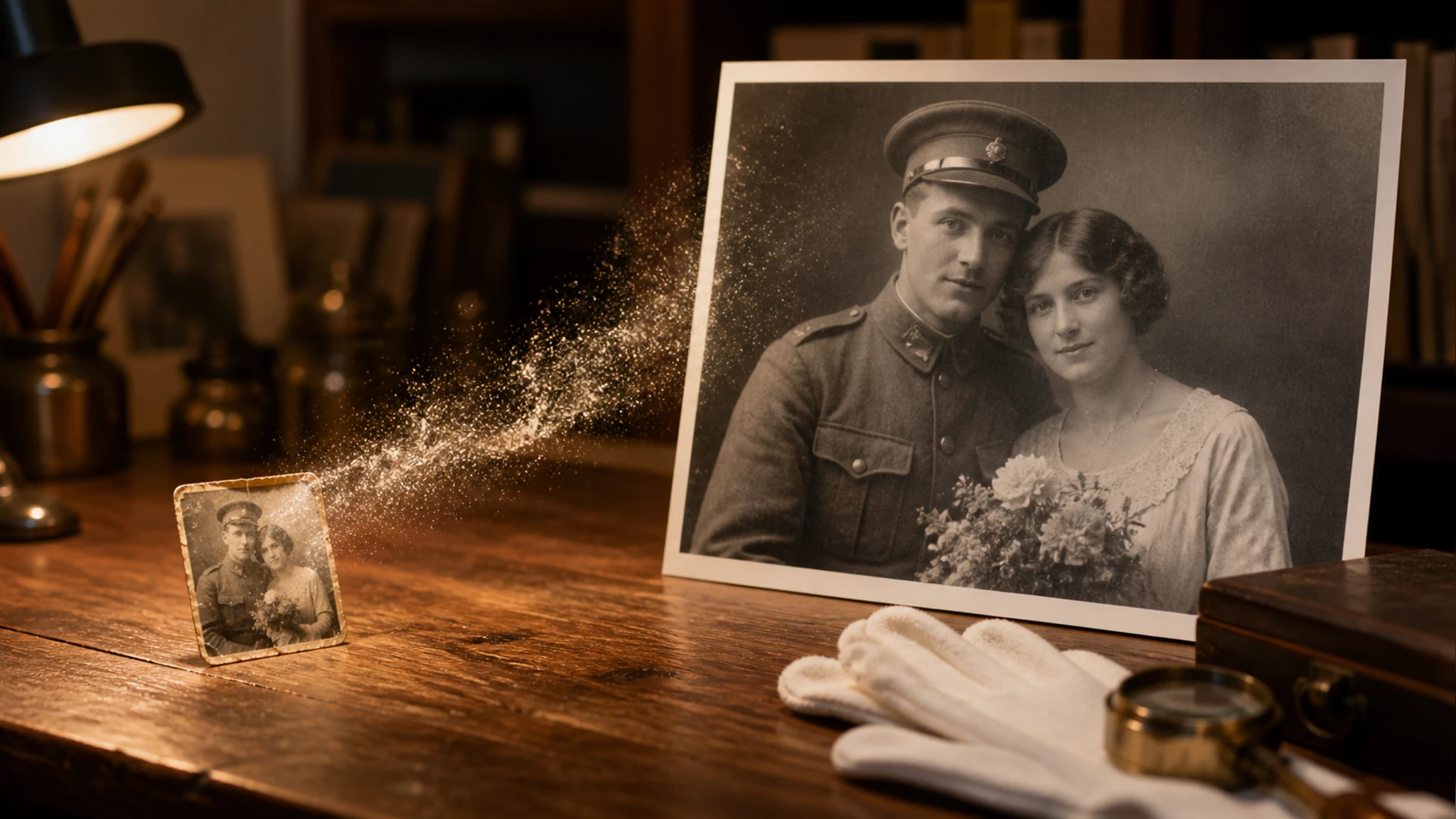
Who the AI Image Upscaler Helps
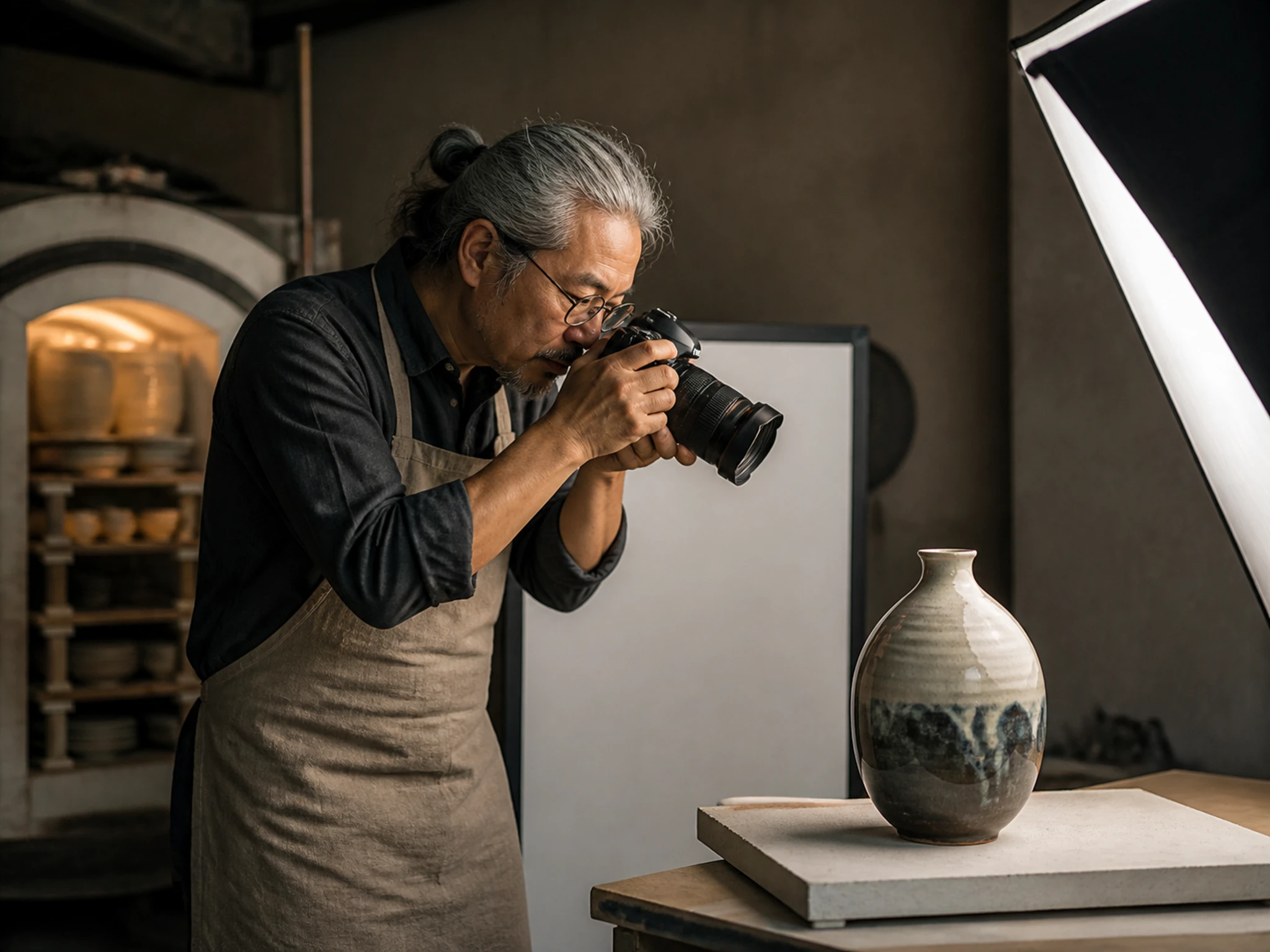
Sharper Product Shots for Listings
Small catalog images look soft when a marketplace stretches them wider. Upload the original and the AI image upscaler enlarges it so product edges, labels, and textures stay clear at listing size.
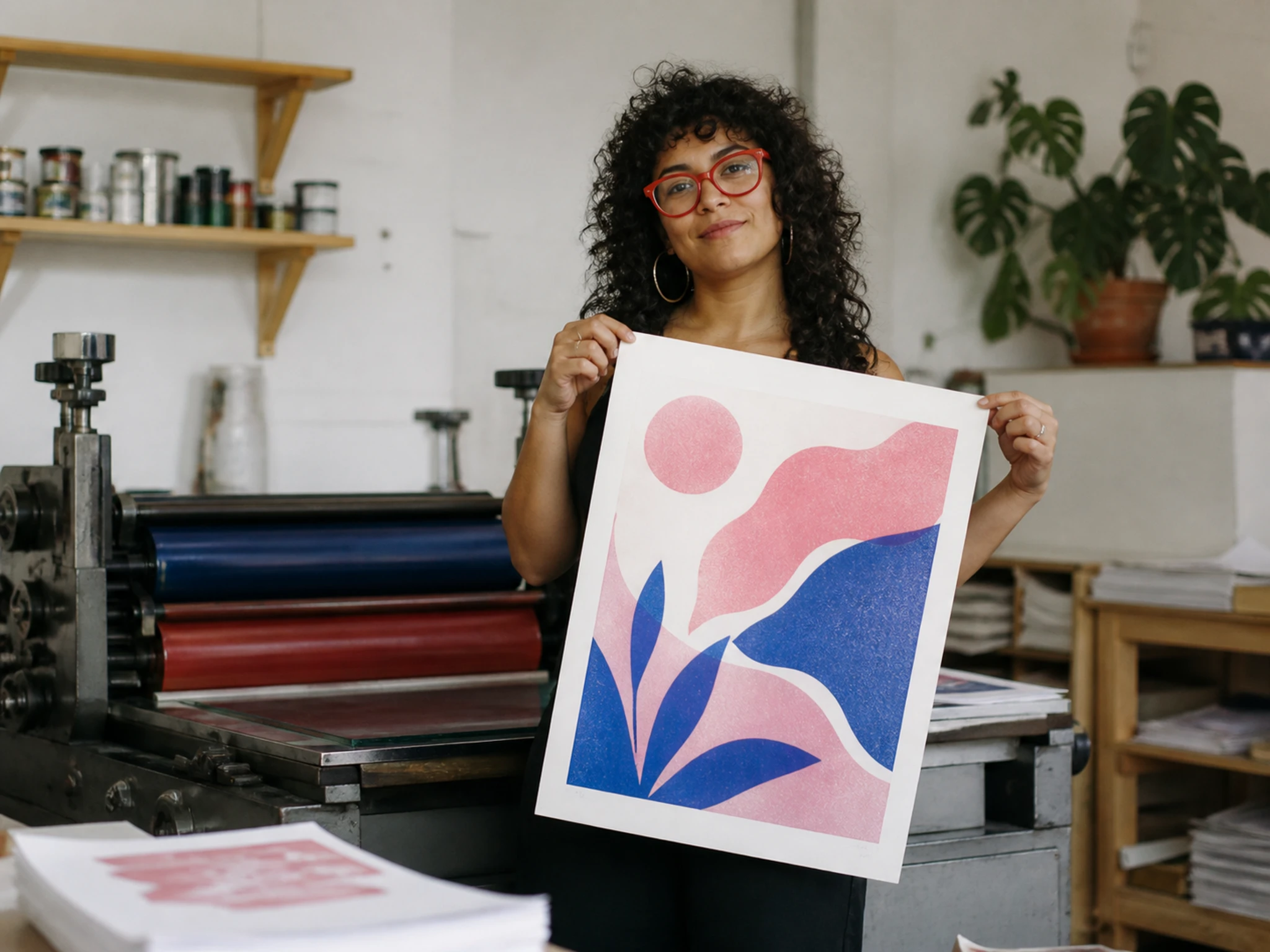
Artwork Ready for Print Resolution
Design assets pulled from an old file rarely hold up on paper. This photo upscaler raises the detail so a poster or flyer prints without soft or blocky patches.
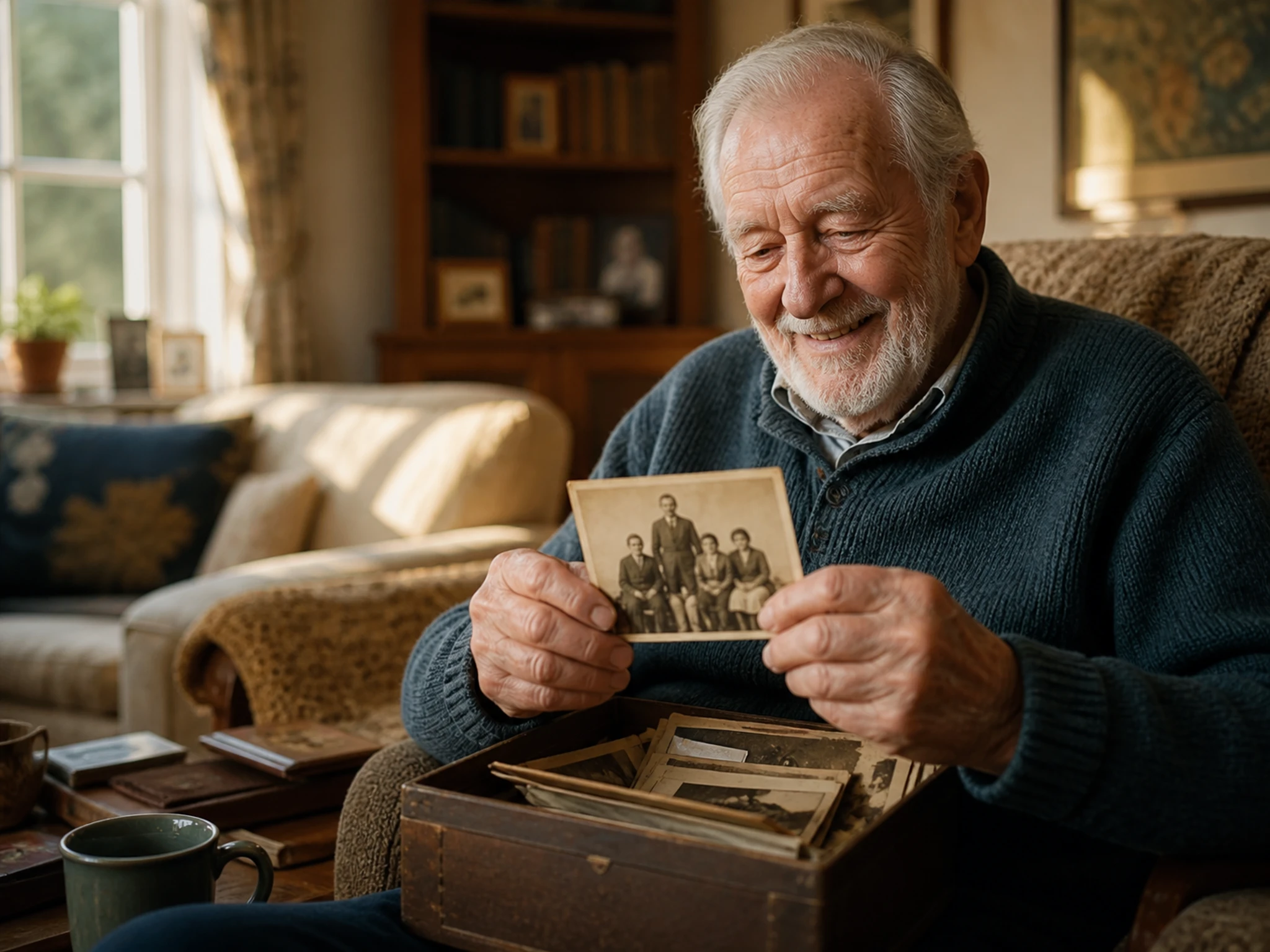
Old and Tiny Pictures Revived
A favorite picture saved years ago can arrive small and grainy. Upload it and the AI image upscaler rebuilds facial detail and lifts sharpness, so the shot reads clearly on a modern screen.
What the AI Image Upscaler Delivers
Working as both an AI photo enhancer and an AI image upscaler, every result is a rebuild of your original, aimed at clean detail rather than a soft blur.
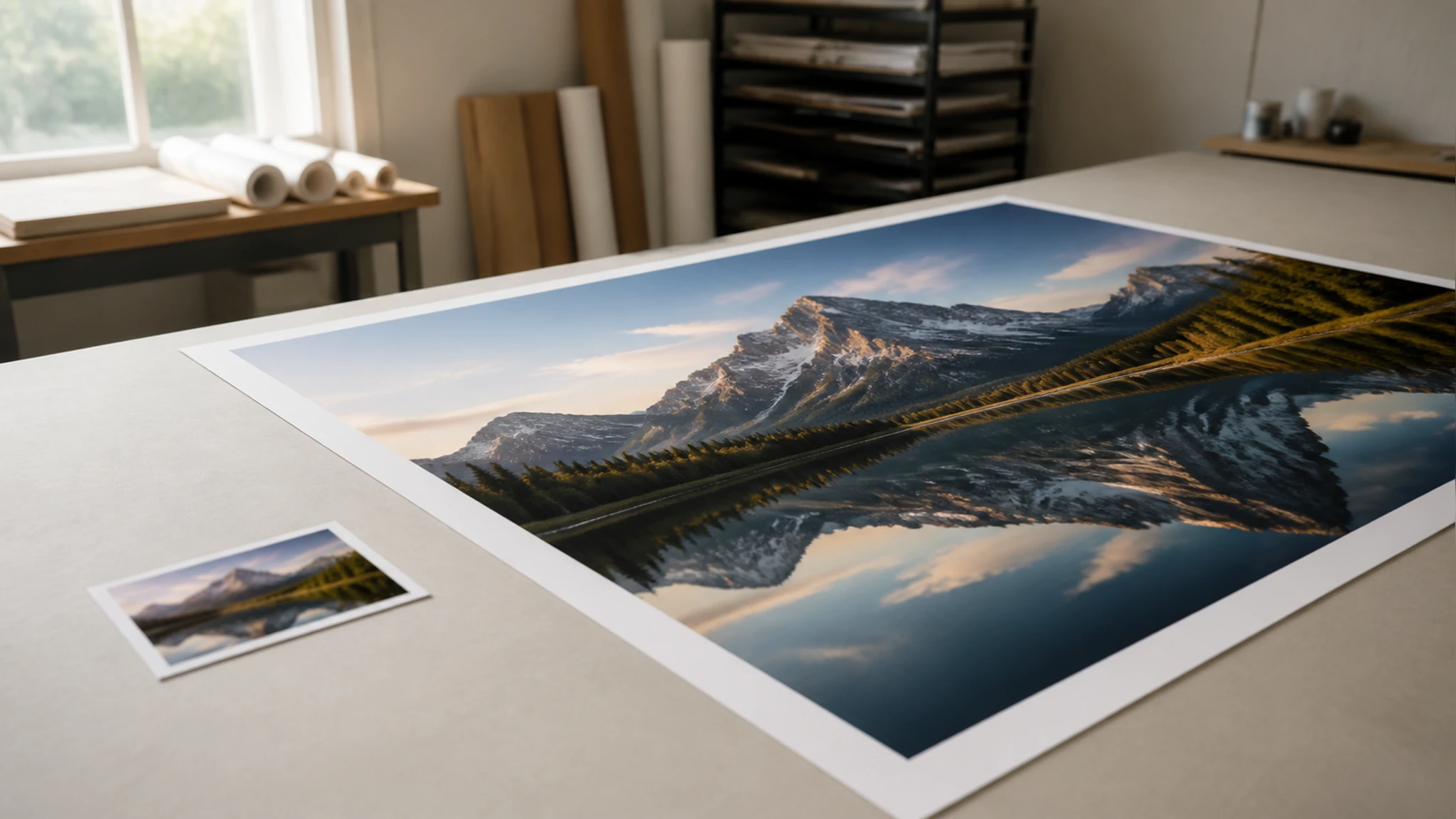
Upscaling Up to 8K
Push a small file up to roughly 8K, or as much as 600 percent larger, with detail rebuilt to match the content and few visible artifacts. You set the amount, so you can upscale photo files just enough for a listing thumbnail or all the way to a print master.
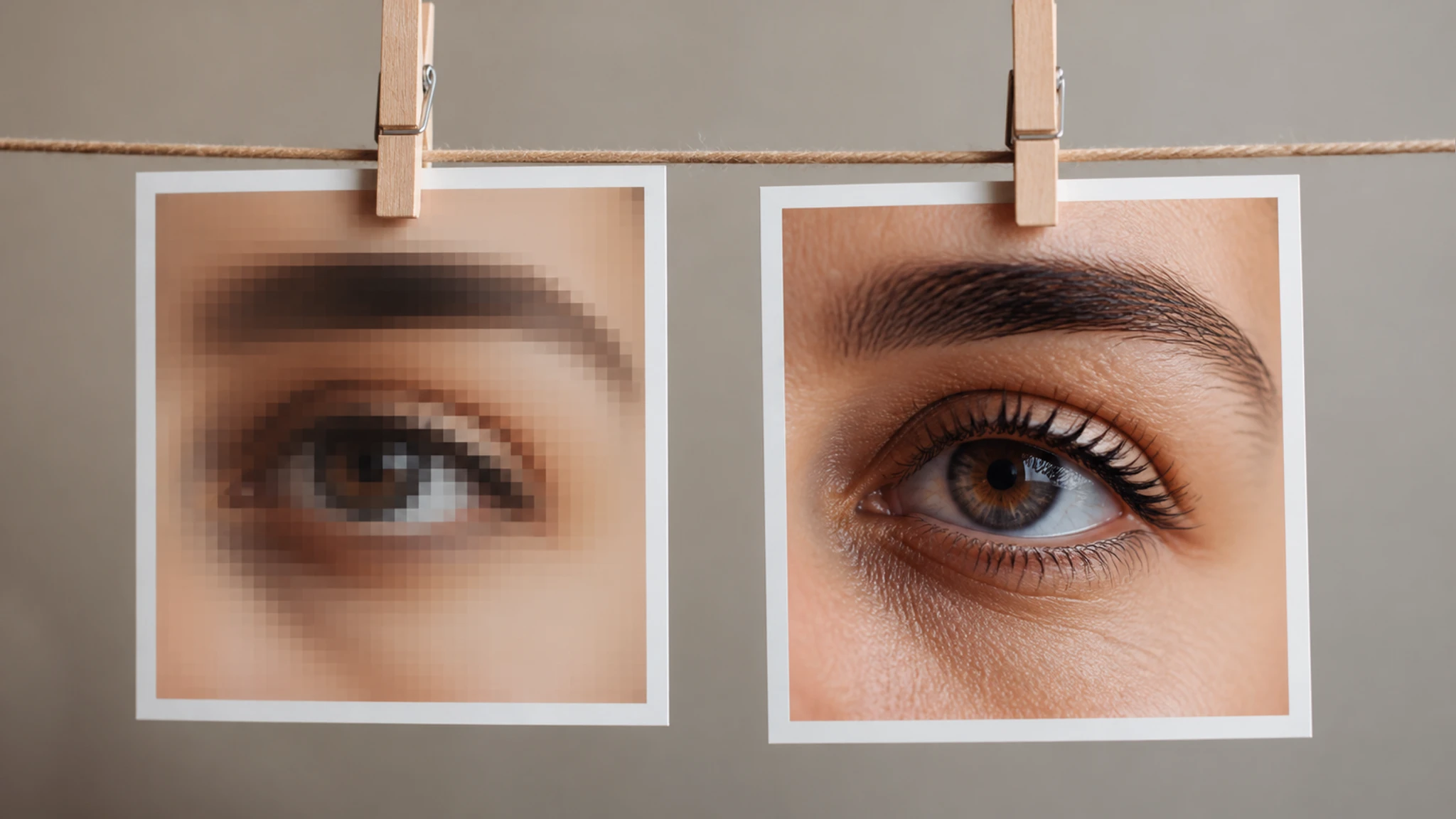
Clearer Faces After Enlarging
When a picture includes people, the image enlarger restores facial detail so eyes and skin read sharper instead of smeared. A keep the original mode stays close to the real face, while a detail mode fills in more.
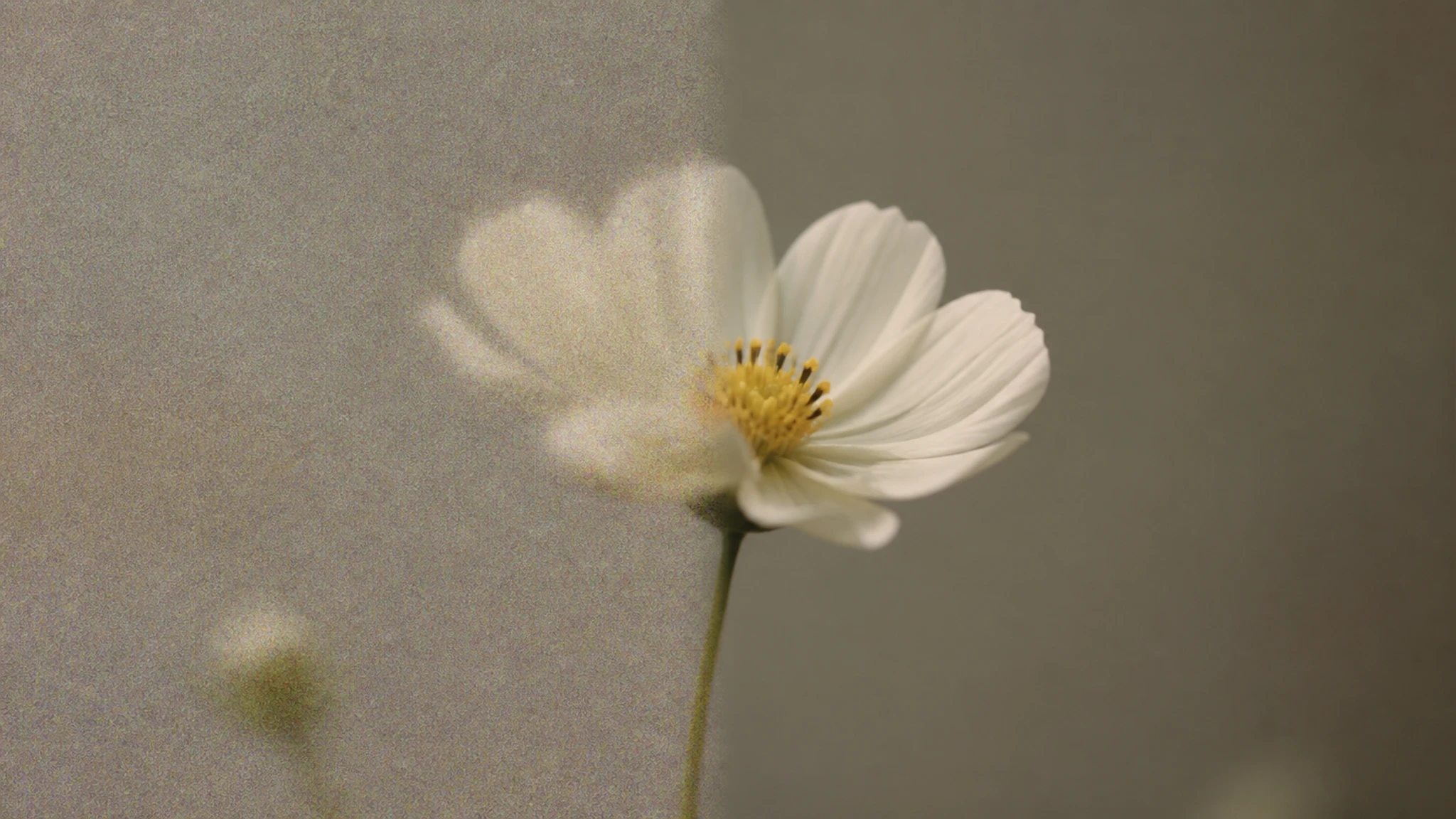
Noise Cleanup and Sharpening
Grain and soft focus get worked out in the same pass. This image sharpener cuts noise and lifts edge definition, bringing back detail the original capture lost.
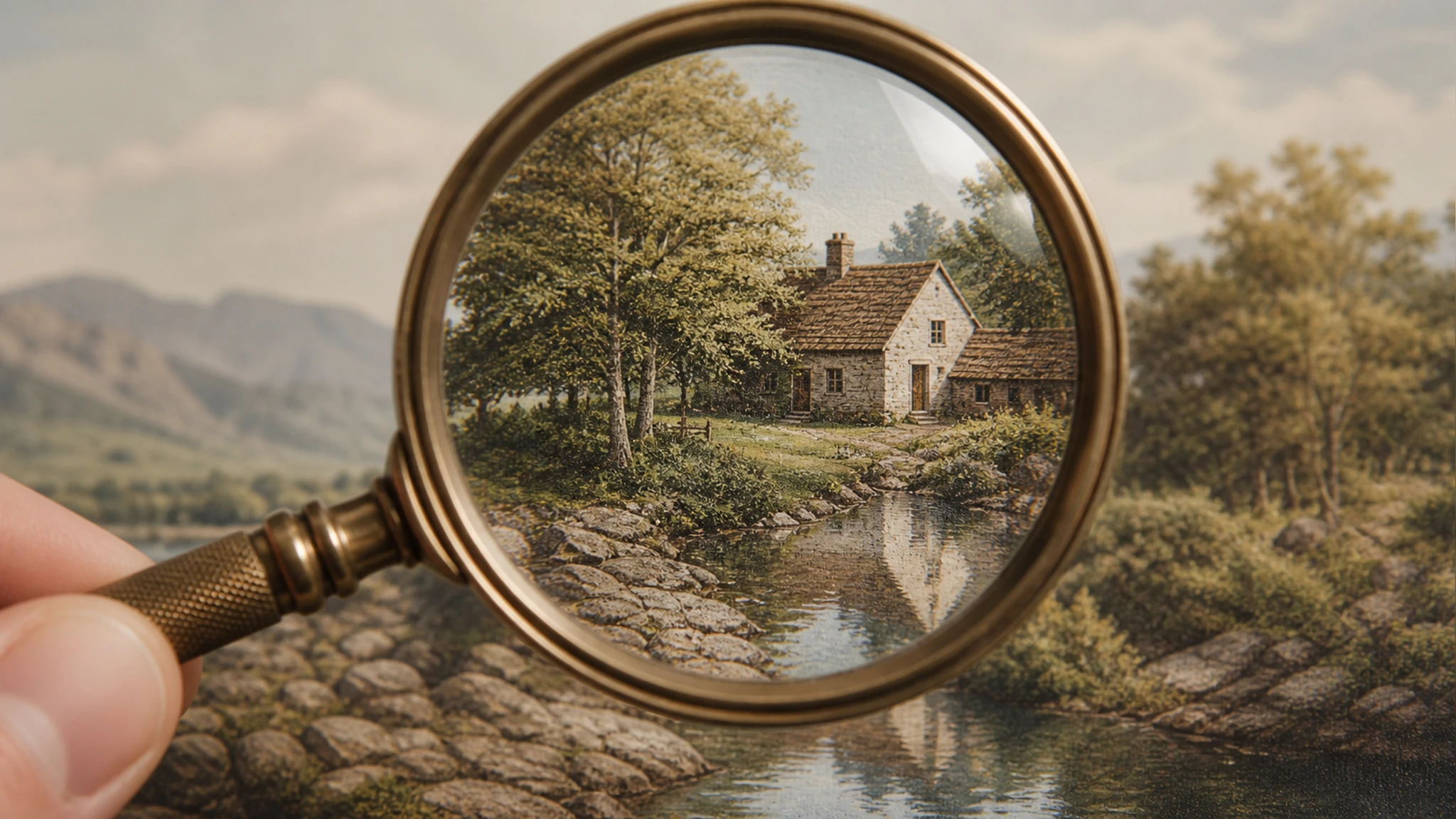
Content Aware Rebuilding
Rather than inventing wild pixels, EditImage keeps to what the picture already shows. The larger frame holds true to your subject, with fewer of the halos and blocks that crude enlarging leaves behind.
Upscale a Photo in Three Steps
From upload to download, here is the full path a picture takes inside EditImage.
Upload Your JPG, PNG, or WEBP
Drag a picture onto the panel or click to browse for a JPG, PNG, or WEBP file. Once it lands, the upscaler is ready to enlarge image detail, with no settings needed to begin.
Let It Enlarge and Refine
By default the picture is enlarged with noise cleanup and sharpening applied together, and any faces are restored on their own. Choose a larger multiple when you want more size than the automatic setting gives.
Preview, Then Download in HD
Check the enlarged version against the original in the preview, then download it at the size you chose, up to 8K. Because the AI image upscaler rebuilds detail, a clearer source gives you a cleaner finish.
Where the AI Image Upscaler Fits
Four everyday moments where the AI image upscaler keeps a small picture from falling apart at a larger size.
Upscale Image to 4K for Screens
A wallpaper or slide built from a small graphic turns fuzzy on a wide display. Feed that graphic in, set the target to 4K, and the AI image upscaler fills the screen with crisp edges instead of a soft stretch.
Enlarge Photo for Printing at Home
A print shop flags your file as too low resolution for the size you picked. Raise it to printing resolution first, and the poster or canvas comes back with detail that holds up on ink and paper.
Revive a Scanned Family Portrait
That scan of a grandparent sits tiny and soft in the album folder. Running it through restores the face and lifts grain, giving you a version worth reprinting or sharing with relatives.
Ready a Resale Listing Thumbnail
A phone snapshot of an item for sale looks amateur beside sharper listings. Enlarge it so the product reads clean and detailed, and your thumbnail holds its own next to the competition.
Common Questions Before You Upscale
Give a Small Photo Room to Grow
Bring a JPG, PNG, or WEBP into EditImage and the AI image upscaler rebuilds it up to 8K, faces and all.
Get Started