


Photo Retouch
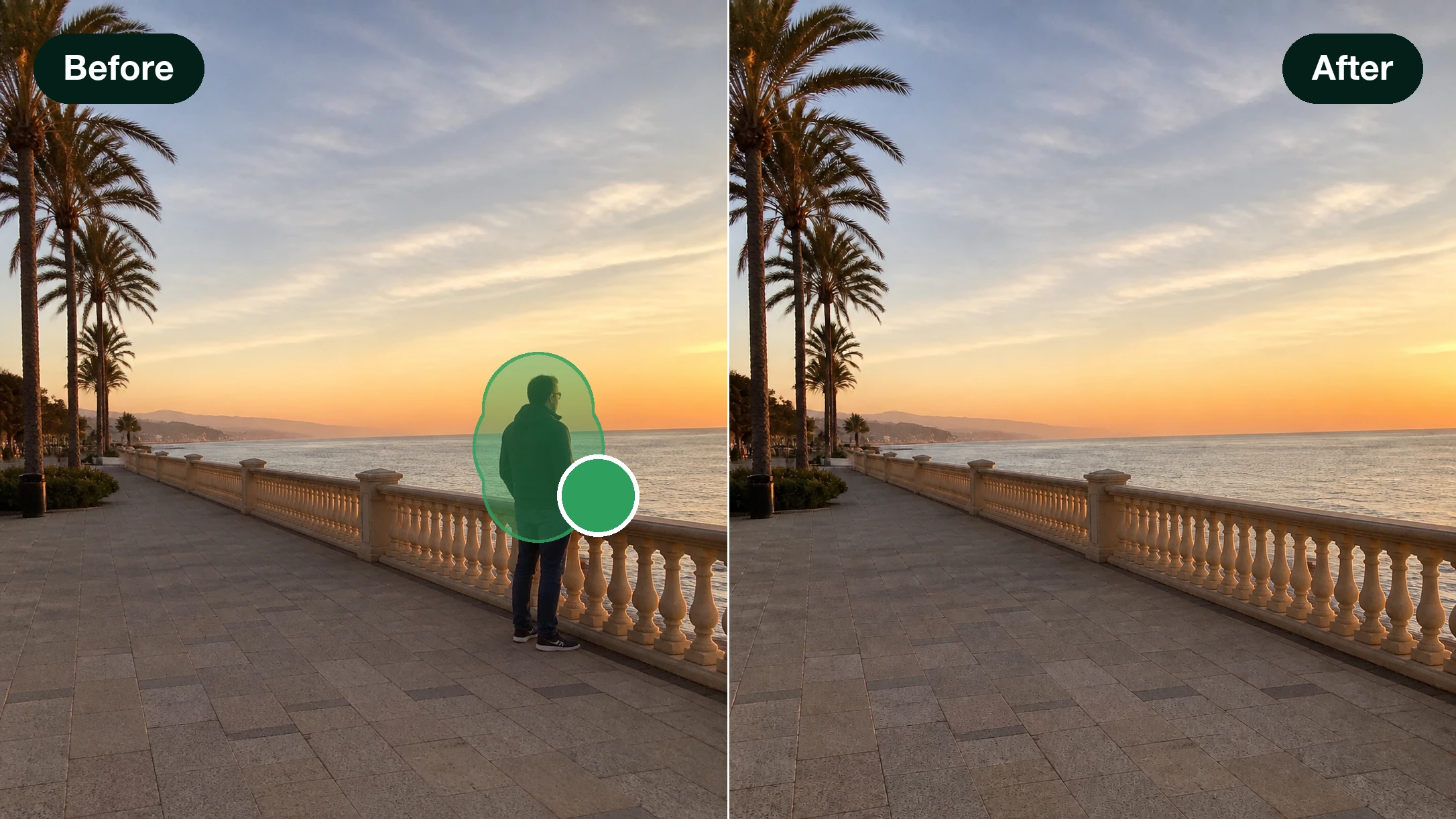
With EditImage, circle the spot you want to change, then leave the prompt blank to clear it or type what should go there to swap it, while everything outside your selection stays exactly as shot.
Your Photo Retouch In Three Steps
Photo retouch here comes down to two moves you already know: take something out, or put something new in.
Upload The Shot You Want Fixed
Drag in the picture you want photo retouch to work on, or click to browse; JPG, PNG, and WEBP all upload, and you can send more than one image at once. If the fill should copy a certain look, add a reference image so it has something to follow.
Circle The Area To Change
Paint over the part you want to work on, or click once on an object and let its outline get traced for you. A lasso, a box drag, and inverse or multiple selections cover trickier shapes, and if a shadow trails the object, sweep it into the same selection so it disappears right along with the object.
Type A Line, Or Leave It Blank
Leave the prompt empty and generate, and photo retouch fills that area from the scene around it, so the object simply drops out. Type a line describing what belongs there instead, and only that patch is repainted to match your words. Pick from the options it returns, preview, and download at up to 2K or 4K.
Real Fixes Photo Retouch Handles Daily
Every retouch photo task below is one selection and one decision away.
Remove Reflection From Photo
Shoot through a shop window or photograph a framed print, and a bright glare lands right across it. Circle the reflection, generate with no prompt, and photo retouch rebuilds the surface behind it from the nearby texture while the rest of the frame stays put.
Change Color Of Shirt In Photo
A portrait looks right except the top is the wrong shade, and booking a reshoot is not worth it. Click the shirt to select it, name a color, and photo retouch repaints just that area, redrawing the folds and shadows so the new shade sits the way real fabric would while everything outside the shirt stays exactly as you shot it.
Remove Furniture From Photo
You are staging a room, listing a rental, or showing a remodel, and one dated piece keeps pulling the eye. Circle it with no prompt to clear it and let photo retouch close the floor and wall over the gap; or write what should sit there and swap it in the same spot. It doubles as a fast way to declutter photo corners before a listing goes live.
Change Sky In Photo
You headed out at midday and the sky came back a flat, blown white. Select the sky, tell photo retouch the weather you wanted, and generate; the ground below does not shift by a pixel.
Who Leans On Photo Retouch
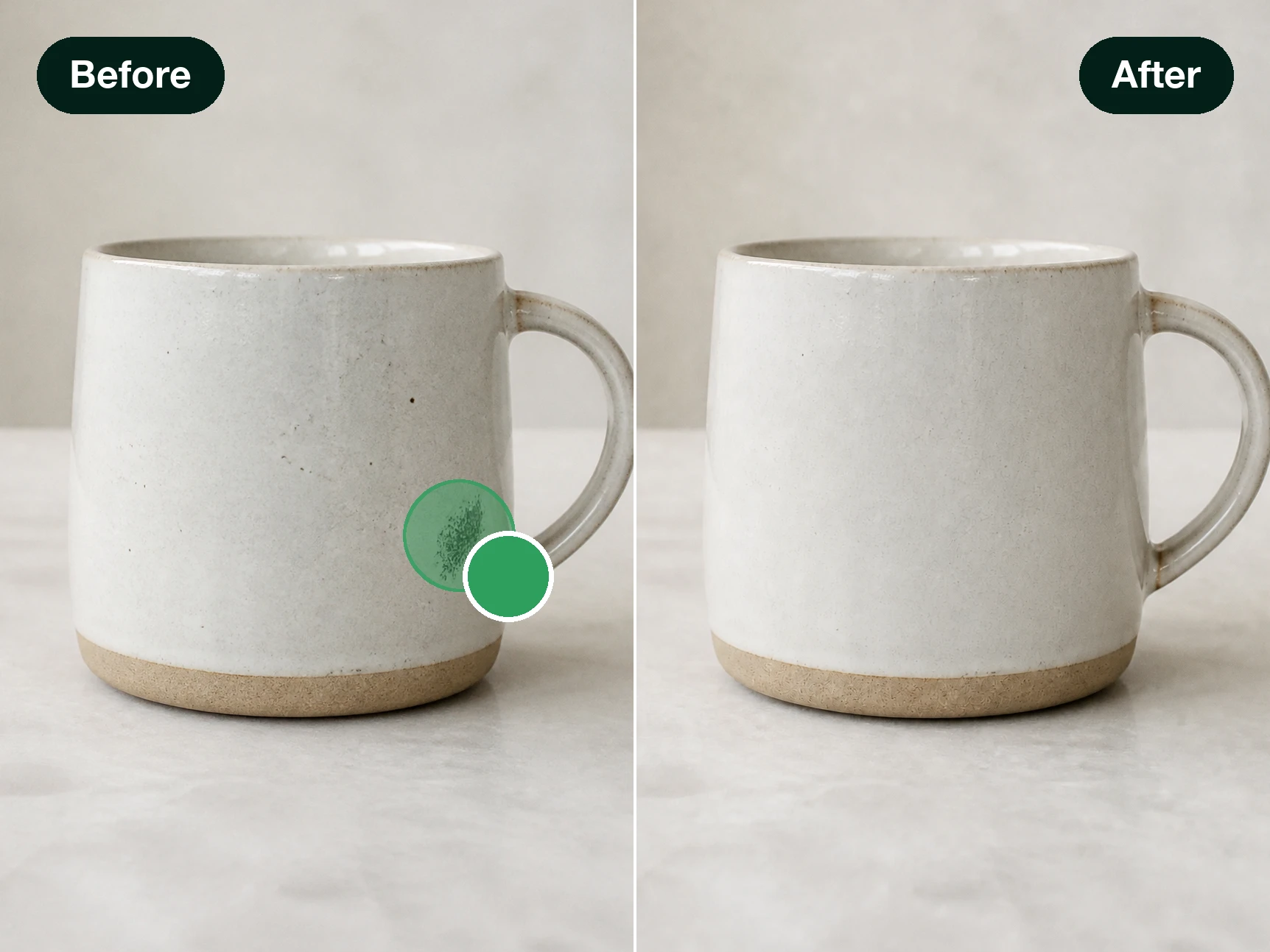
Photo Retouch for Product Photos
Sellers and small shop owners shoot their own product images, and something small is always off: glare on the glass, an extra line of text on the box, or clutter behind the item. Circle it with no prompt and photo retouch clears it; to show one item in several colors, select it and name a shade. The edited shot can go straight onto the product page and be used commercially.
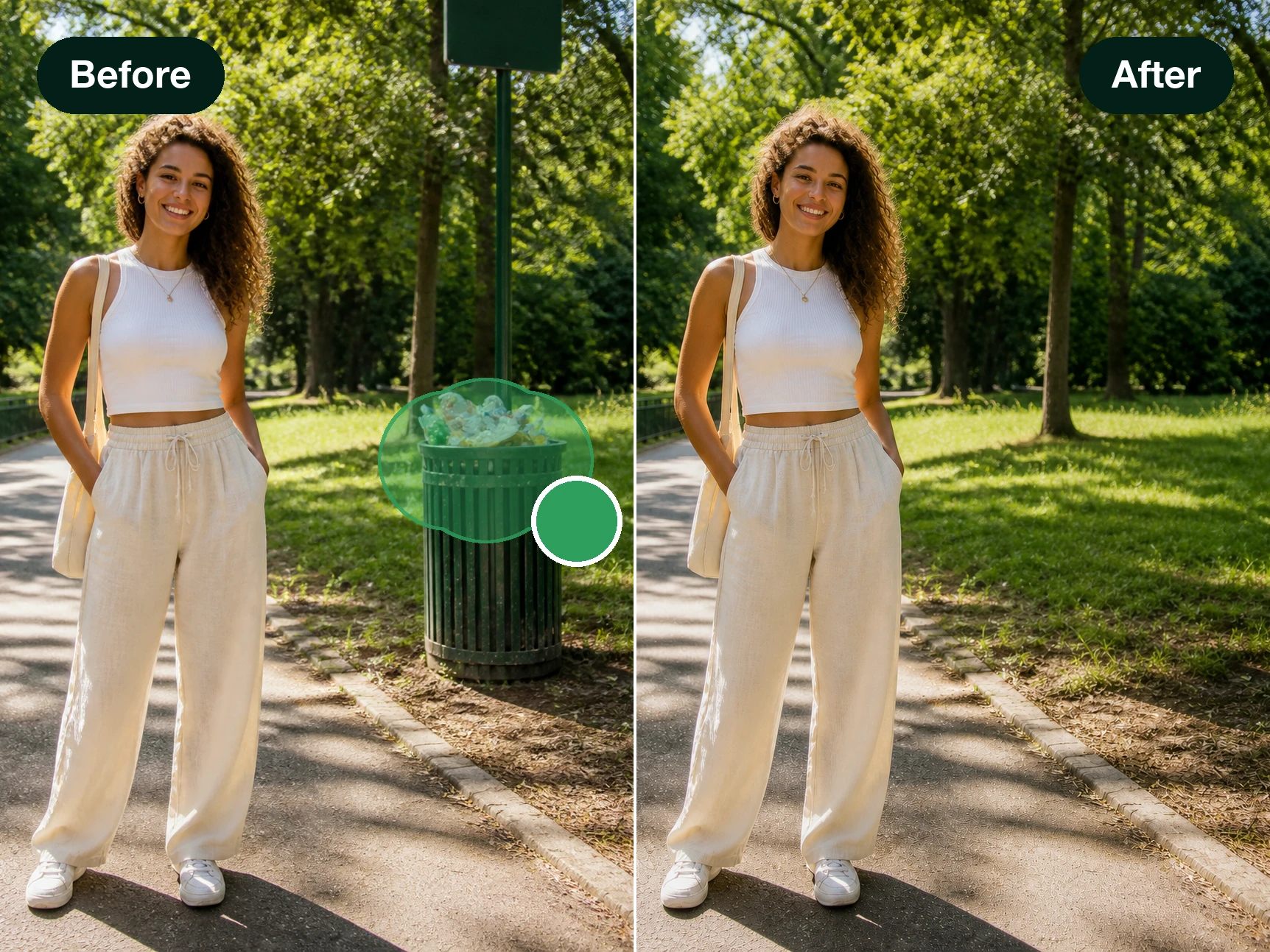
Photo Retouch for Social Posts
Creators posting every day hit the same snag: the shot is fine except for a stranger who wandered into the back or a sky gone flat white. Point to select, clear it or change it right in the browser, and the picture is ready to post in seconds. It is photo retouch online, ready whenever the browser is.
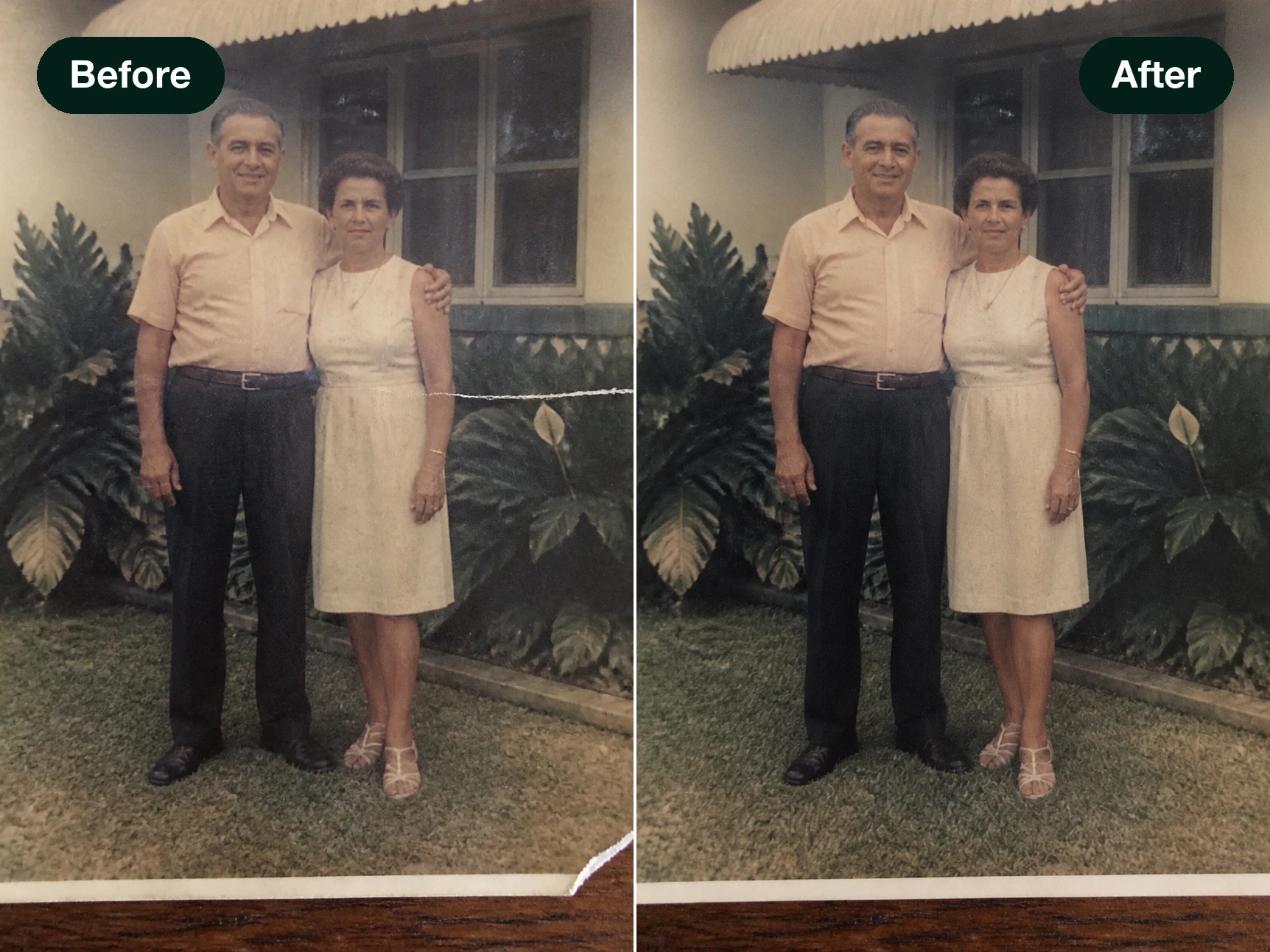
Photo Retouch for Family Photos
The keeper of the family album pulls out prints with a crease, a stain, or something in the corner nobody wants. Circle that patch and photo retouch fills it back in from what surrounds it, and the images stay in your account where only you can see them. It stays gentle with the pictures that matter most.
What You Get With Photo Retouch
One selection, and the same spot can be cleared, changed, or left alone; here is what that gives you.
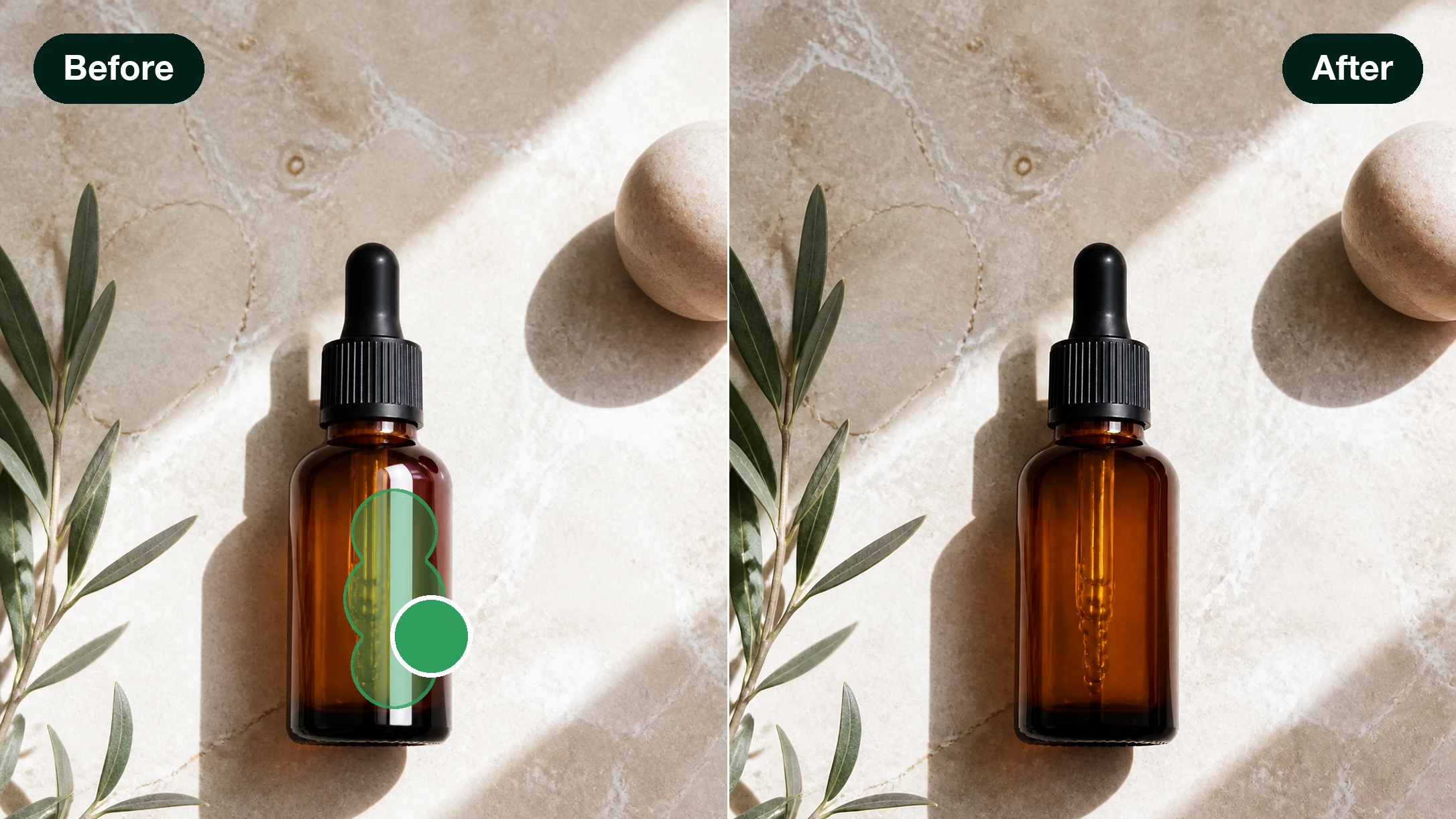
Clear It Without Typing
Circle whatever you want gone and generate with an empty prompt. This photo eraser in EditImage rebuilds the spot from the scene around it, so the object drops out and the background reads as if it was never there. What comes back is generated fresh to fit, which makes it a real unwanted object remover rather than a smudge tool.
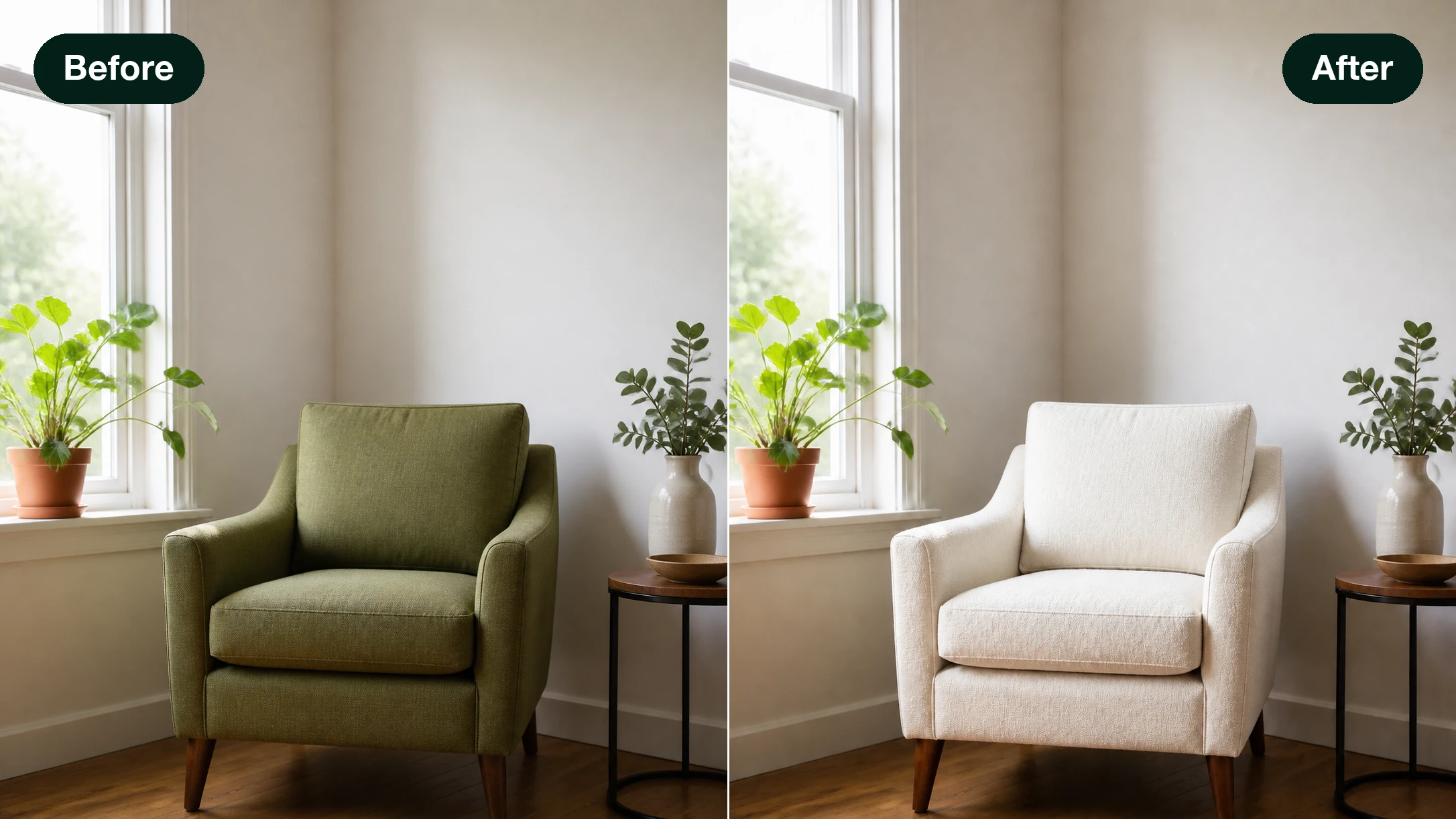
Say A Word, Swap The Spot
Keep the same selection, but this time write what the patch should become, like a wood grain tabletop or a plant in the corner. As an AI image filler, it repaints only that area to match your line, and the AI image fill blends into the light and texture already there. A clear and a swap are the same move done two ways.
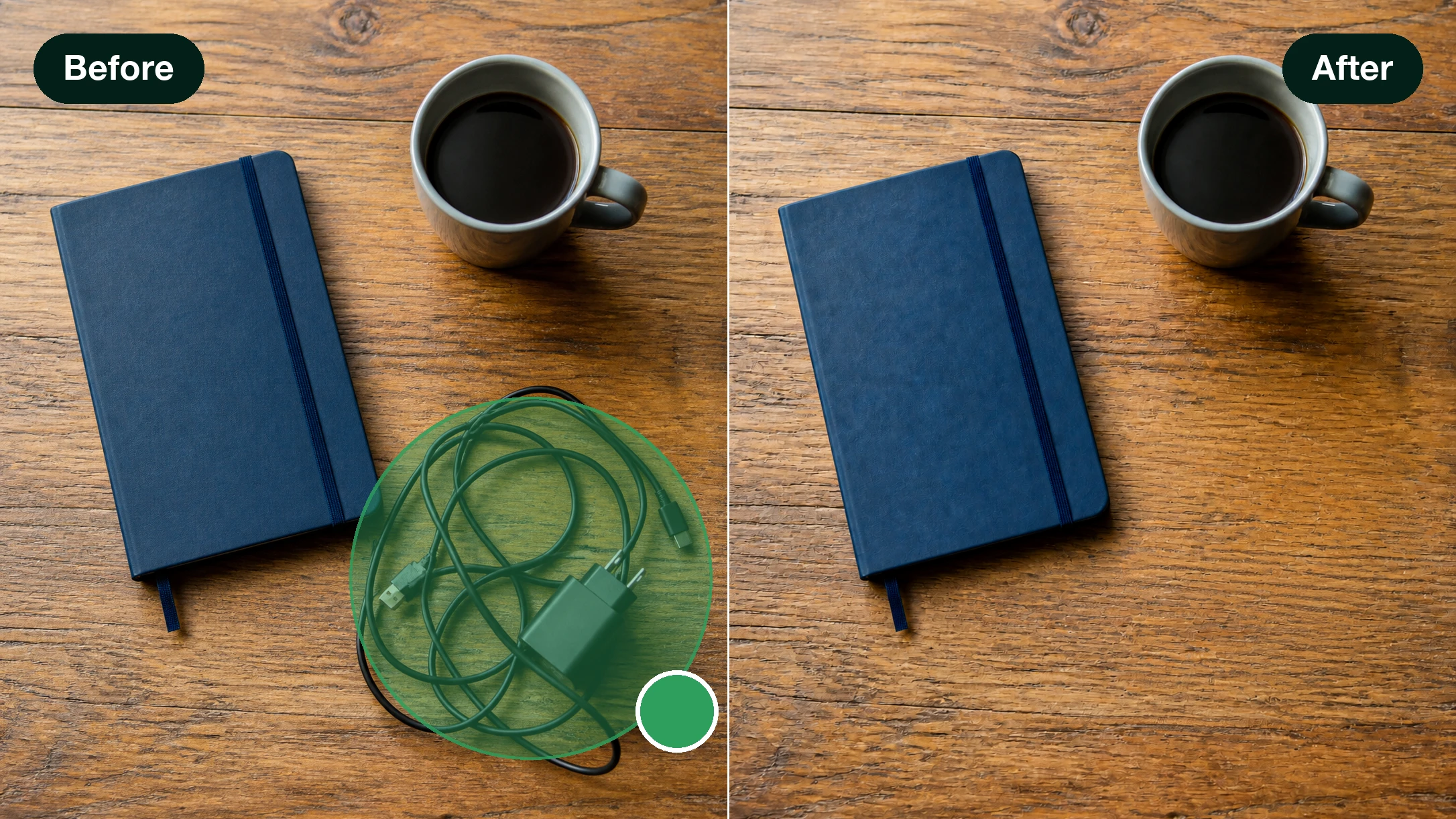
Point To Pick An Object
Skip tracing edges by hand. Hover over the thing you mean, click, and its full outline is caught for you, ready to clear or change. It works as a quick AI object replacer, so you can swap something out without carefully tracing its edges.
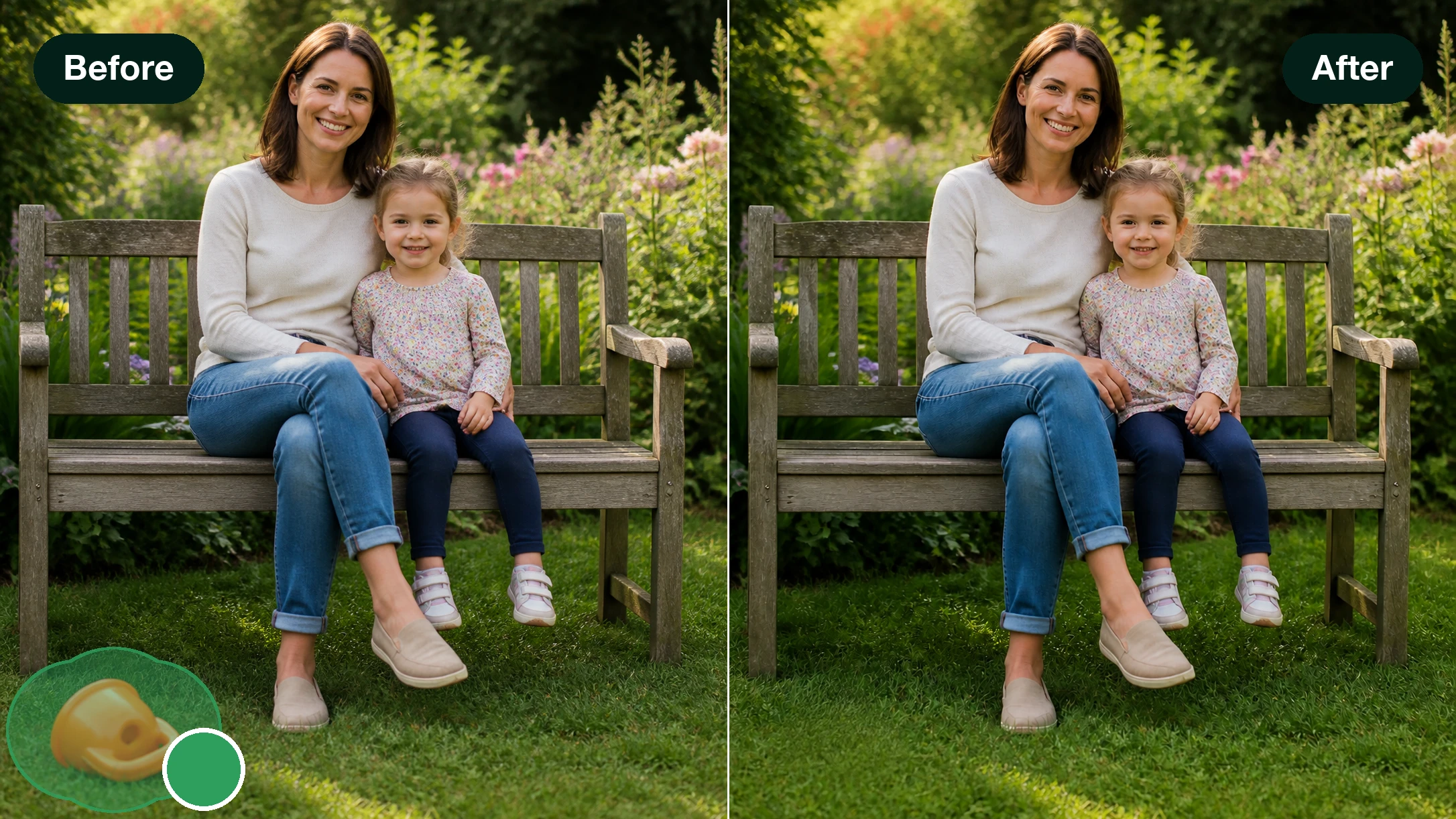
Nothing Outside Your Selection Moves
Photo retouch works only inside the area you marked, and everything past it stays exactly as you shot it. Unlike a blunt image eraser that guesses at the edges, this AI eraser tool keeps to the boundary you draw yourself, so you decide what changes and what holds.
Photo Retouch Questions, Answered
Ready To Retouch Your Photo?
Circle a spot, clear it or change it, and let EditImage handle the photo retouching while you keep control of every edge. Signing up starts you with 10 credits.
Get Started